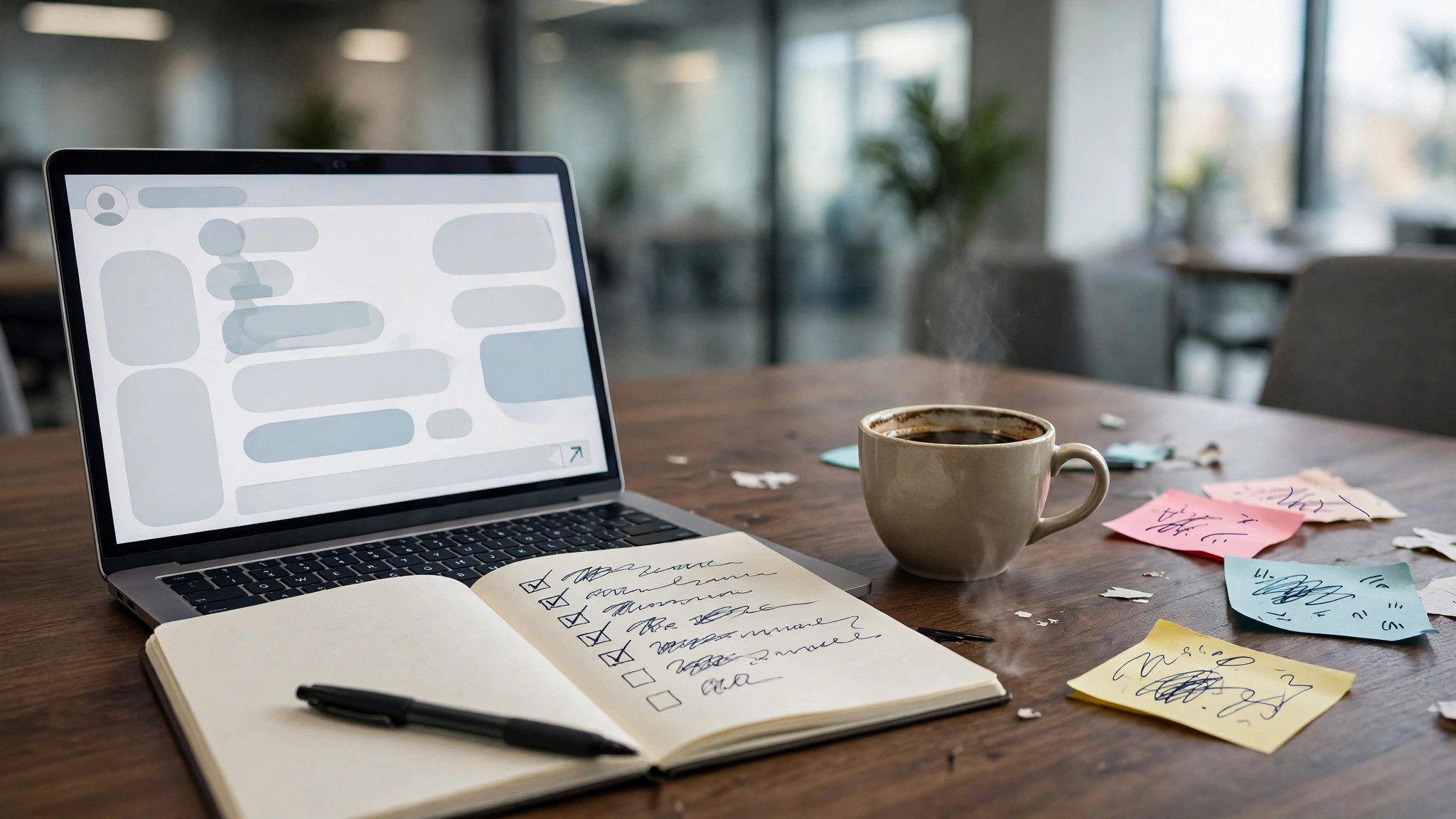
A meeting minutes prompt handles the most tedious and most dispute-prone step after a meeting: two hours after it ends, everyone's memory of what was actually decided starts drifting, and a minutes draft written from impressions always misses who promised what and by when. Copy the prompt below, paste in your meeting notes or the transcript of the recording, fill in the meeting details, and the AI will split out confirmed decisions, action items with their owners and deadlines, plus a separate list of points where the notes are too thin and need a check with the speaker. Copy the result and send it.
When this prompt fits
It suits weekly team meetings, project standups and review sessions where discussion and task assignment mix, as well as one-on-ones where verbal agreements need to become written. Know its limits first: the AI only works from what you paste in; anything left unclear in the meeting or missing from the notes will not be chased down with the speakers on your behalf. Minutes touching HR, compensation or legal matters must not go out in their formal version without review. And if the whole meeting argued about direction and decided nothing, do not force it to invent action items — you will only get hollow tasks. For that kind of meeting, ask it for a "points of disagreement" list instead.
The prompt, ready to copy
You are a meeting minutes assistant. Work only from the meeting notes I paste. Do not invent anything that never appeared in the notes.

Meeting details: {{meeting_details}}
Meeting notes: {{meeting_notes}}

Requirements:
1. Output three sections: confirmed decisions, action items, and items to verify. Confirmed decisions only include what the notes show was clearly agreed; each one notes who proposed it and who explicitly agreed.
2. Every action item must be executable: start with a verb and state the deliverable; name the owner, using the name given in the notes. Where no owner was named, write "to be assigned" and collect these at the end as a reminder for me to confirm.
3. Write deadlines exactly as the notes state them. If the notes only say vague things like "ASAP" or "before next week", keep the original wording; do not convert them into specific dates.
4. List items to verify separately: ambiguities, missing figures, and statements that contradict each other in the notes, one by one, noting who should confirm each.
5. End with a meeting summary under 100 words: what this meeting resolved and what is still open.
How to fill in the variables
- Meeting details: one line of context, for example "Product team weekly, Oct 23, 6 attendees". This line sets the tone and granularity of the minutes; without it, the wording of owners and priorities drifts.
- Meeting notes: paste the transcript, shorthand notes or the relevant chat history — the rawer the better. If the transcript mangled people's names into homophones, fix them in bulk before pasting, or owners will be misattributed.
Before you send, run these two checks
First, verify the owner and deadline of every action item: anything the AI marked "to be assigned" needs its owner confirmed in the group chat or by direct message right away — never leave it hanging overnight. Second, check that decisions were not "enhanced" by the AI: trace each decision back to the exact wording in the notes, and anything that was merely mentioned without anyone explicitly agreeing must be demoted to the items-to-verify section. Once both checks pass, the minutes are ready to send. If the next meeting needs to review how last time's action items went, run this session's minutes through the Project Retrospective Prompt: Paste the Process Notes, Get the Gaps, Root Causes and Next Fixes for an execution review.