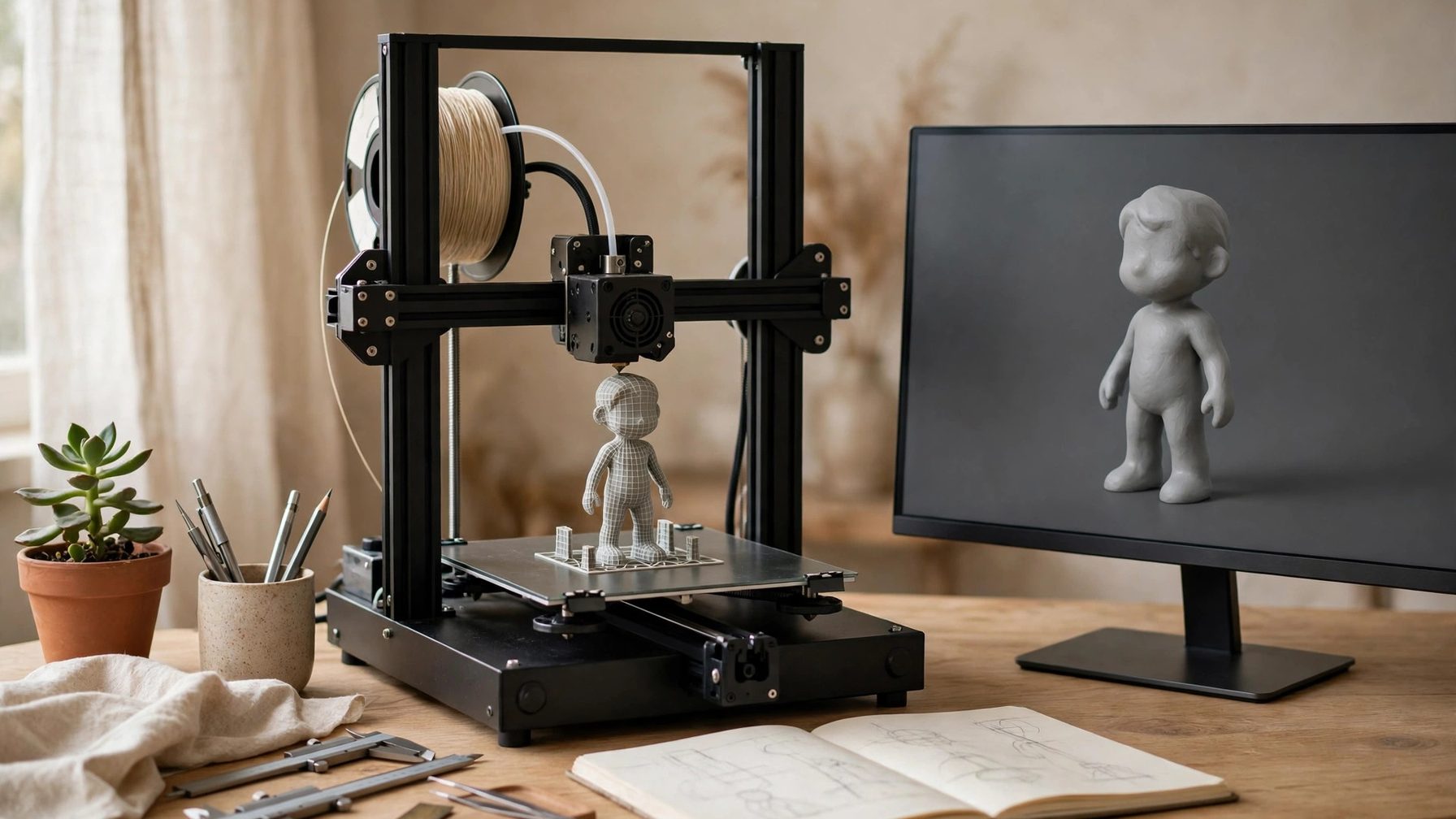
An AI 3D generation tool turns text or a single image into a textured 3D model. Before choosing, decide what the model is for: dropping it into a game engine, sending it to a 3D printer, or showing it on a web page each sets a completely different bar. Choosing by use case wastes less money than choosing by reputation.
| Use case | What to prioritise | Suitable direction |
|---|---|---|
| Game props and scene assets | Clean topology, controllable polygon count, FBX or GLB export | Tools strong on game assets, such as Tripo and Meshy |
| 3D printing and figurines | Watertight mesh, splittable parts, STL export | Printing-oriented tools, or a general tool followed by cleanup in slicing software |
| Product display and web presentation | Texture quality, and whether the model can be rotated directly in a browser | Tools with display and collaboration strengths, such as Meshy and Spline |
The most detailed option is not always the easiest
Tools like Rodin are known for geometric detail and suit work where finished precision matters, but generation and download are usually credit-based, and free credits run out fast. Hunyuan3D is an open model from Tencent whose weights can be downloaded and run locally; it saves subscription fees but costs GPU power and setup time, so it suits people willing to build their own environment. Meshy and Tripo are the quickest to start with — upload an image and get a model — but their free allowances are limited, so run one or two complete models on the free tier before deciding whether to pay for batch asset work.
Who it is not for
Anyone who only wants a good-looking render and does not need a real 3D file should not buy a 3D generation tool; AI image tools are faster and cheaper. People with no time for cleanup should also stay away: most generated models still need topology cleanup, texture-seam fixes, and proportion adjustments, and sending them straight into production or to a printer often fails. The same applies to anyone whose budget only covers the free tier but who needs models in bulk — narrow the job down to one or two models first.
Before buying, try three things: generate from the same reference image in two or three tools and compare detail and broken surfaces; export the model in the format you need and confirm it opens correctly; and check the commercial terms of the free tier, since free models that are public and non-commercial cannot simply be sold. Once those three checks pass, paying monthly is a reasonable next step.