InvokeAI is a locally run AI image tool whose strength is a friendly interface: with little command-line work, you can adjust parameters, edit in layers, and generate in batches from a browser. If you want to run open image models in the Stable Diffusion family on your own computer without a command line or node-based interface, it is worth trying first.
Official repository information
The official repository is on GitHub, under the organisation invoke-ai, with the project name InvokeAI, released under the Apache 2.0 open source licence. The project grew out of the Stable Diffusion ecosystem and later added support for more models of the same kind. Follow the official documentation and installer for setup, and when downloading models, check each model's own licence: some restrict commercial use, and the tool being open source does not mean every model can be used commercially without conditions.
Who it suits
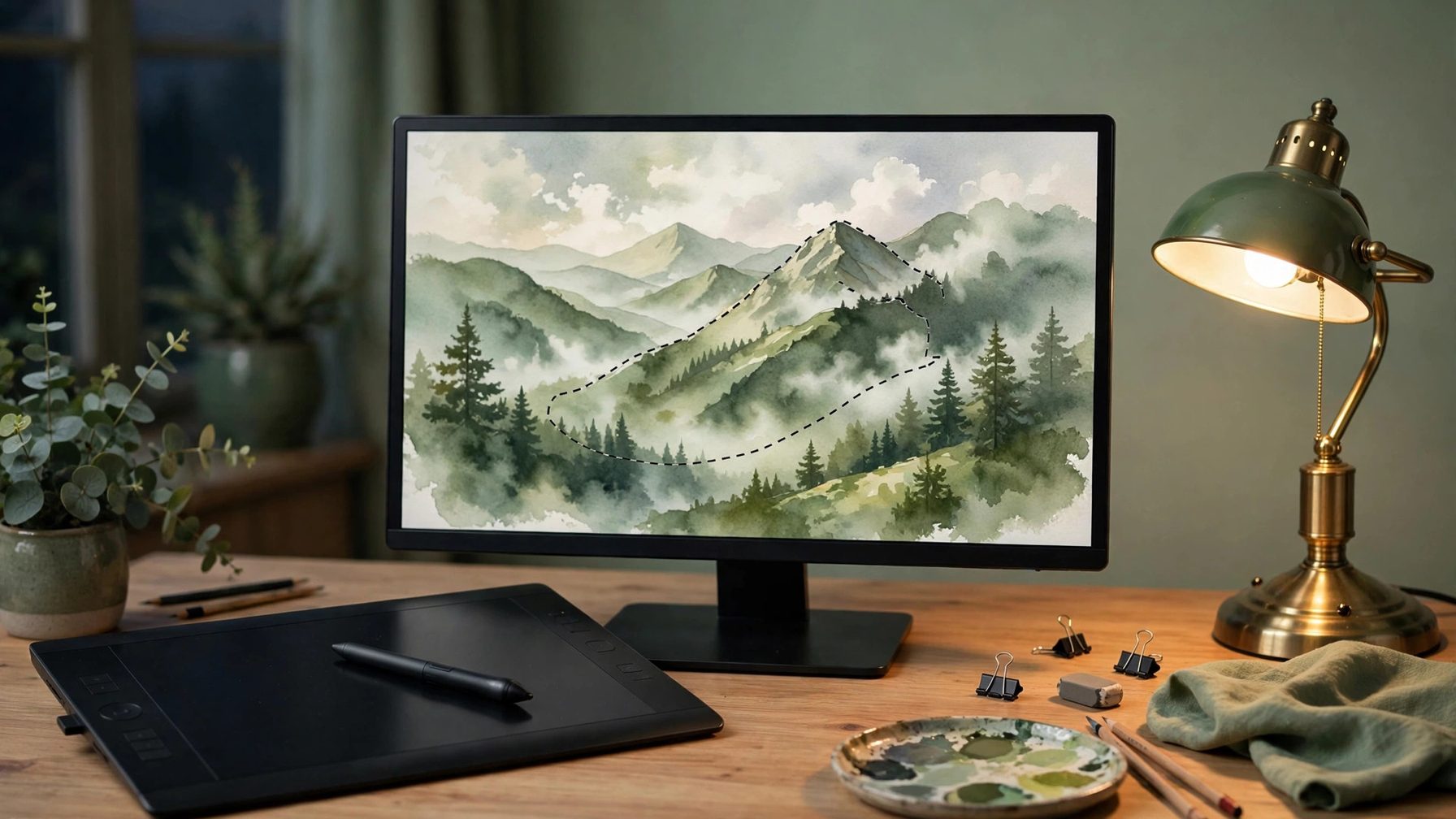
It suits three groups: creators who want to generate images offline and keep images off third-party platforms; designers who need to rework parts of an image and adjust layers repeatedly; and teams that want a fixed image-generation setup on an internal network or studio machine. For all three, running locally means images and prompts stay in their own hands, and generation counts are not capped by an online service's allowance.
Work out the deployment cost first
The cost sits in three places. First, the graphics card: image generation consumes VRAM, and larger models and larger image sizes need more of it. A computer without a discrete graphics card can still run it, but slowly enough to be impractical for daily use; check the official documentation for current requirements. Second, model downloads: a single model file often starts at several gigabytes, so disk space and download time must be planned for. Third, maintenance: after model, driver, or plug-in upgrades, the interface may occasionally fail to open or generation may error, and you will need to read the logs yourself rather than relying on a hosted service.
Real pitfalls
First, do not read "local" as "free". Electricity, graphics-card wear, and the time spent downloading models are all costs, and someone who only generates a few images now and then may find an online tool cheaper. Second, model quality varies widely: the same interface with a different model can produce a completely different style, so when something looks wrong, change the model and parameters before blaming the tool. Third, layered editing and node workflows offer a lot of features and take longer to learn than a minimal image tool, so on first use, complete one image end to end before exploring batch work and workflows. Fourth, some newer models require account authorisation before download, so confirm the download route works before installing.
Overall, InvokeAI is worth installing for people who generate images often and are willing to pay for a capable graphics card and enough disk space. For occasional use, or a computer without a discrete graphics card, clarify your needs with an online image tool first, then decide whether local deployment is worth the effort.