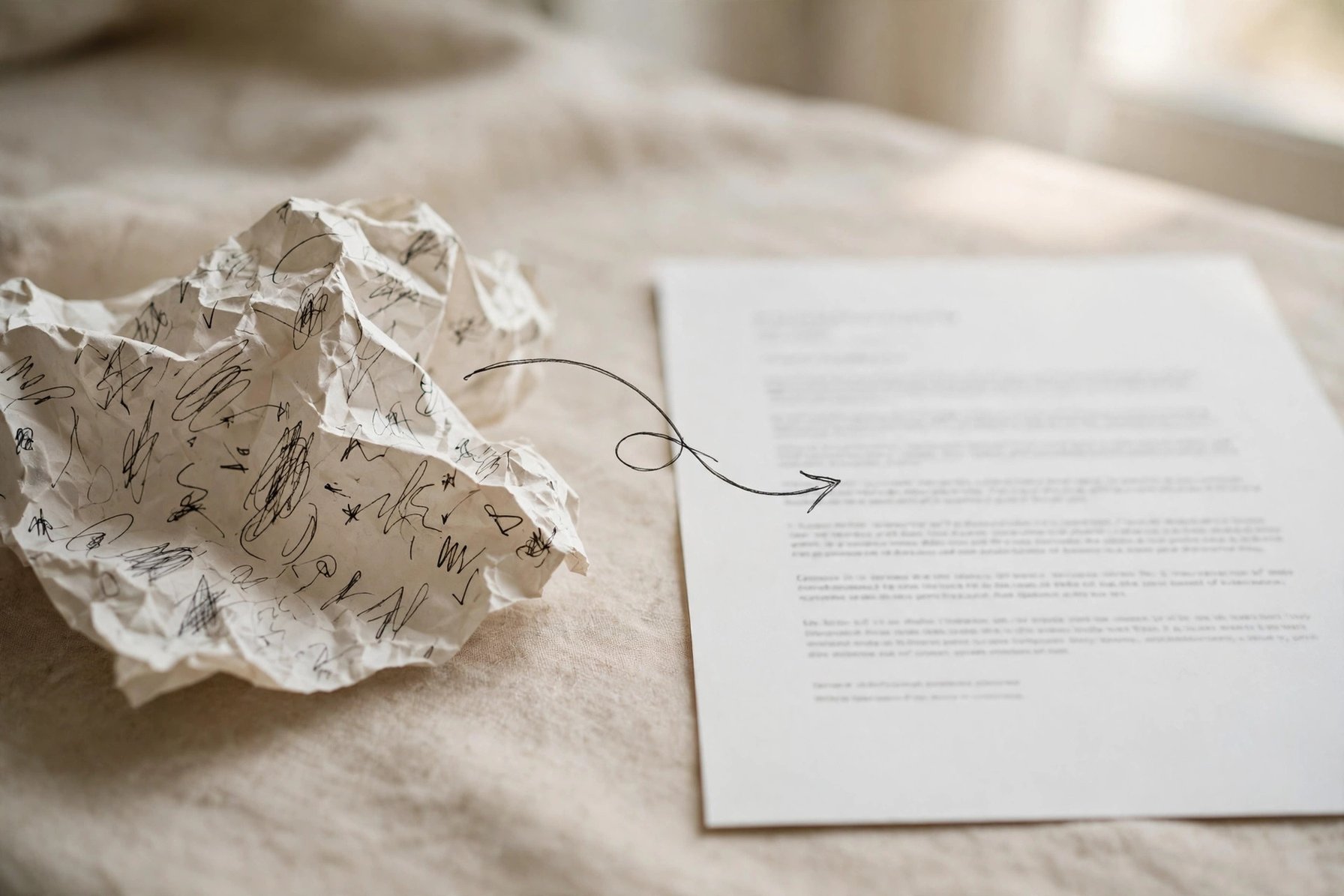
A polishing prompt solves one very concrete problem: the casual paragraphs you jot down in your notes app or chat app read too informal to send as-is, yet rewriting them yourself eats up time. The prompt below solves it in one go: paste in your draft, tell the AI what register to use and who will read it, and you get back a version you can actually use. Copy the whole block into any chat AI, replace the 5 bracketed variables with your own details, and you're set.
Copy this block first: the full polishing prompt
You are a senior English-language editor who specializes in turning casual spoken drafts into formal written copy. Rewrite my draft according to these requirements:

1. Target register: [formal email / internal announcement / public post paragraph / meeting speech — pick one or write your own]
2. Audience: [who will read this, e.g. teammates, external clients, newsletter readers]
3. Stay faithful: do not add or remove facts or numbers; only change the phrasing. Mark anything you are unsure about with [TO CONFIRM] instead of inventing it.
4. Rewrite depth: [light polish (fix sentences only) / medium rewrite (may reorder sentences and paragraphs) / deep restructure (may reorganize the structure) — pick one]
5. Output format: give the rewritten full text directly, without explaining what you changed; at the end, list "Three things you should confirm yourself" separately.

Here is my draft:
[paste your casual draft]
What to put in each of the 5 variables
- Target register: decides how formal the AI's wording gets. Pick "formal email" for work emails, "internal announcement" for team notices, "public post paragraph" for long outward-facing copy.
- Audience: writing for your boss and writing for a client call for completely different word choices — the more specific, the better the rewrite.
- Stay faithful: this is the safety catch. The most common mistake AI makes while polishing is "helpfully adding a sentence"; requirement 3 locks that down.
- Rewrite depth: light polish for rushed everyday messages; medium rewrite for anything going public; deep restructure for long drafts whose structure is a mess.
- Draft text: just paste the raw text, no need to tidy it first. The messier and more fragmented, the better — typos don't need fixing beforehand either.
A real example: what the input and output look like
Input (casual draft):
Heads up everyone, the meeting next Wednesday afternoon is moved to Friday morning 10am, same place as usual, remember to bring the materials we talked about last time, ping me privately if you have questions.
Output (register: internal announcement; audience: teammates; depth: medium rewrite):
Notice: the meeting originally scheduled for next Wednesday afternoon has been moved to Friday 10:00 AM. The venue is unchanged. Please bring the materials mentioned at the last meeting and attend on time; reach out via private message if you have any questions.<br><br>Three things you should confirm yourself:<br>1. "Same place as usual" — the draft never says which meeting room; please add it.<br>2. "The materials we talked about" — consider naming the exact documents.<br>3. The meeting topic isn't mentioned in the draft; add a title as needed.
Two-pass method: don't expect one shot to be perfect
First pass: let the AI rewrite. Second pass: do just one thing — fill in each item under "Three things you should confirm yourself", then run the same prompt again. After two passes the copy is usually ready to send. To switch registers (say, turning the notice into a public post paragraph), don't rewrite the prompt — just change the "target register" variable.
Three things to check yourself — don't hand them all to AI
- Facts and numbers: the AI won't verify whether "Friday 10 AM" is right — check times, places, names, and amounts yourself.
- Tone boundaries: for apology letters or performance reports, read the result once yourself and make sure the tone doesn't overshoot.
- Sensitive info: if the draft contains internal data or client names, scrub it before pasting, or use a local model.