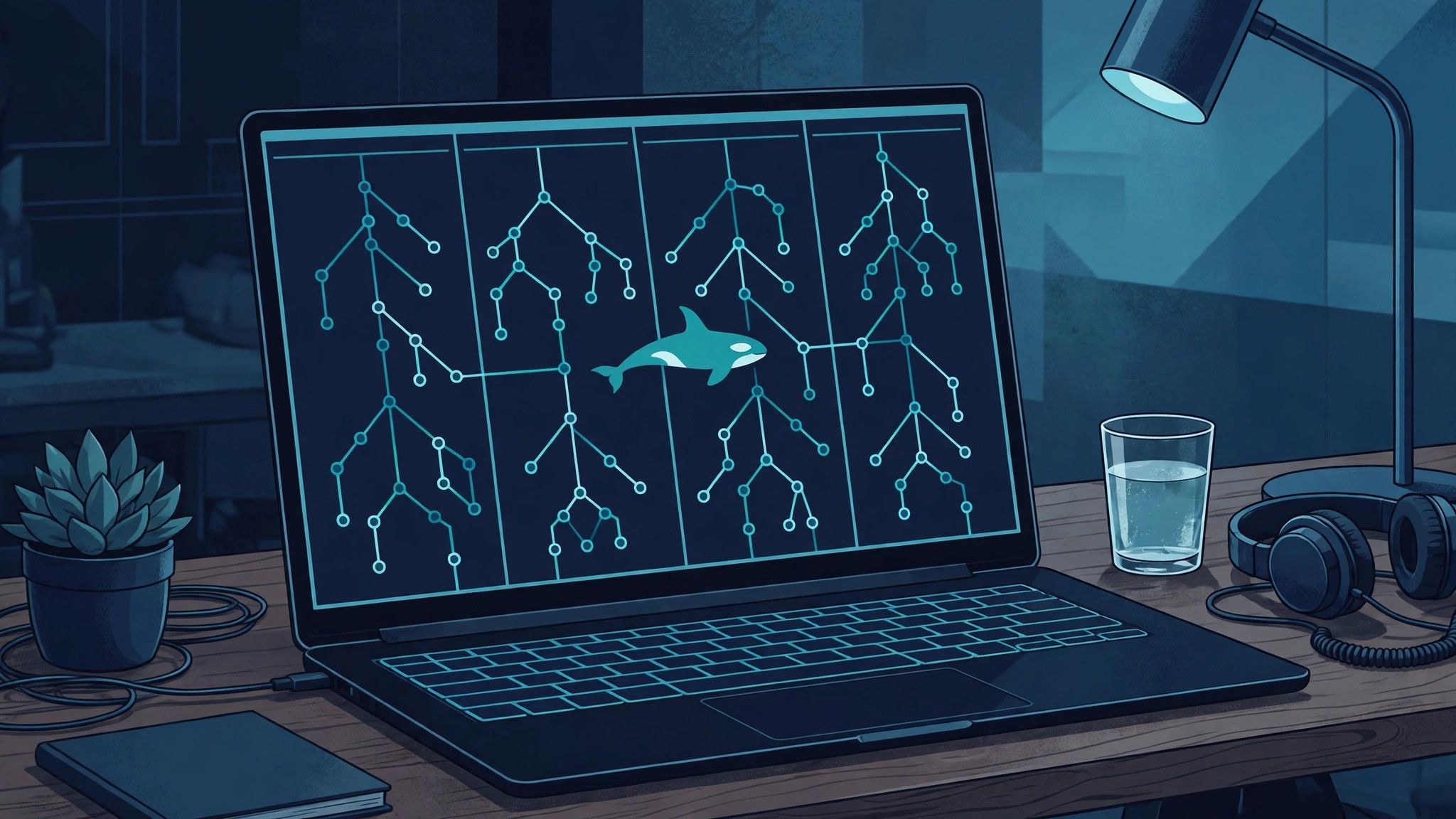
Orca is an open-source desktop agent development environment from Stably AI. Its official repository is stablyai/orca on GitHub, under the MIT license, with 129,000 stars as of November 19, 2026. It ships no model of its own; it does one thing: run more than 30 command-line coding agents — Claude Code, Codex, OpenCode, and others — side by side, each in its own git worktree so they never interfere with each other. It saves the context-switching cost of running several terminals and jumping between worktrees; for someone who uses only one agent, it is basically unnecessary.
What Problem Does Orca Actually Solve?
One agent in one terminal, and the bottleneck quickly becomes you: wait for it to finish, check the result, start the next one. Orca spreads that serial process out: send the same task to several agents at once, each editing code in its own worktree, then compare the diffs side by side and merge the best one. Reviewing is also more direct than in a terminal: diffs can be annotated line by line, and the comments go back to the agent for revision; Design Mode lets you click a UI element in the built-in browser and drops its HTML, CSS, and a screenshot into the prompt together. The mobile app shows progress, sends completion alerts, and lets you follow up from anywhere; agents can also run on an SSH remote machine, so they keep going when you close the laptop. GitHub and Linear are integrated directly, and an issue can be opened straight into a worktree.
What It Costs to Install, in Money and Time
The app itself is free and open source, for macOS, Windows, and Linux. On macOS, one command installs it — brew install --cask stablyai/orca/orca — or you can download it from the Releases page. It takes a dozen minutes to set up, but there are two prerequisites: you need a git repository, and you need an existing subscription to at least one command-line agent. Orca sells no tokens; every cent spent is your own Claude Code, Codex, or other subscription. The real cost is parallelism: five agents running at once means five subscriptions burning at the same time, and one round of comparison can cost several times a single run. The mobile app needs pairing, and remote runs need an SSH machine — both extra costs in time.
Three Pitfalls to Think Through First
First, it does not judge which result is right. Five diffs come back, and which one to merge and what is wrong with each is yours to review — merging blindly is the fastest way to break things. Second, parallelism amplifies mess: five agents can produce five conflicting proposals, and if the task itself was never broken down properly, parallel runs just produce more mess to clean up by hand — split the task into independently verifiable chunks before fanning out. Third, do not treat it as a full IDE: the native chat is still experimental, and the editor is no match for VS Code. It is a console for scheduling agents, not a place to write code. For someone who only uses an agent occasionally, has no subscription, and does not know git worktrees, installing it is pointless — tmux plus manual worktrees is lighter. For another way to equip a coding agent, compare how ECC gives Claude Code 71 agents — that one takes the plugin route.