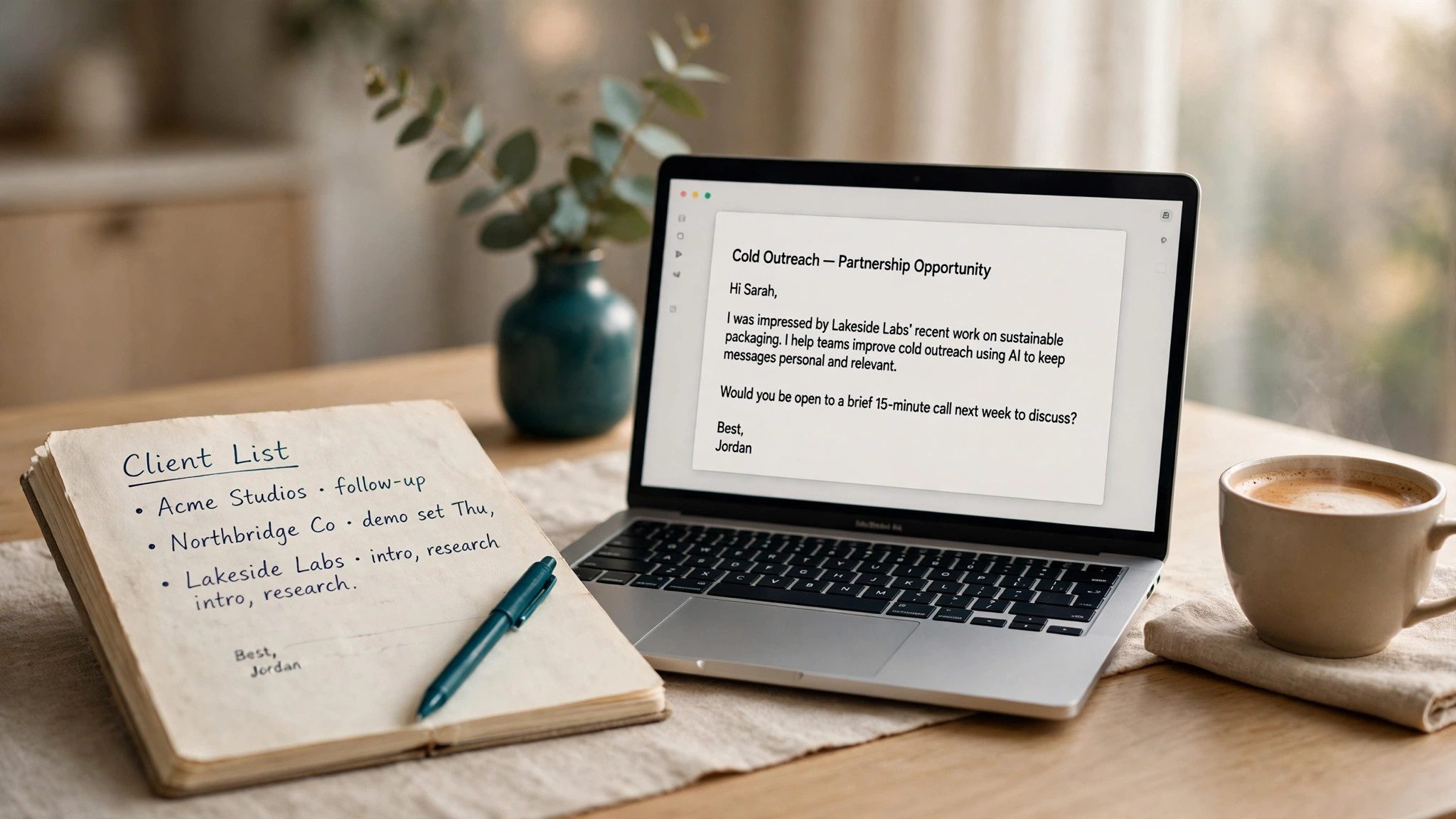
A cold email prompt is for writing to a potential client for the first time: fill in the client company, their pain point, your product, and the next step you want, and AI will write a short email that does not read like mass advertising. It suits foreign trade, sales, business development, and freelancers reaching out to new clients. The goal is not to close a deal in one go, but to win a 15-minute call.
Copy this prompt and use it right away
You are a B2B sales consultant with ten years of experience, skilled at writing cold emails with high reply rates. Write a cold email based on the information below:

- Recipient: {{client name}}, {{job title}} at {{client company}}
- The client's recent news: {{client news, e.g. product launch, funding, hiring}}
- A pain point they may have: {{pain point, e.g. high acquisition cost, long delivery cycles}}
- My product: {{product name}}, which helps them {{core value, e.g. cut acquisition cost by 30%}}
- The next step I want: {{next step, e.g. a 15-minute call next week}}

Requirements:
1. Keep the email under 120 words, about one thing only: why you are contacting them now.
2. Open with the client's recent news to break the ice; do not use cliches like "sorry for the cold email."
3. State the value as one verifiable number or case; do not list features.
4. End with one clear next step, offering two specific time options.
5. Keep the tone professional and restrained, like a peer talking, not a sales pitch.
How to swap variables and tune the result
- Client news: use the client's website news, LinkedIn updates, or their latest funding round -- the more specific, the less it looks like a mass email. If you cannot find any news, change this line to "the core business described on the client's website" and do not let the AI invent any.
- Pain point: if you are unsure, first ask the AI to suggest three likely pain points for the client's industry, pick the one that fits best, and fill it in before generating the email.
- Next step: a call, a demo, or sending case materials can all be swapped in, but ask for only one at a time -- two options side by side leave the reader unsure which to answer.
- Tone: for a more formal feel, add "use a formal business tone"; for a lighter feel, add "sound like a friendly peer". Do not add two tone directions that contradict each other.
- Length: if the email comes out longer than 150 words, add "compress it to under 80 words, keeping only the icebreaker, the value, and the next step" and run it again.
- If replies stay low, first check whether the opening is a cliche and whether you pitched three selling points at once.
Three situations where you should not use it
- Do not use the same template to mass-email hundreds of people: with that many recipients, mail providers will easily flag it as spam, and your reply rate and domain reputation will drop together.
- Do not send it to clients you already work with: with an existing relationship there is shared context, and a cold email template will feel distant -- just write about the specific matter.
- Before sending, verify three facts: the person's name, the company name, and the recent news. AI sometimes invents news or funding rounds that never happened, and sending those as-is destroys trust. Once replies start coming in, you can use the approach in Inbox Organization Prompt to sort replies, flag urgent ones, and handle them one by one.