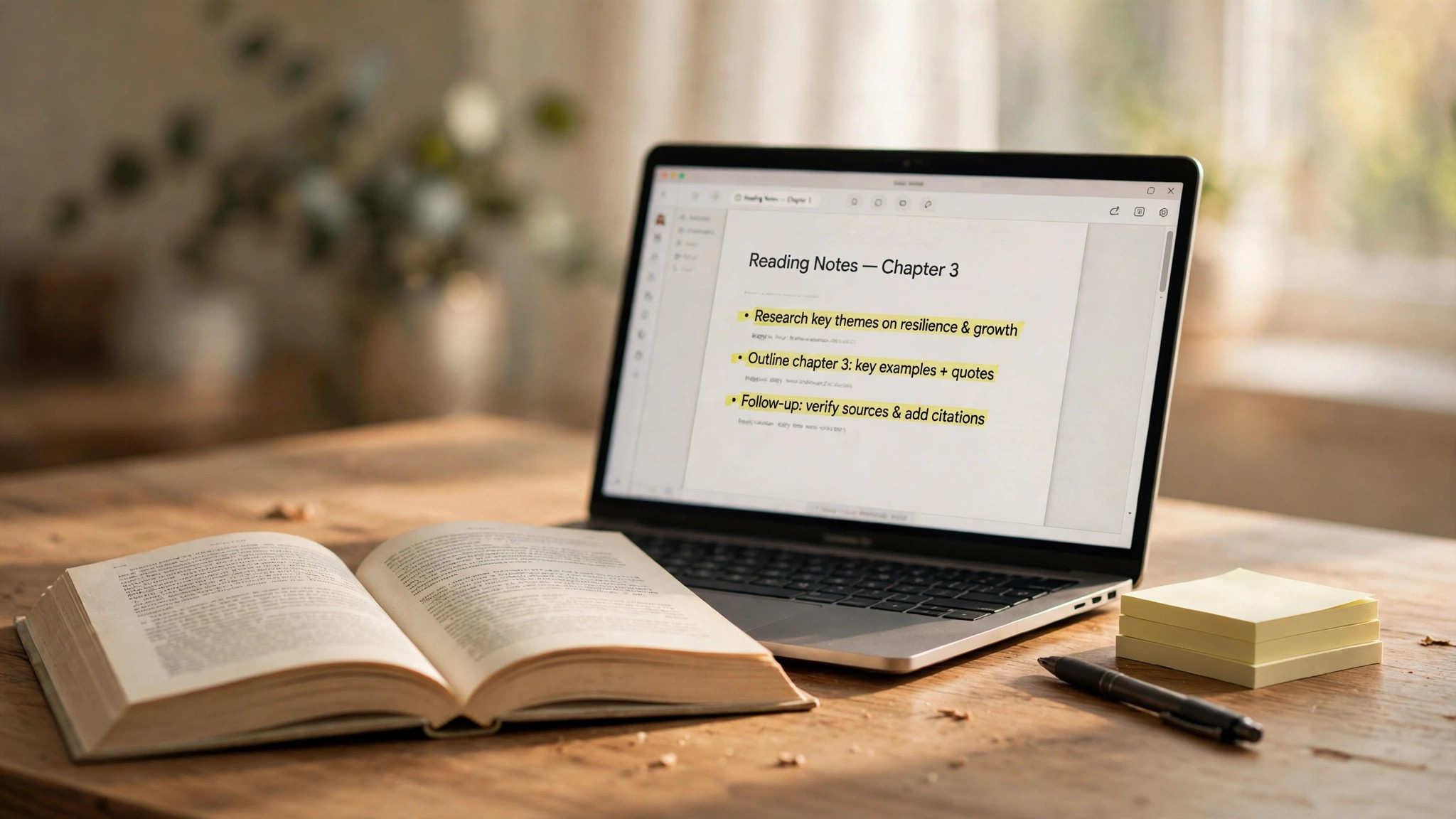
Reading notes prompt for anyone who finishes a chapter but can't remember its key points: paste a book excerpt or chapter into an AI, and it will pull out core ideas, memorable quotes, and action items you can actually do, giving you a set of notes worth reopening in ten minutes. Instead of asking the AI to summarize freely, this prompt fixes the structure and the selection criteria first, so the output doesn't turn into a shortened copy of the original text.
Copy this prompt
Based on the book excerpt below, help me organize reading notes.
Book title: [Book title]; Chapter: [Chapter name]; My reading goal: [Exam / Work application / Reading for interest].
Organize the notes in four parts: 1. Core ideas: state what the author really wants to say in no more than 3 points, each under 40 words. 2. Key quotes: pick the 2 most memorable sentences from the original text and note the page numbers. 3. My questions: list 2 questions I still haven't figured out after reading. 4. Action list: give 2 specific things I can do this week, stating how to do each and what counts as done.
Requirement: use only what is in the excerpt; do not invent ideas that aren't in the book. Flag anything uncertain instead of glossing over it.
Excerpt:
[Paste the book excerpt or chapter text]
How to change the variables and tune the result
Fill in [Book title] and [Chapter name] as they are; [My reading goal] decides what the notes keep: for an exam, ask the AI to keep more definitions and comparisons; for work, ask for more executable steps; for interest reading, you can allow more quotes. Paste one chapter at a time — pasting a whole book loses detail. If the output reads like a summary, add "follow each core idea with one example from the book" after the core ideas; if the action list is too vague, change it to "for each action, state the first step and how long it takes".
When not to use it, and how to check the output
This prompt only works for organizing text you already have. It is not for letting the AI read a book for you — it will fill in unseen chapters from guesswork, and the notes may look complete without matching the book. After you get the notes, check two things against the original text: whether the quotes are word-for-word and whether the page numbers match; for every item in the action list, ask "can I really do this this week?" and delete anything you can't. To turn the notes into a longer-term study plan, use the study plan prompt to schedule the action list.