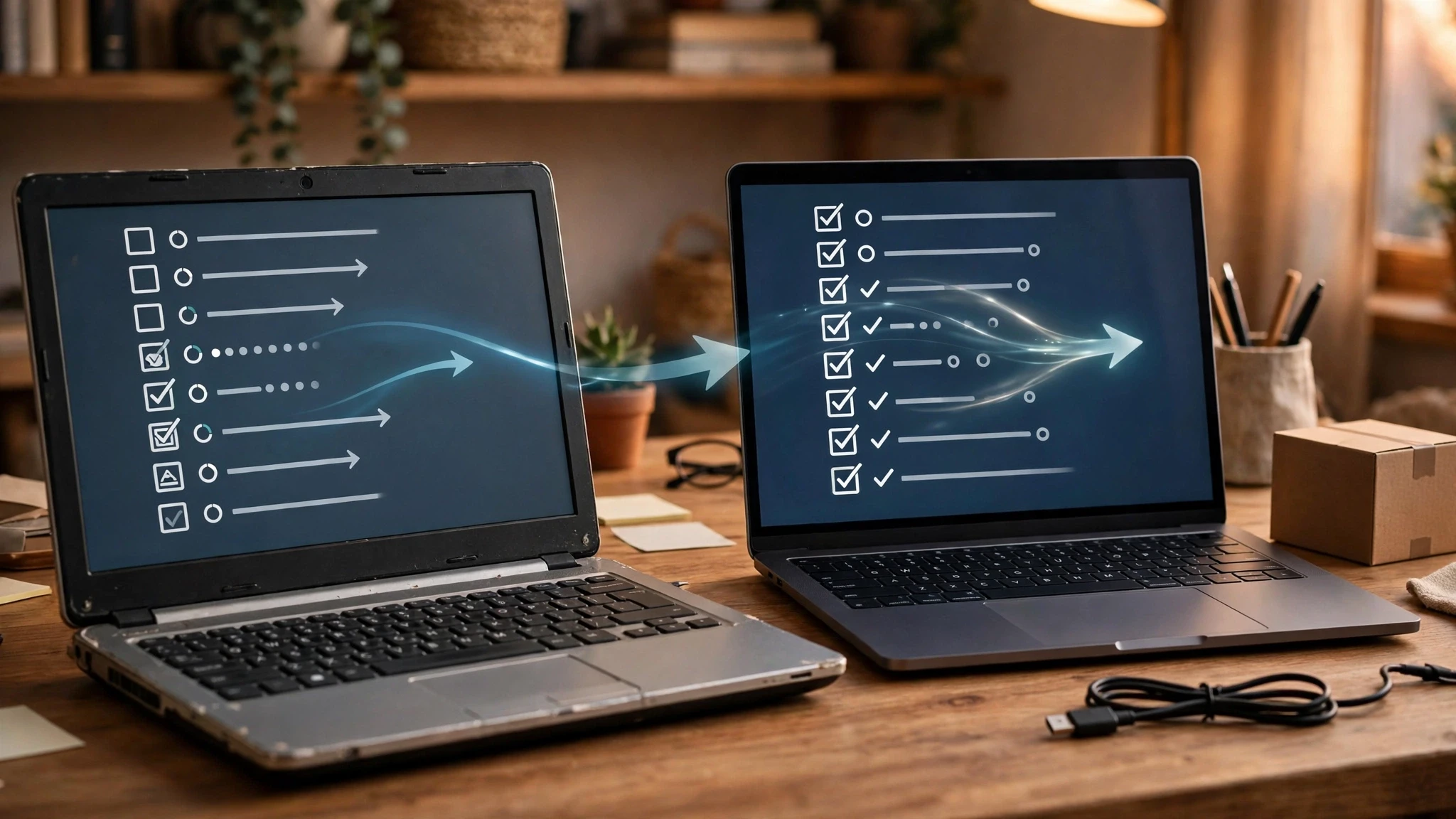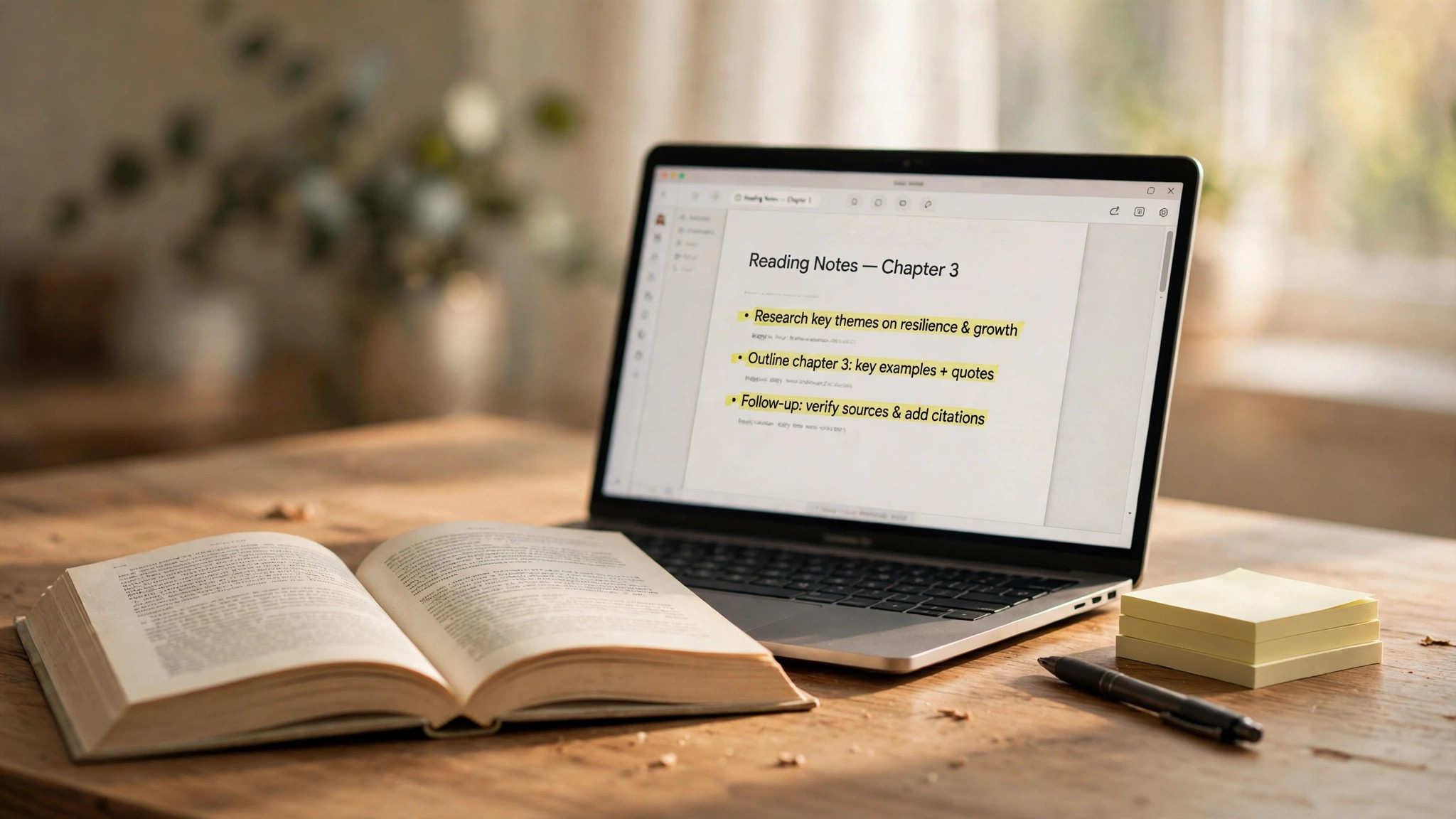
A website made by NotebookLM can be shared, but "can be viewed" comes in two forms: someone who signs in with a Google account and has the public link can open the notebook, ask questions and view the outputs; a single output link from a public notebook can be viewed without signing in. The key is to set the sharing scope before you share: notebooks are private by default, and only become public when you change access to "Anyone with the link".
Three ways to share — set the scope first
To share with specific people only, click Share in the notebook and add their email addresses: a Viewer can only view sources and outputs, while an Editor can change sources and share further; a personal Gmail account can share with up to 50 people, but not with Google Groups. To go public, change access to "Anyone with the link" and copy the link — a globe icon next to Share means it's public, and anyone with the link can open it after signing in to a Google account. To share just the website itself, without making the whole notebook public, share a single output from a public notebook — the recipient doesn't need to sign in to view it. The site is generated with one sentence in the notebook's chat; Google announced the feature on its official blog on November 16, 2026 (NotebookLM turns a sentence into a website), rolling out globally on the web for users 18 and over, including Workspace subscribers, with the mobile app still to come.
Four checks to pass before going public
First, check your sources: in a public notebook, sources and outputs may both be seen by the recipient, so don't put private material in. Second, don't treat "chat-only view" as a privacy control: it only hides sources and outputs from the default view, it doesn't revoke access — audio overview sharing has the same trap (why others can't listen to a shared NotebookLM Audio Overview). Third, notebooks containing outputs made from Play Books ebooks can't be made public; Workspace business and education accounts have public sharing switched off by default, and an admin decides. Fourth, Google's announcement doesn't state an expiry for website links, nor whether a site updates automatically when sources change; a link follows the notebook's state — change it back to "Restricted" and the old link stops working, but copies and screenshots the recipient already saved are unaffected. Site content is generated from your sources, so check its numbers and citations yourself before sending it out.