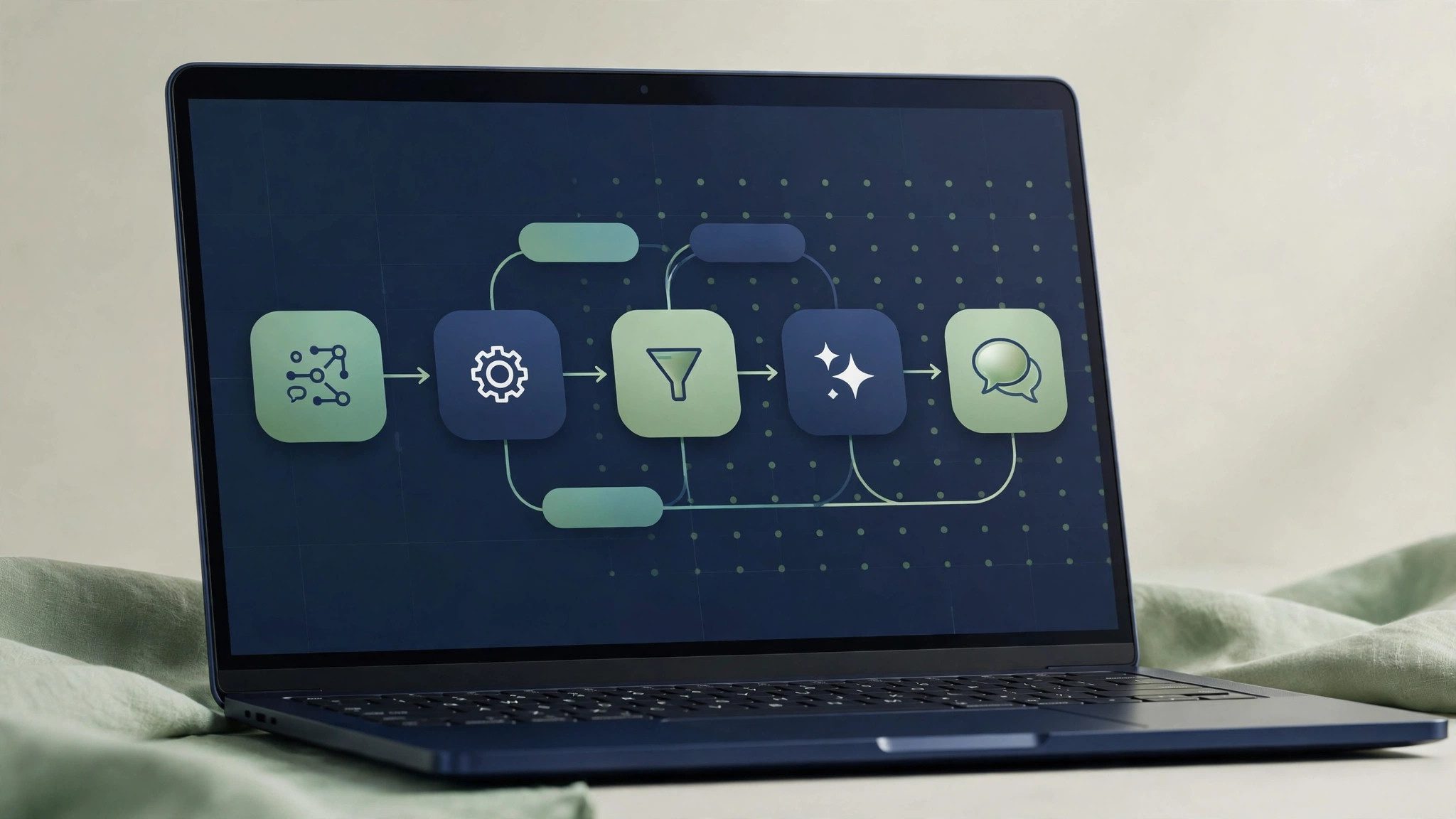
GPT4All is a desktop tool for running open-source large language models offline on your own computer, maintained by the nomic-ai organization on GitHub. Its main selling point is not having the strongest model, but a low barrier to entry: without registering a cloud account or sending conversations to a server, you can try running a model locally. Its online ability, model quality, and long-term maintenance expectations, however, should be made clear before deciding whether to install it.
What it actually is
GPT4All provides a desktop client and a model download entry point: after downloading an open-source model locally, you can chat with it offline. The project is hosted on GitHub, maintained by nomic-ai, and the project name is GPT4All. It is not itself a specific model; it is more like a local model player. Change the model, and you change its capability and character; the client only handles loading, chatting, and basic settings.
Who it suits, and who it does not
It suits three groups: first, students and enthusiasts who want to try models with no or weak internet; second, privacy-sensitive users who do not want to send work content to the cloud; third, people doing teaching demos who want to show local model execution directly. Who it is not for: people chasing the newest and strongest models, people who need web search and real-time information, and people who want to use it directly for production customer service or public-facing services. Local small models currently cannot support these three needs.
What deployment really costs
The software itself is free, but the real costs are hardware and time. Model files are often several gigabytes, so download time depends on your connection; memory use at runtime is considerable, and an older computer will noticeably lag with a somewhat larger model. A small model can run without a dedicated graphics card, but speed and answer length will be limited; a graphics card makes it much faster, though that is no guarantee of instant performance. First-time setup also needs time for choosing a model, downloading, and trial and error; half an hour or more is common.
Real pitfalls in everyday use
First, model quality varies widely: within the same client, different models differ greatly in capability, and Chinese performance, instruction following, and long-answer stability cannot be generalized, so test a model on a small scale before committing. Second, do not count on online ability: offline use is its purpose, so real-time news, stock prices, or weather are naturally out of reach, and forcing such questions will only produce outdated or invented answers. Third, answers can still be wrong: local models also invent facts and give wrong code, so key content must be checked by hand; running locally does not make output trustworthy by default. Fourth, downloads and updates need your attention: model versions, client updates, and system compatibility can all cause small problems, and when errors appear, checking local logs and model notes saves more time than reinstalling repeatedly.
How to choose between it and online models
The key is not which is more advanced, but the scenario. If you need privacy, offline use, zero subscription cost, or just want to experience local models, GPT4All is worth installing to try. If you need the strongest reasoning, web search, stable long-form output, or something for a team or clients, online models remain the safer choice. You can also use both in parallel: draft sensitive material locally first, then polish the final version with an online model. Decide what problem you want to solve first, then judge whether it deserves a permanent place on your computer.