Is a mini PC worth buying for running large models locally? The answer lies not in ad copy but in your usage intensity. What genuinely wins people over is the size, the quiet, the low power draw, and the ability to keep everyday small models at home instead of sending everything to the cloud. But its ceiling is just as plainly written: model size, speed and upgradability are all boxed in by that small body. See what it is good at and where it hits the wall, then decide.
The real selling points: small, quiet, frugal, and local
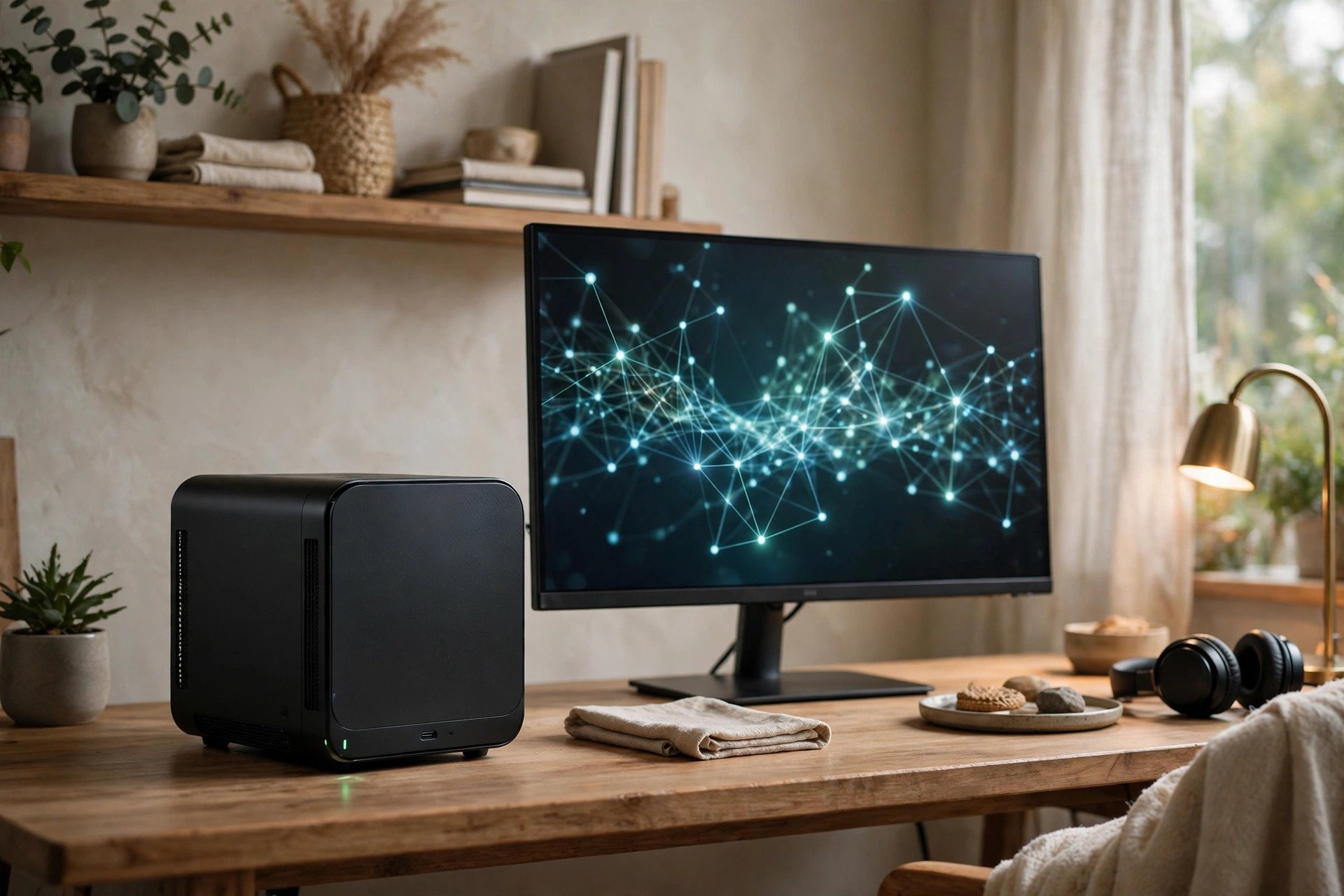
Size comes first: a palm-sized box mounts behind a monitor or disappears into a desk corner, and moves easily. Power comes second: at idle and light load the whole machine often draws a fraction of a desktop's consumption, so running it year-round as a small home server, download box or light service node costs little in electricity and noise, and most models keep fan sound well below gaming laptops and towers. Third is on-device capability: recent mini PCs ship with capable integrated graphics, and some use unified memory shared between system and graphics, which is relatively friendly to quantized small and mid-size models. Everyday Q&A, document summaries and code completion can finish offline, with data staying home.
See the ceiling first: model size, speed, no upgrades
How big a model fits is mostly a memory question. Quantized small models can be attempted with a modest amount of memory; on mainstream mini PCs, running quantized models in the 7B to 14B class for light Q&A is realistic. Step up to 32B and beyond and most machines either cannot fit the model or run it at tasting speed only. Set speed expectations flat: integrated graphics and mobile chips infer far slower than a discrete GPU. One-question-one-answer chat is fine; batch-processing long documents or generating continuously means visible waiting. Two more hard limits are cooling and expansion: small bodies have little thermal headroom, so long full loads throttle; memory and storage are replaceable on some models and soldered on others — check before ordering, because a wrong specification usually cannot be fixed later.
Who it suits: light, local, low-disturbance
The fit is clear: people who want a small local model for daily questions, meeting notes and document summaries without uploading their material; learners of model deployment who need a cheap, quiet machine that can stay on all day for practice; and owners of a main computer who want a small second box for downloads, light services and local inference. For these jobs a mini PC is currently a very cost-effective tier.
Where it is not worth it
First, anyone needing large-parameter models or generation speed should not expect it to replace a desktop with a discrete GPU; at the same budget the discrete route runs bigger models much faster. Second, anyone hoping to combine heavy gaming and serious creation will be reminded of its positioning by both graphics performance and heat under load. Third, anyone planning to upgrade steadily over three to five years should think twice: upgrade room is inherently limited, soldered memory and a fixed graphics solution are the norm, and it behaves like a finished appliance rather than a platform that grows.
A clear buying verdict
Write down the model and tasks you most want to run, and let them dictate the memory specification. For light Q&A and learning, a mainstream model with enough memory and a good cooling reputation suffices — do not overpay for a top configuration you will not use. If your targets include large models, fast generation or gaming, move the budget to a desktop or discrete-GPU machine instead of overspending inside the mini category. Before ordering, confirm three things: whether memory is upgradeable, real reviews of full-load noise and cooling, and whether the ports cover your monitors and peripherals. As a quiet local assistant in a corner of the home, it is well worth it; as an all-purpose main machine, you will keep hitting that ceiling.