Is the Muse Charm worth buying? It fits people who already use Muse and want to summon it by voice at any moment; if you just want a cheap AI assistant, or you're counting on it to make phone calls, don't buy it. The price, stated plainly: $300 is the reported price from The Information, Meta has not confirmed it, and the official spokesperson only said "more news soon" — don't treat it as the official price.
What Exactly Is It?
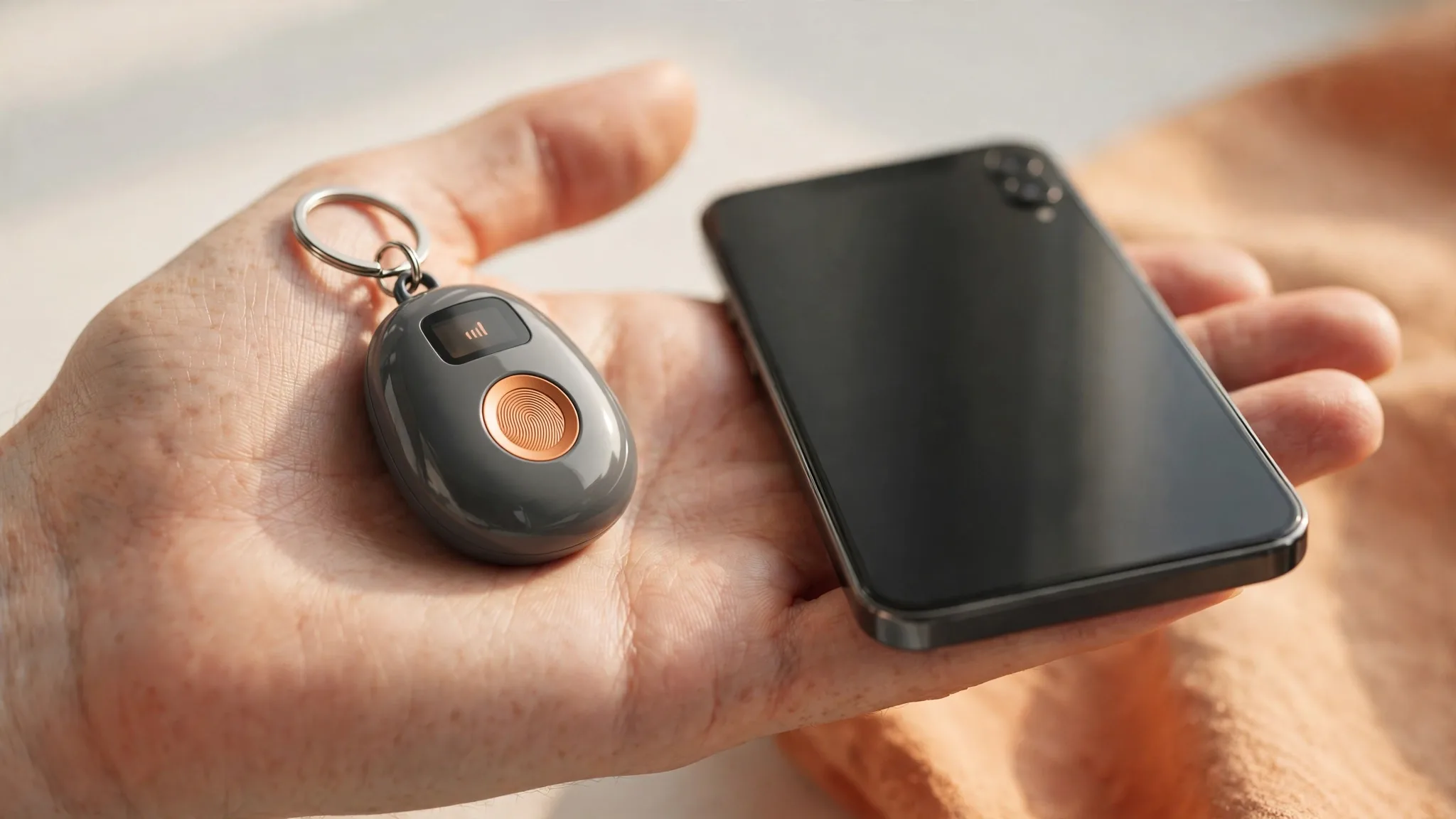
The Charm is a keychain-sized pendant with a small screen, a microphone, and fingerprint recognition, plus a built-in 5G module. The use is straightforward: no need to pull out your phone — just speak to use Muse, ask questions or give it commands. It cannot make phone calls itself, so don't judge it by phone standards. It was unveiled at Meta Connect in September 2026, aiming for the December holiday season; Meta delayed its own smartwatch to 2027 for it, which says a lot about the bet being placed.
Three Bills to Work Out First
The first is the device bill: a rumored $300 versus the rival Friend at $250 — the Charm costs $50 more, and the extra money buys the small screen and direct 5G. The second is the subscription bill: Muse's paid tiers are Power at $20 a month and Maximum at $100 a month, and the pendant itself includes no subscription, so check which tier you're on before using it heavily. The third is the data bill: Verizon's 5G is free for up to 12 months, after which you pay for it yourself, so don't judge long-term cost by the first year alone. The Muse app launched on September 8, 2026, and passed ten million users in the US and Canada within weeks, so the ecosystem is hardly empty — but the math is still yours to do.
Buy, Wait, or Skip?
Buy it if you use Muse every day and want your hands free while driving, walking, or doing chores, without constantly pulling out your phone. Skip it if you don't use Muse, your budget is tight, you want calling and camera features, or you don't trust the rumored price. If you're unsure, wait: let the official price and real-world battery life and wearing experience come out after launch before deciding — one month won't hurt. Before deciding whether to jump in, read up on Muse's training-data rules and the free tier's limits: training data explained and free tier limits. For how to choose among wearable AI hardware, compare the Meta Ray-Ban Display verdict.