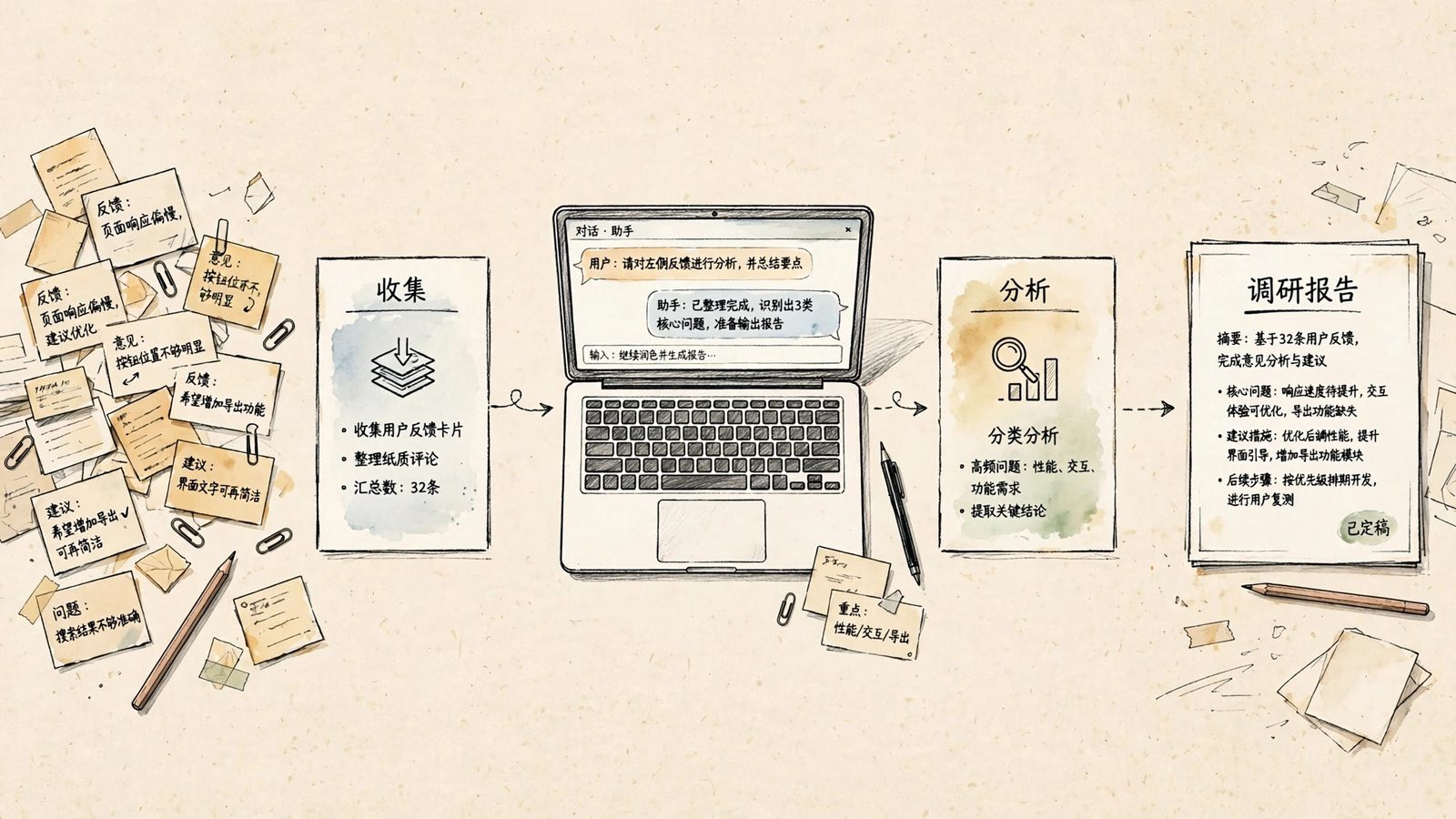
A user feedback prompt is built for a familiar scene: hundreds of app-store reviews, open-ended survey answers, support tickets and community comments have piled up, the boss asks what users dislike most, and the team can only answer from impression — probably the price, probably the crashes. The prompt below turns raw feedback into a category table, recurring issues and handling priorities in one pass. Copy it, swap the variables, paste your feedback at the end, and run it.
It differs from asking AI for a summary. A summary gives you a feeling; this prompt requires every conclusion to carry a count and a verbatim quote, so the output can go straight into backlog planning or a weekly meeting deck. Under twenty items, skip it and read them yourself. Once you have several hundred, or need to compare channels or versions, it earns its keep.
The prompt (copy and use)
You are a product analyst who does user research. Process the batch of user feedback below, following these rules exactly:

1. Classify: sort every item into one primary category using [category set, default: Feature issues / Usability / Pricing / Performance and crashes / Content and service / Other]. If an item touches two categories, file it under the one with the stronger emotion and note the secondary category in a remark.
2. Count and sentiment: count items and share per category, then count positive, neutral and negative items separately. Never estimate; if there are too many to count reliably, list the classification of every item first, then total them up.
3. Recurring issues: in each category, pick the 3 most frequent specific issues, each with one typical verbatim quote, copied exactly, never rewritten or polished.
4. Prioritize: rank each recurring issue P0, P1 or P2 based on volume, negative intensity, and whether it affects payment or renewal, with one sentence explaining each ranking.
5. Format: start with a summary table (Category | Count | Share | Negative count | Representative quote), then the recurring-issue list, and finally state how many items were unclassifiable or lacked information. Do not promise product changes, and do not invent causes that never appear in the feedback.

My product is [product name and a one-line description]. This batch comes from [channel, e.g. app store / support tickets / survey], covering [start and end dates].

The feedback, one item per line:
[paste the raw feedback here, one item per line]
How to swap the variables
| Variable | What to put | Example |
|---|---|---|
| [category set] | Adapt the categories to your business; the default six fit most consumer products | An education product might use: Course content / Tutor replies / Livestream lag / Refunds / Homework grading / Other |
| [product name and description] | Tell the AI which product and service the feedback is about | A budgeting app that helps individuals track daily spending |
| [channel] | The source of this batch; never mix channels in one run | Run app-store reviews and support tickets separately so the results can be compared |
| [start and end dates] | The period the feedback covers | Run one batch before and one after a release to see whether the new version fixed anything |
| [raw feedback] | The original text, one item per line, unedited | Keep typos and filler words; sentiment judgement depends on those details |
Two follow-up questions worth asking
First, to catch misclassification: "List the 10 items you were least sure how to classify, with the original text, the category you chose, and why you hesitated." Classification accuracy decides whether the counts can be trusted, and reviewing those 10 beats re-reading hundreds.
Second, to dig into context: "For the P0 issues, break down the usage context further: at which step, on which device or version did users hit this? Mark anything the feedback does not state as missing information; do not speculate." That turns the list into reproduction conditions engineers can act on, instead of stopping at "users say it lags".
Three mistakes to avoid
First, redact before you paste. Raw feedback often contains phone numbers, order numbers and real names; replace them with placeholders like "User A" first, and if your company has data rules, use an approved AI tool.
Second, do not paste thousands of items at once. Beyond what the model can read carefully in one pass, the tail gets classified sloppily and the counts drift. Split into batches of about 200, then paste the batch summary tables back and have it merge them, checking every number.
Third, volume is not importance. Pricing complaints are usually the loudest, while a payment failure mentioned only a few times may be what actually drives churn. The prompt ranks with payment impact for exactly this reason; still, read the final priorities against your churn and renewal data.
Once a run works, freeze the category set and reuse it for the next batch. Put two months of counts side by side and you can see at a glance which issues are improving and which are getting worse.