How do you use Muse in Instagram DMs? Starting November 24, 2026, Meta brought Muse into Instagram direct messages, first for iOS and Android users in the US, Canada, Mexico, Japan, and Singapore; accounts in China can't open it yet.
What Muse can do for you in DMs
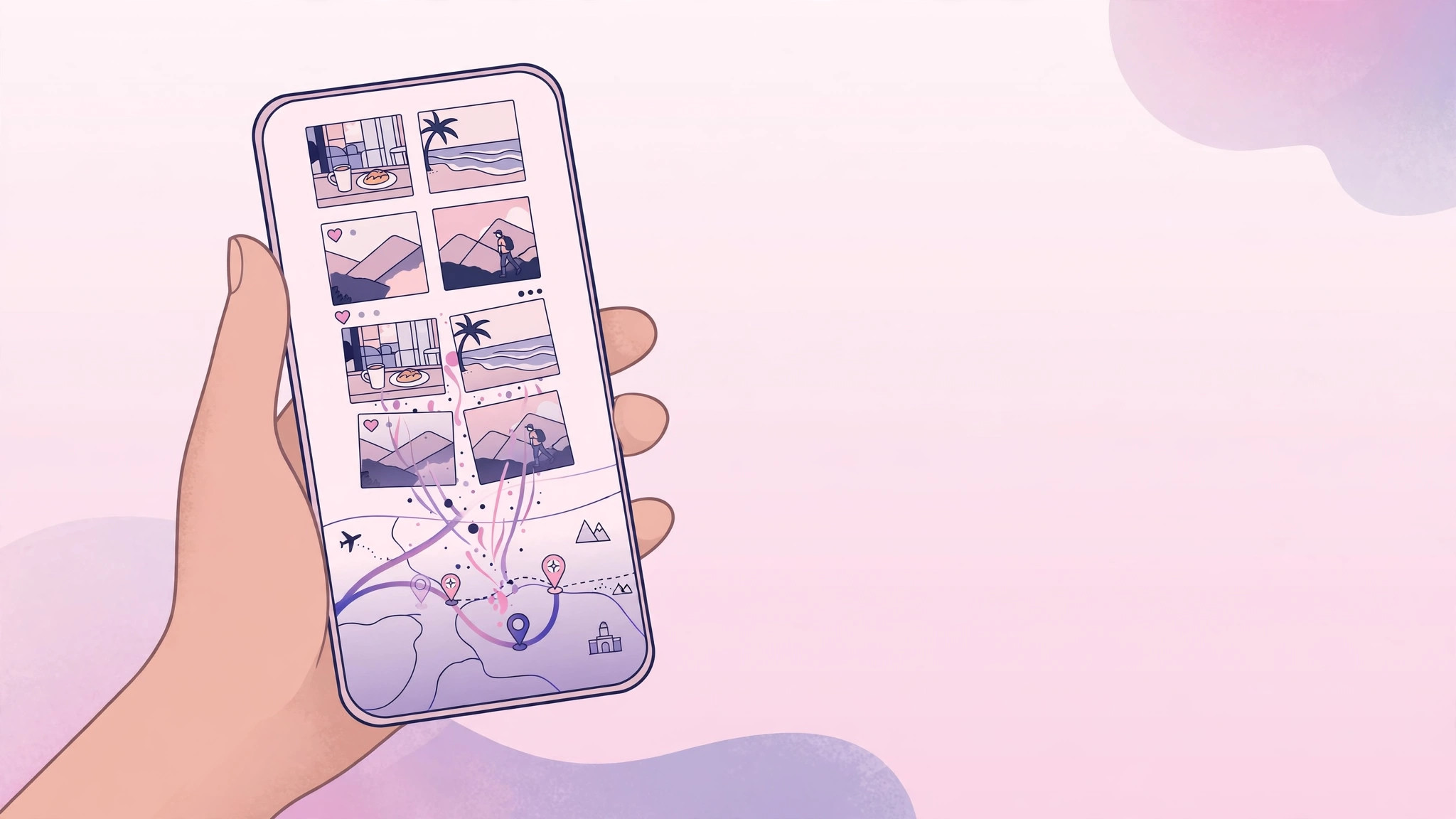
No need to switch to the standalone Muse app — just open the Muse chat right in your Instagram DMs. Forward saved posts or Reels to it, and it can organize them into collections, turn them into a travel itinerary, or turn a recipe video into a shopping list. A single post can be queried for product and place details, and Muse can help you catch up on chats you missed. The collections feature launches first in the US and Canada; users in the other three countries start with chat and single-post analysis. DM chats sync to the Muse main app as a side chat, so you can continue on either side.
Setup steps and permissions
Step one: find the Muse chat entry in your Instagram DMs and start a conversation. Step two: authorize the connector to access your Instagram saved posts and DMs when prompted — the permission can be turned off anytime. Step three: ask questions directly in text, or forward posts and Reels to give it instructions. Meta's position is: without your consent, Muse will not share, publish, or send anything; you can ask it to forget the relevant information at any time, or undo actions it has taken.
Three boundaries to know first
One is region: at launch there are only the US, Canada, Mexico, Japan, and Singapore. Accounts outside the launch regions can't enable it yet, and switching regions or accounts won't get around that. Two is permissions: Muse does not read your DMs on its own by default — it only gets access once you actively grant it. Three is transactions: right now it only handles suggestions and organization; purchases or bookings still need your own confirmation — don't expect it to order directly. On pricing: the paid Muse plans are Power at $20 a month and Maximum at $100 a month, and basic use in DMs costs nothing extra.