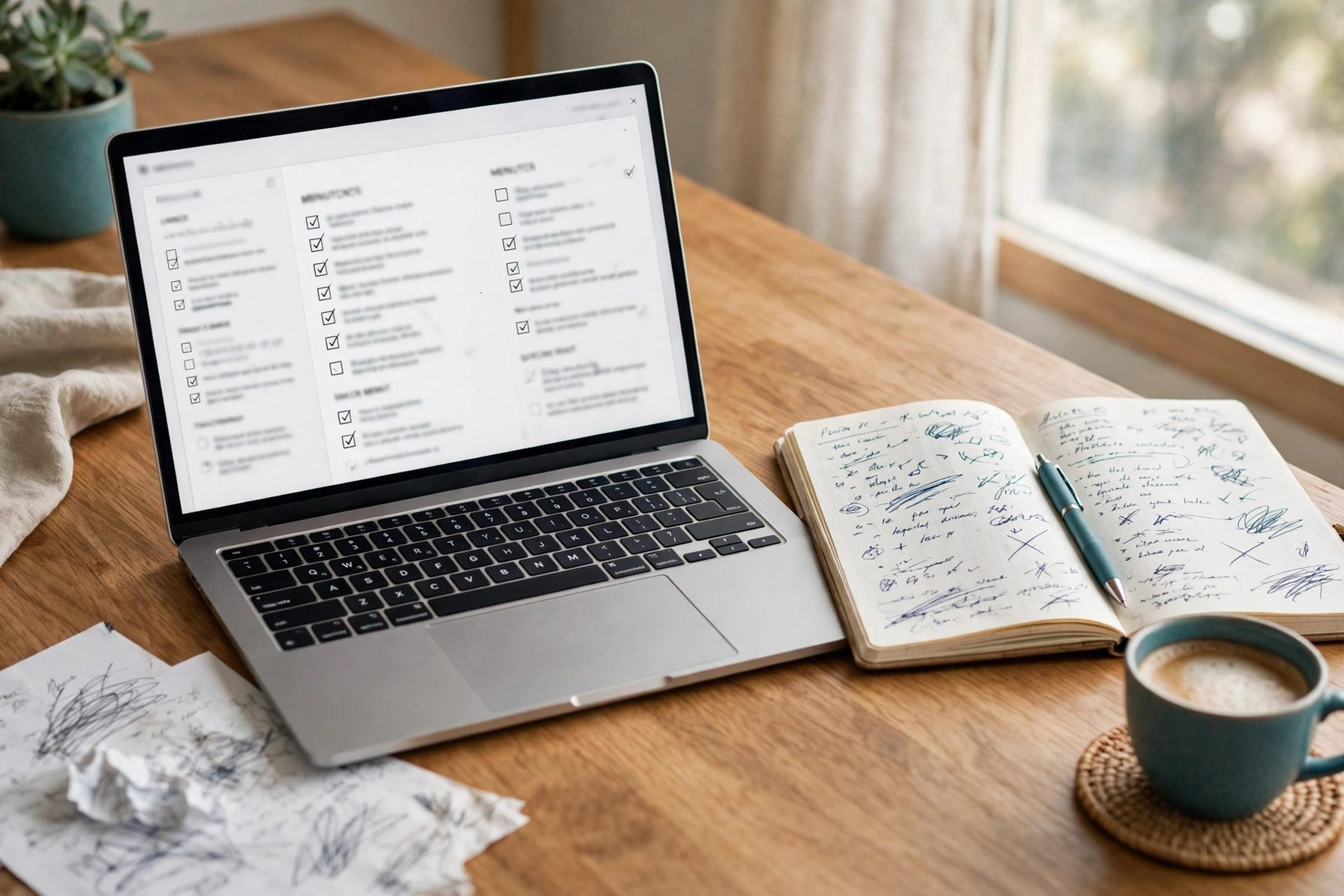
A meeting-notes prompt solves the most draining part of what happens after a meeting: an hour in the room, then another hour writing it up, while people keep asking "so what did we actually decide?" Paste in a transcript from your meeting recording, the discussion from your chat log, or handwritten key points, and the AI will break it into a summary you can send as-is — background, discussion points, decisions made, action items, and owners — so nobody has to dig through chat history to check what was agreed.
Copy this prompt, paste in your meeting notes, and go
You are an experienced meeting notetaker, helping me write up the minutes of a meeting.
Here are the raw notes from this meeting: [paste the meeting notes, including what was said, the key discussion points, any dates mentioned, and related files]
Please produce meeting minutes as follows:
1. Open with three sentences covering the background: the meeting topic, the time, and the attendees.
2. Split the discussion by agenda item, writing out each side's views and points of disagreement for every item — don't merge or leave anything out.
3. List decisions separately, with the decision, who made the call, and when it takes effect for each one.
4. List action items separately, with the task, the owner, and the deadline for each; mark anything without a deadline as [to confirm].
5. End with an "unresolved items" list: the questions left open in the meeting and when they will be discussed next.
Use clear headings and lists, no small talk or filler. Don't make up anything that isn't in the notes — mark it [to confirm].
How to paste your notes: three variables decide how accurate the minutes are
[Paste the meeting notes] is the only variable you have to fill in, and the rawer the better: a full transcript from a recording, the auto-generated notes from your meeting app, or the discussion from a group chat can all go in as-is — no need to tidy them up first. Write attendees with full names and roles; "Xiao Li" alone won't match anyone afterwards. If a speaker isn't named in the notes, add a line like "Speaker: Zhang San" before you paste. When there are too many agenda items, ask the AI to number them first so the minutes don't run together. If the same kind of meeting happens every week, save this prompt as a template and just swap in the new notes — set the format once and reuse it every time. To turn weekly meeting minutes into a fixed routine, see the workflow prompt, which splits one repeated job into three stages and lets the AI run it through in one go.
Check these four things before you send it
First, whether a decision got written down backwards: AI often turns "someone suggested" into "it was decided", so check every line against the raw notes and keep suggestions and decisions apart. Second, the owner and deadline on every action item: if it's missing, mark it [to confirm] before you send — fixing it afterwards is too late. Third, the context only you know, like which day "by next Wednesday" actually means or who an abbreviation refers to — add it to the minutes yourself before sending. Fourth, privacy: don't paste salaries, client-private data, or sensitive internal numbers into the notes; remove them before you paste anything into the AI. Once the minutes are out, copy the action items into your task tracker so owners don't just glance at them and forget.