Pax is Pydantic AI's official terminal coding agent, and it takes two commands to install: uv tool install pydantic-ai-pax, then type pax and press Enter. Where it is lighter than Claude Code is not the number of features, but that it ties you to no model, no sandbox and no interface — control of the machine stays with you.
Two commands and it is ready
Before installing, confirm two things: uv and Python are on the machine, and the model key is ready, for example ANTHROPIC_API_KEY. After installing, type pax in the project directory and press Enter — the Coder coding agent runs by default. To switch models, add the -m flag at launch, for example pax -m anthropic:claude-opus-5-5; to run your own agent, use pax --agent mymodule:agent; if you would rather not install it, just run uvx pydantic-ai-pax. For a first try, start in a small project: have it read the code, change one small thing and run one test, confirm the model key and permissions are fine, and only then hand it bigger work.
Lighter in three places: model, sandbox and plugins can all be swapped
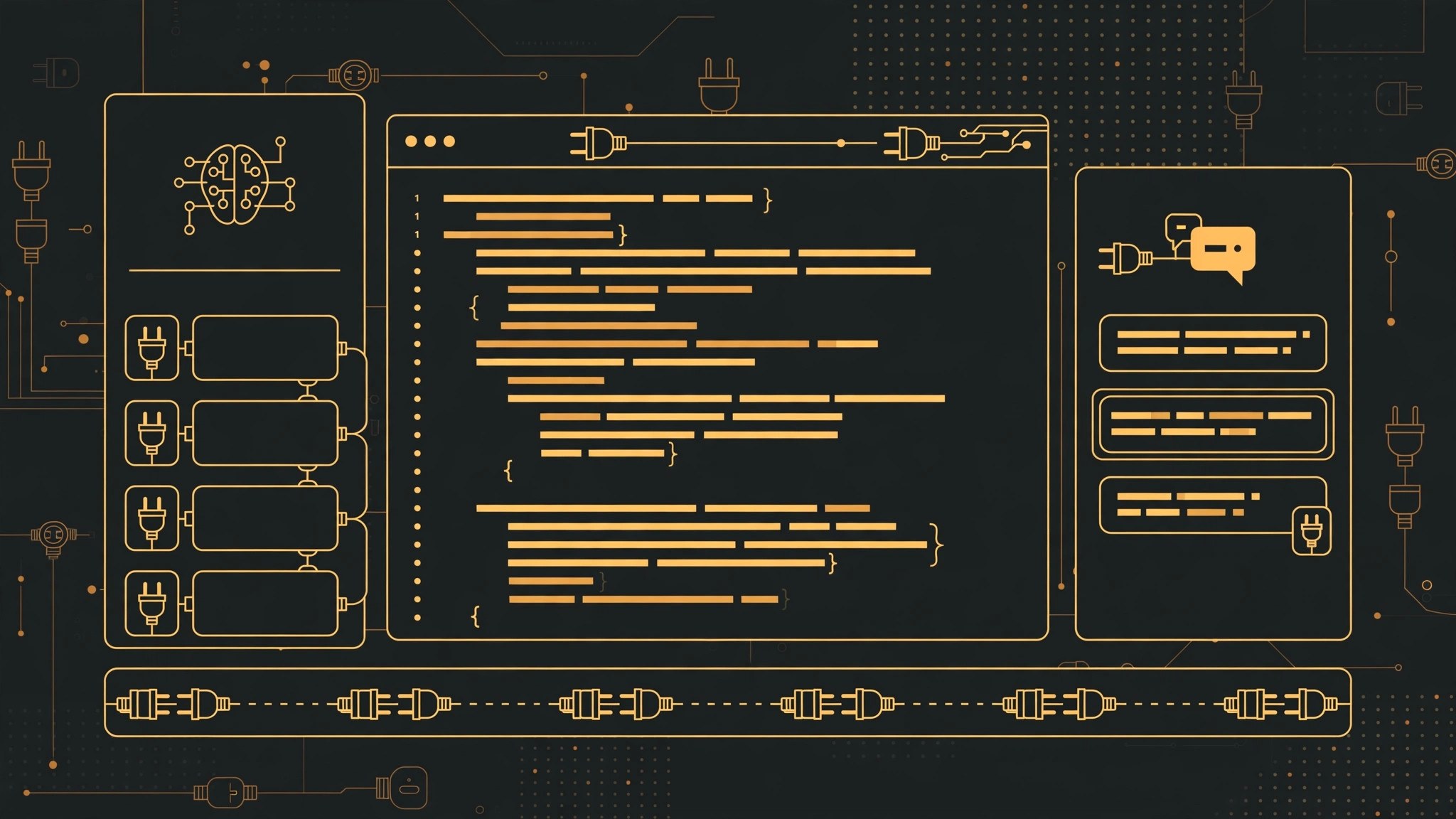
The first is the model. In Pax a model is just a string — Anthropic, OpenAI, Gemini and local models can all be swapped in, and you can configure a fallback model that takes over automatically when the main one fails. The second is the sandbox. The default local workspace is not a sandbox: commands run directly on your machine. If you want isolation, swap the workspace for a sandbox capability such as Modal, E2B, Render, Daytona or boxd — you swap the workspace, not the agent. The third is plugins. In Pax everything is a plugin, including the coding agent itself: you can use only its terminal interface to run an agent you wrote yourself, or take its Coder into your own code.
Treat it as an experiment first, not your main tool
Pydantic AI Harness is still at version 0.x, and the official docs state plainly that the API may change between minor versions — when upgrading, follow the deprecation warnings and migration guidance, and do not expect the interfaces to stay still for long. The default local workspace is not a sandbox: commands can reach everything your machine can reach, so before running untrusted code or editing an important repository, switch to a sandbox first, or try it in a copied directory. If you can live with those two points, Pax is a cheap and free terminal for coding; if you cannot, watch and wait until Harness reaches 1.0.