Pinky is an open-source phone MCP bridge from DIYgod on GitHub that lets an agent on your desktop operate your iPhone or Android phone directly, with you watching and approving throughout. The verdict first: it is worth trying if you enjoy tinkering with agents, but the project is explicitly labelled pre-alpha, so it is not yet at the point of "install it and trust it", and it does not belong on your primary phone as a productivity tool.
What it does, and why it took off within a month of launch
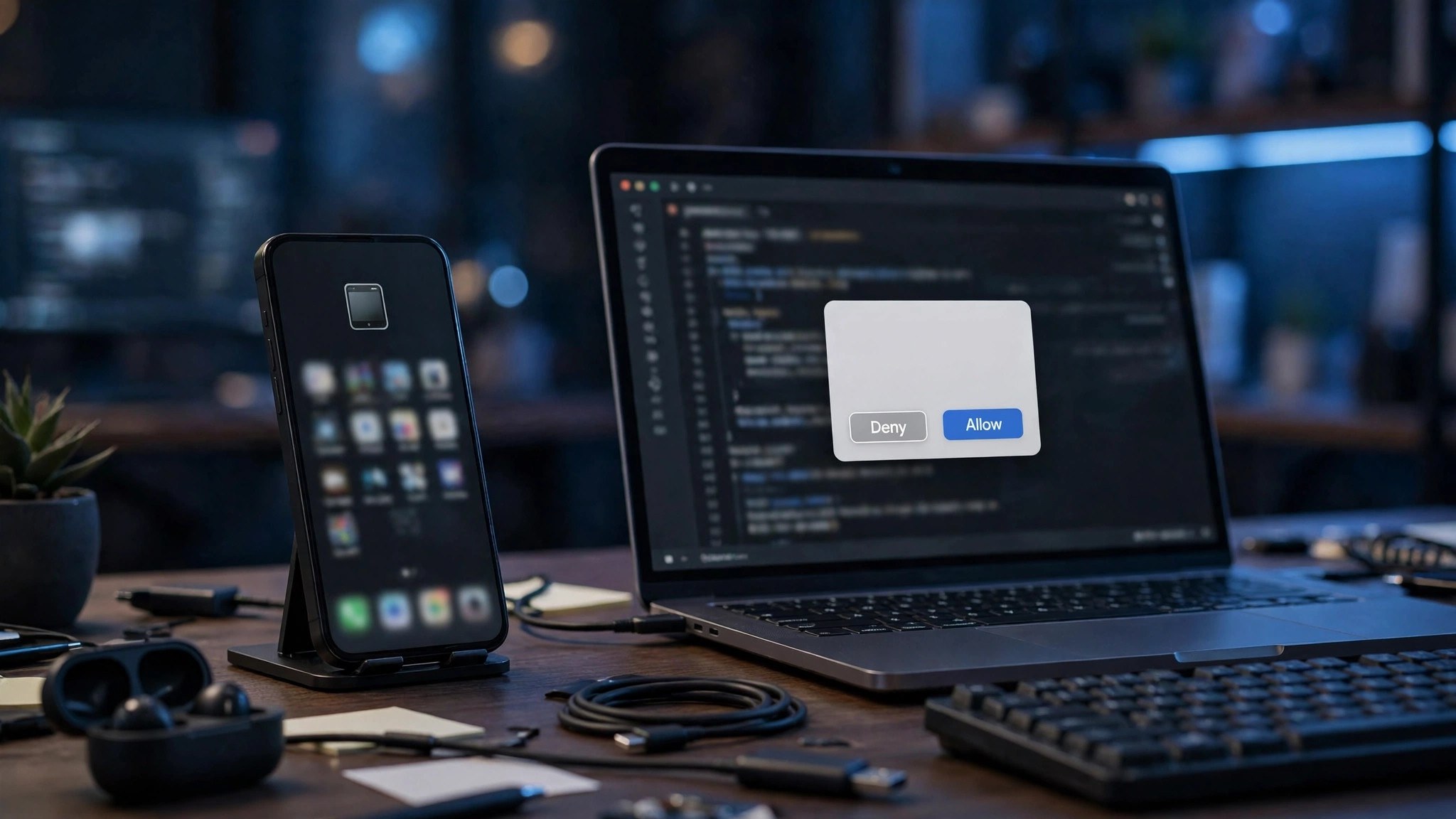
Pinky mirrors the phone screen into a desktop window, and MCP-capable agents such as Claude Code, Codex and Cursor tap, type and scroll on the real phone through it. High-risk actions such as payments and transfers wait for your click before they run, and the approval rules are enforced by Pinky's own gateway rather than by prompts telling the agent to behave. The project was created on GitHub on 6 November 2026 (DIYgod/pinky) under the Apache-2.0 licence, and had 2,782 stars as of 26 November. The reason for the buzz is easy to see: until now, letting an agent use a real phone meant cloud device farms or cobbled-together scripts, while Pinky packs screen viewing, control and approvals into a 16–22 MB desktop app.
Deployment cost: free, but you pay with your time
The desktop app runs on macOS, Windows and Linux, and supports phones on Android 10 to 17 and iOS 17.4 and later. On Android, turn on USB debugging and plug the phone in; Pinky ships its own adb, so nothing else needs installing. On iOS 27 and later nothing has to be installed on the phone at all, while iOS 17.4 to 26 first needs the phone app installed once from a Mac with Xcode. The software itself is free and needs no account; the real cost is time. Android can be up and running in a dozen minutes if all goes well, while a first-time iPhone setup involves Xcode and a developer disk image, so allow more than half an hour.
Pitfalls and limits: think before you hand over permission
The biggest pitfall is not a feature, it is trust: you are effectively handing control of the whole phone to an agent plus a gateway. Pinky's safeguards are more solid than you might expect. Banking, wallet and password-manager apps are invisible to agents by default, agents cannot type into password or one-time-code fields, and payments wait for your approval. But approvals only work if you actually read them each time; once clicking "allow" becomes a reflex, the protection is gone. Pre-alpha also means some features have not yet been fully verified by a real person, and the README openly says some capabilities are still waiting for someone to try them. The Windows installer is currently unsigned, so SmartScreen will warn during installation. It suits developers and tinkerers who want Claude Code to handle repetitive phone tasks. It does not suit ordinary users who just want something that works, nor anyone whose primary phone holds banking apps and who does not want to confirm every step. The alternative is to keep using a desktop agent plus your own hands on the phone, or to wait for a stable release.