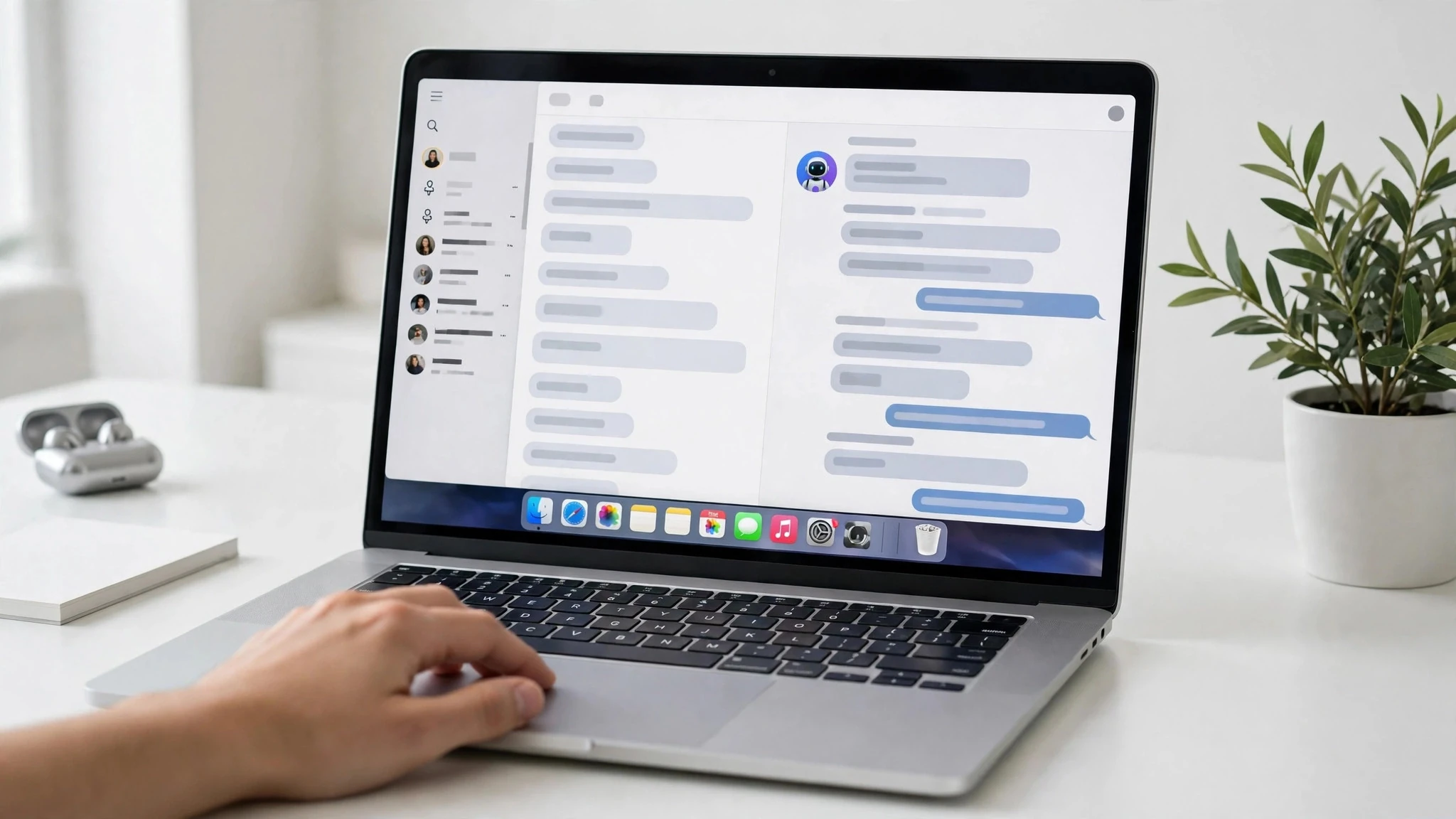
How to turn on Gemini computer use on Mac comes down to region and subscription first: on November 19, 2026, Google announced that computer use is coming to the Gemini app for Mac, where Gemini can click, type, fill in forms, and move material across apps in a background window while you keep using your own mouse for other things. It's a handy feature, but it's currently rolling out in the US in English only, and it's for paid subscribers — if the conditions aren't right, the entry point won't even show up in settings.
Clear two hurdles first
The first is region and language: it's currently rolling out in the US in English only, and other regions will have to wait for Google to open it up. The second is device and subscription: you need a Mac with Apple Silicon, plus a Google AI Plus, Pro, or Ultra subscription, with Plus starting at $4.99 a month. Once both hurdles are cleared, move on.
Three settings to switch on
First, download the Mac app from the Gemini website and install it, then sign in. Next, switch on computer use inside the app and complete the authorization macOS asks for. Then start a new conversation, add Computer use to your prompt, and describe what needs doing in plain language. Before you start, decide in settings which apps Gemini is allowed to touch — don't open everything up at once.
What it can do for you
Listing batches of items on a resale platform, pulling figures out of local PDFs to fill in shipping forms, and turning dashboard screenshots into slides are the examples Google gives. Every step comes with a live preview, key actions ask for your confirmation first, and you can pause at any time. One warning: it can see what's on your screen, and it may run into malicious instructions hidden in a web page or document — for anything involving payments or deleting files, check it yourself before letting it through.
Q: Can I use it outside the US?
A: Not right now. Computer use is rolling out in the US in English only this time; other regions will have to wait for Google to open it up. A paid subscription doesn't help — check your account's region before you start tinkering.