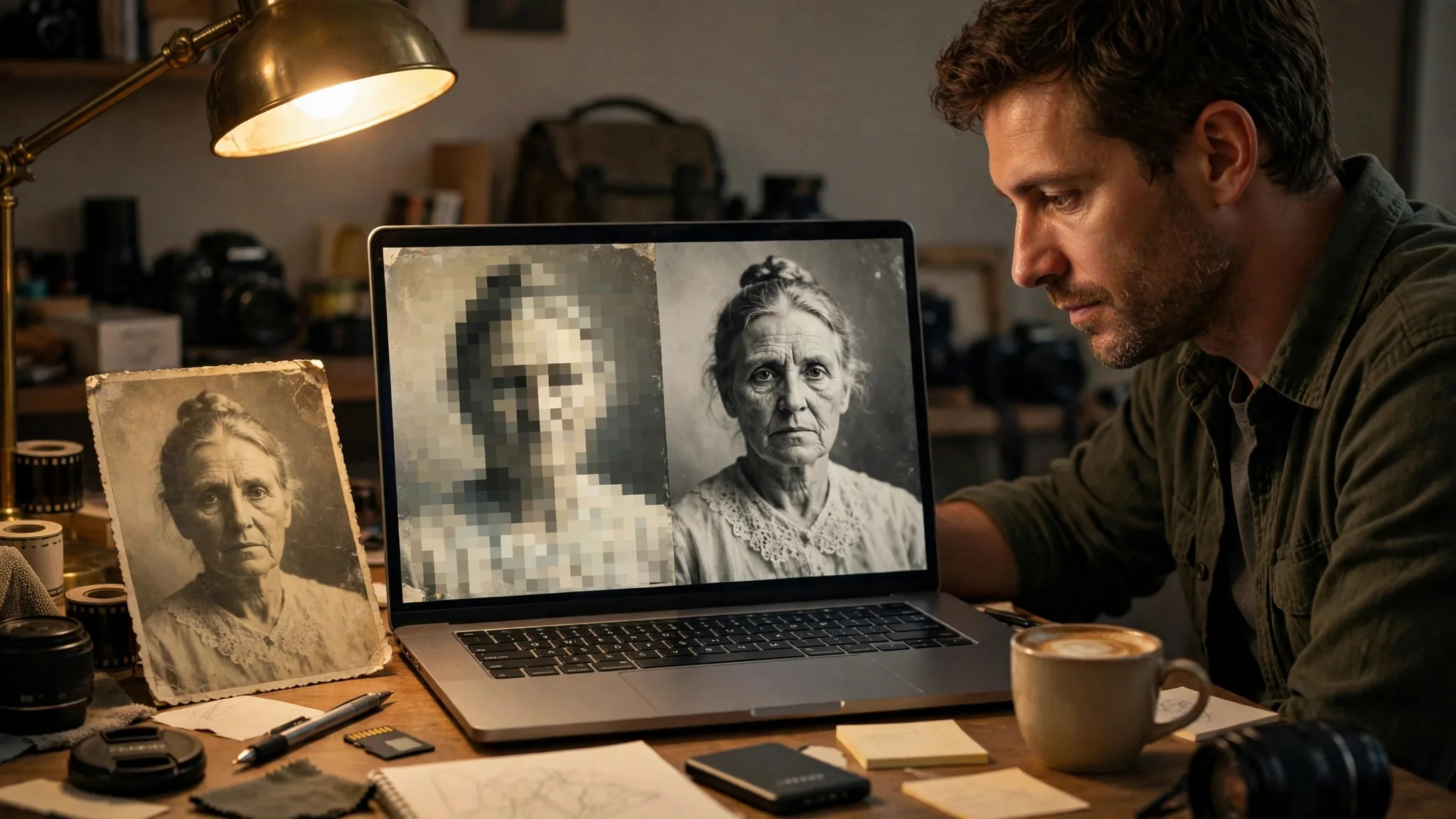
No AI image upscaler suits everyone, so start with the use case, then the wallet: photographers who retouch all year need quality and batch processing, casual users who dig out an old photo now and then need free and fuss-free, and people who do not want to install software need something that works online. The three tools below cover those three needs; picking the wrong one mostly costs extra money or wasted effort.
The three tools at a glance
| Tool | Price | How it runs | Strengths | Weaknesses |
|---|---|---|---|---|
| Topaz Photo AI | Subscription; Personal plan $199 per year | Desktop app, processed locally | Denoising, sharpening, face recovery, and upscaling in one pipeline | Pricey subscription, demands a capable computer |
| Upscayl | Free and open-source desktop app | Desktop app, processed locally | Free, batch processing, swappable models | Needs a Vulkan-capable discrete GPU |
| Magnific | Subscription; entry plan $20 per month | Online processing | Strong detail reconstruction, nothing to install | Credit-based billing, free plan has no upscaler |
Four cases: match yourself to a tool
Photographers and designers with a large volume of photos who often deal with high-ISO noise, cropping, and old photos should pick Topaz Photo AI: denoising, sharpening, and upscaling run in a single pipeline, saving time on batch output. Casual users who enlarge only a few old photos a year should pick Upscayl: it is free, ready to use once installed, and its default 4x enlargement is enough to print a small image. Developers or anyone batch-processing hundreds of images should also start with Upscayl: it runs locally at no cost, supports model swapping, and has a command-line option. Anyone who does not want to install software and only has a browser at hand should pick Magnific: upload an image and enlarge it online, with standout results on illustrations, line art, and posters where detail needs to be 'imagined' into the picture.
Who each one is not for, and the alternatives
Topaz Photo AI is not for people who use it only a few times a year: since October 2025 it has been sold by subscription only, and the old one-time purchase is gone, so occasional use means paying by the year. Upscayl is not for thin-and-light laptops with integrated graphics or phone users — most integrated GPUs cannot run it — and it cannot fix blurry or out-of-focus photos, something the project itself warns about. Magnific is not for people who want free upscaling: the free plan has no upscaler, upscaling consumes credits, and batch jobs burn through them fast. If you only need to double an image in a pinch, first try the super-resolution built into your phone or a free online tool; if you already use Lightroom or Photoshop, try their built-in upscaling first before deciding whether to buy another tool.