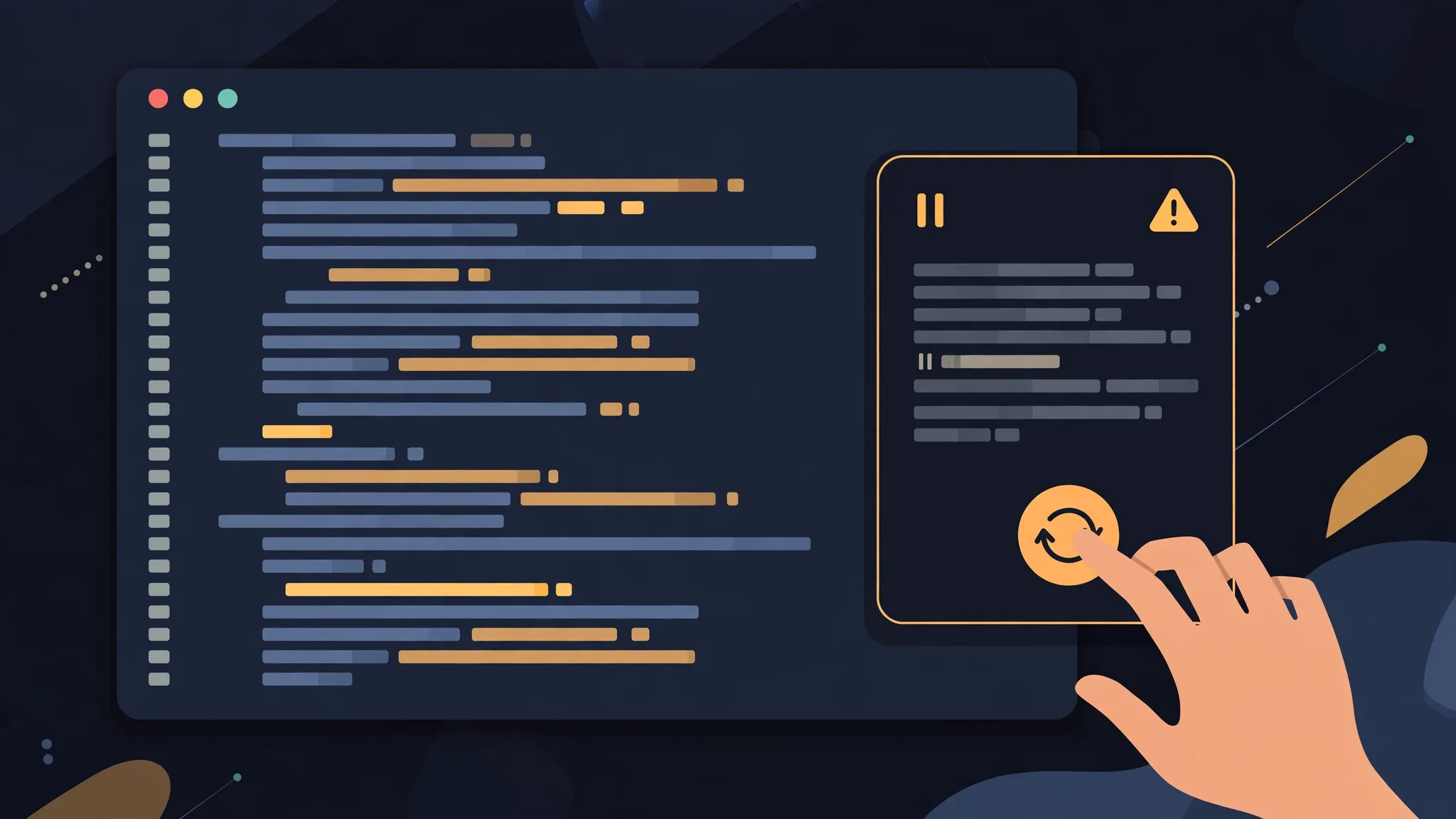
When your Antigravity agent suddenly stops with "Agent execution terminated due to error", don't rush to reinstall: that message is a generic catch-all error that doesn't name a specific cause. Most of the time it's one of three things — allowance, version, or network. Work through them in order and it usually recovers within minutes.
Follow this order and don't skip steps:
- Retry once with a short prompt to confirm it wasn't a one-off stall.
- Check your allowance: in the app, click View Usage in the model picker; in the CLI, run /usage. Since CLI v1.2.15, running out of balance produces a clear message — older versions just report vaguely.
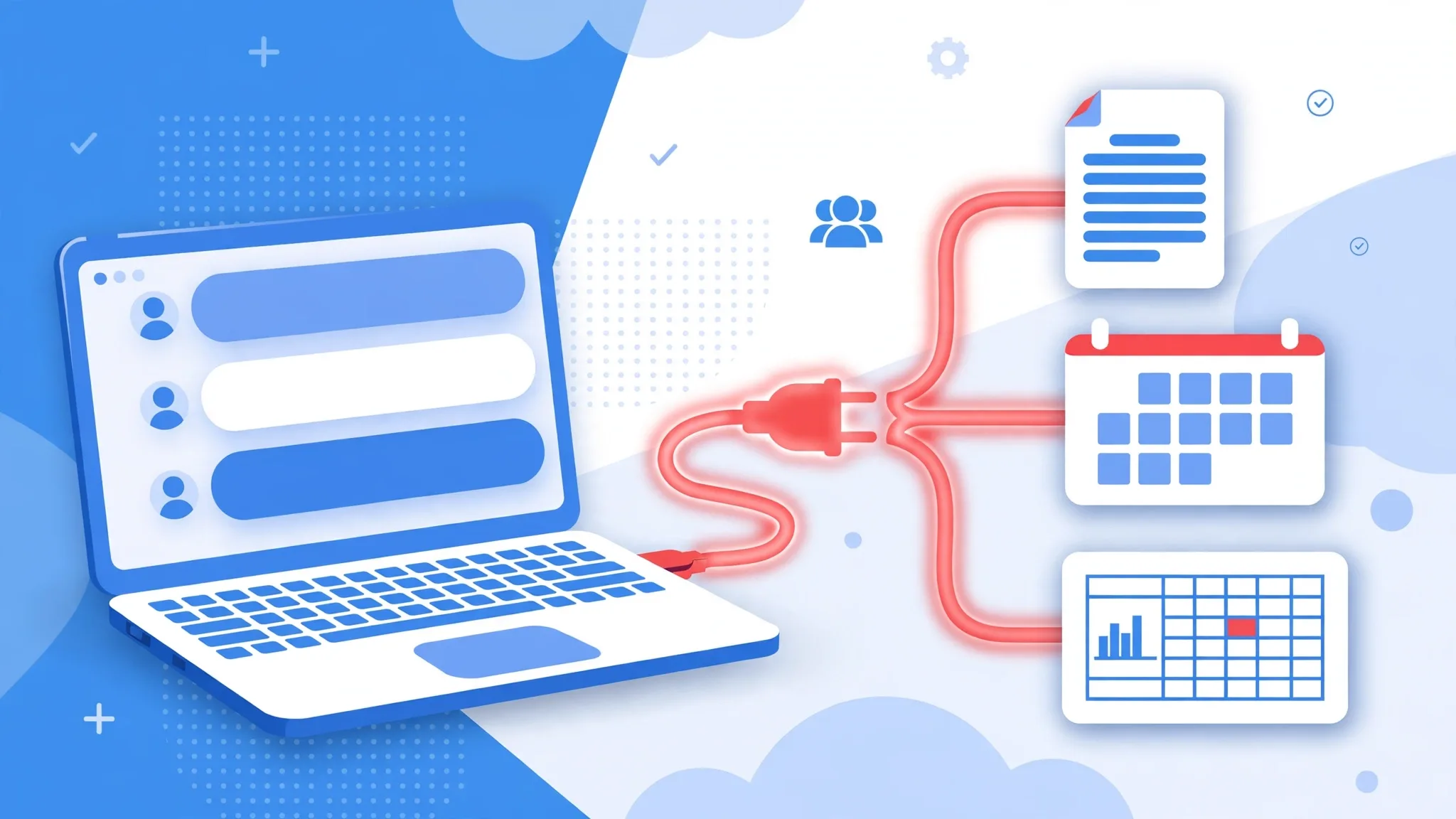
- Open a new conversation and try again, switching models while you're at it; if that still fails, turn your MCP servers off one by one and retry — a broken MCP server is often the culprit.
- Update to the latest version: App v2.28.0 (October 27, 2026), CLI v1.4.0 (October 16, 2026). An outdated version, a business account without the Gemini Enterprise API enabled, or a network or certificate block all trigger the same message.
If it's stuck, don't just wait
If a task has been spinning for several minutes, cancel it and restart the client — waiting rarely fixes it on its own. Once you're back, split long tasks into smaller pieces and save key steps first, so a mid-task failure costs less; if it keeps breaking, suspect the allowance and MCP first rather than endlessly rewording prompts. If the same error only appears on the company network, try a personal network or hotspot once: corporate proxies and certificate checks can block the agent from reaching the backend, and it looks exactly like an exhausted allowance. For business accounts, also confirm the Gemini Enterprise API is enabled — without it, everything in the app looks fine, yet every task fails with this generic error.
If the error only appears on one model, first check the list of models available on the free tier to confirm that model is in your tier; when a new model like Claude 5.5 doesn't show up, it's usually a subscription tier or version issue, not a broken account.