How do you choose an AI podcast tool? Start with where you get stuck: recording, editing and voiceover are three different jobs, and buying one bundle for all three usually leaves all three half-done. Solo podcasters on a tight budget should protect recording quality first; team shows that publish on a schedule need editing speed; people making audio content live or die by voiceover and transcription. The three groups below split first — then one table settles it.
First, split by person: three people, three ways to buy
Solo podcasters mostly record alone and invite a guest now and then, so whether the free allowance is enough is the first hurdle — an expensive subscription is unnecessary. Team shows publishing every week need stable multi-person remote recording, fast turnaround and room to divide the work; the hours saved are worth more than the money saved. People making audio content do not earn their living from recording — they turn written drafts into listenable audio, so natural-sounding voiceover and batch output speed come first.
| Tool | Best for | Free allowance | Paid plan from | Weak spot |
|---|---|---|---|---|
| NotebookLM Audio Overview | Turning source material into a podcast-style conversation | Free; 3 Audio Overviews a day with a Google account | Only pay to raise limits; Google AI Plus from $4.99 a month | Cannot freely record or edit |
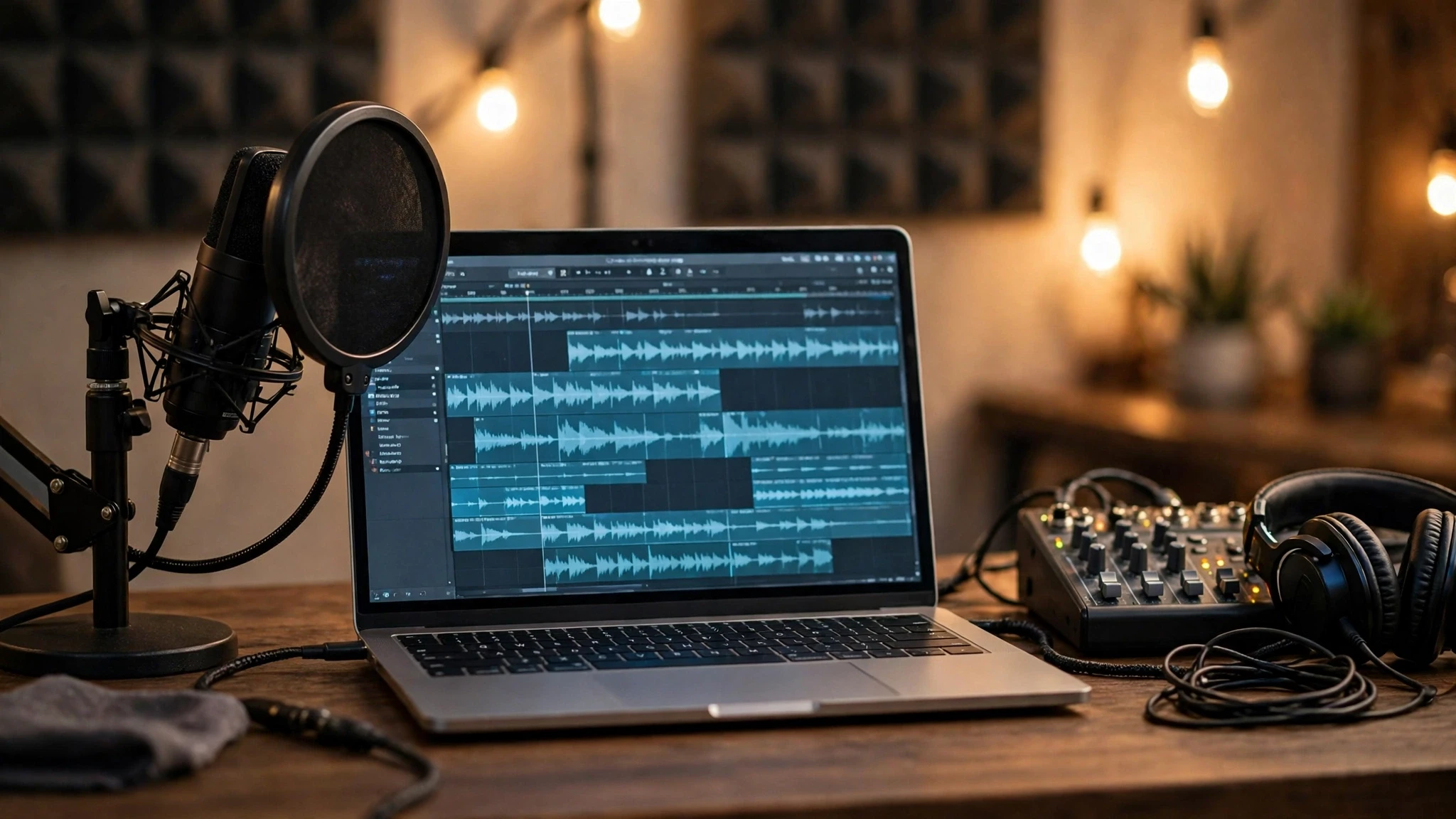
| Descript | Editing audio and video from a transcript | 60 media minutes a month | Hobbyist $24 a month, or $16 a month billed yearly | Media minutes and AI credits are metered separately |
| Riverside | Remote recording with several people | 2 hours of multi-track recording a month | Standard $19 a month, or $15 a month billed yearly | Free tier is 720p with a watermark |
| Podcastle | Recording, editing and publishing in one place | Unlimited audio recording | Storyteller $11.99 a month billed yearly | Deep editing is weaker than Descript |
Who should not buy which: the misfits and the alternatives
If you only want to turn reading notes into something listenable, NotebookLM Audio Overview is enough for free — do not open any subscription for it; but it cannot make a real show, so do not expect it to record for you. On a tight budget and wanting recording, editing and publishing in one flow, Podcastle's free tier goes furthest, and its paid tier is also the cheapest of the four. With many remote interviews and guests on shaky connections, Riverside's local separate-track recording is the safest bet; solo recording alone is no reason to pay for it. Descript suits people who earn their living from editing; for simple cutting, skip it — a free editor plus AI noise removal is plenty. If you already have a workflow that works and are only missing one piece, compare against the division of labour in the site's guide How to Choose AI Podcast Post-Production Tools before adding another piece.