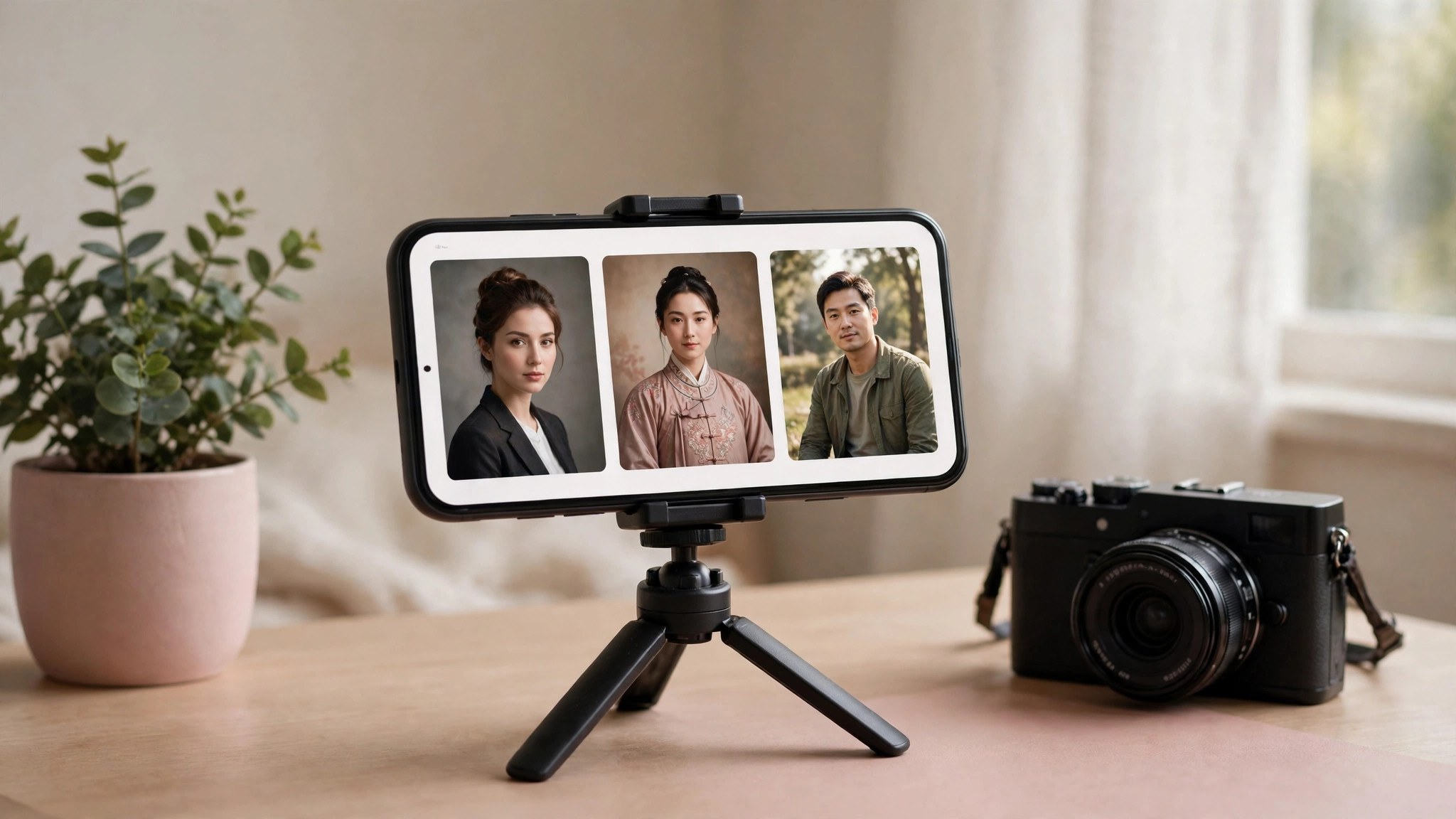
Pick the wrong AI portrait tool and you spend money on photos you cannot even use. Here is the quick split: if you only want a nice set of portraits for social media now and then, go with Miaoya Camera — plenty of templates and fast to use. If you have a pile of blurry old photos and want them sharpened before turning them into portraits, pick Remini, because restoration is what it does best. If you already edit photos in Meitu every day and want portraits and retouching in one place, Meitu is the obvious choice. All three can produce good portraits; the difference is which problem you need solved.
Which type of user are you? Three needs, three tools
If you share photos on social media, shoot only a few times a year, and care about novelty and speed, Miaoya Camera fits best: upload a few selfies, pick a template, and get a full set — ID photos, vintage styles, and workplace looks included — with almost nothing to learn. If you have old photos or blurry group shots and want to rescue the image quality first, Remini is the better match: its one-tap restoration and face recovery have the best reputation in this category, and you can apply portrait templates afterwards. If you are already a long-time Meitu user whose phone is full of its editing habits, AI portraits are just one more handy feature, and there is no need to install another app. If your budget is tight, start with the free tier: all three offer free trials, but generations and templates are limited, so check the results before paying.
Side-by-side comparison: results, price, and drawbacks
| Tool | Strengths | Drawbacks | Subscription price |
|---|---|---|---|
| Miaoya Camera | Many templates, strong face likeness, stable results for workplace and vintage styles | Small free allowance; batch generation and all templates require payment | 19.9 yuan per month, check the subscription page for the current price |
| Remini | Best at restoring old photos and faces, and it can also generate portraits | Weekly billing is pricey; the free version has ads and watermarks | Pro at $9.99 per week, Lite at $4.99 to $7.99 per week; prices vary by region |
| Meitu | The most complete editing toolkit: portraits, ID photos, and removing passers-by in one place | Portraits are only one of many features, and its style templates are less focused than Miaoya's | Meitu VIP at 15 yuan per month on a rolling plan, or 128 yuan per year |
Who should not use AI portraits, and what to do instead
Three groups should hold off spending for now. First, anyone who needs a compliant ID photo: exam registration and visa photos follow strict rules, and an over-retouched AI portrait may fail review — get those taken at a photo studio. Second, anyone sensitive about portrait privacy: AI portraits require uploading selfies to the cloud, so if you are uncomfortable with your photos leaving your phone, edit the originals with a local app instead. Third, anyone planning commercial use: before taking portrait commissions or using the images for promotion, read each app's licensing terms — content from the free tier may not be cleared for commercial use. One more warning: if you wear glasses, have visible tattoos, or distinctive facial features, AI can distort those details, so try several free generations first, subscribe only when you like the results, and check the auto-renewal terms before paying.