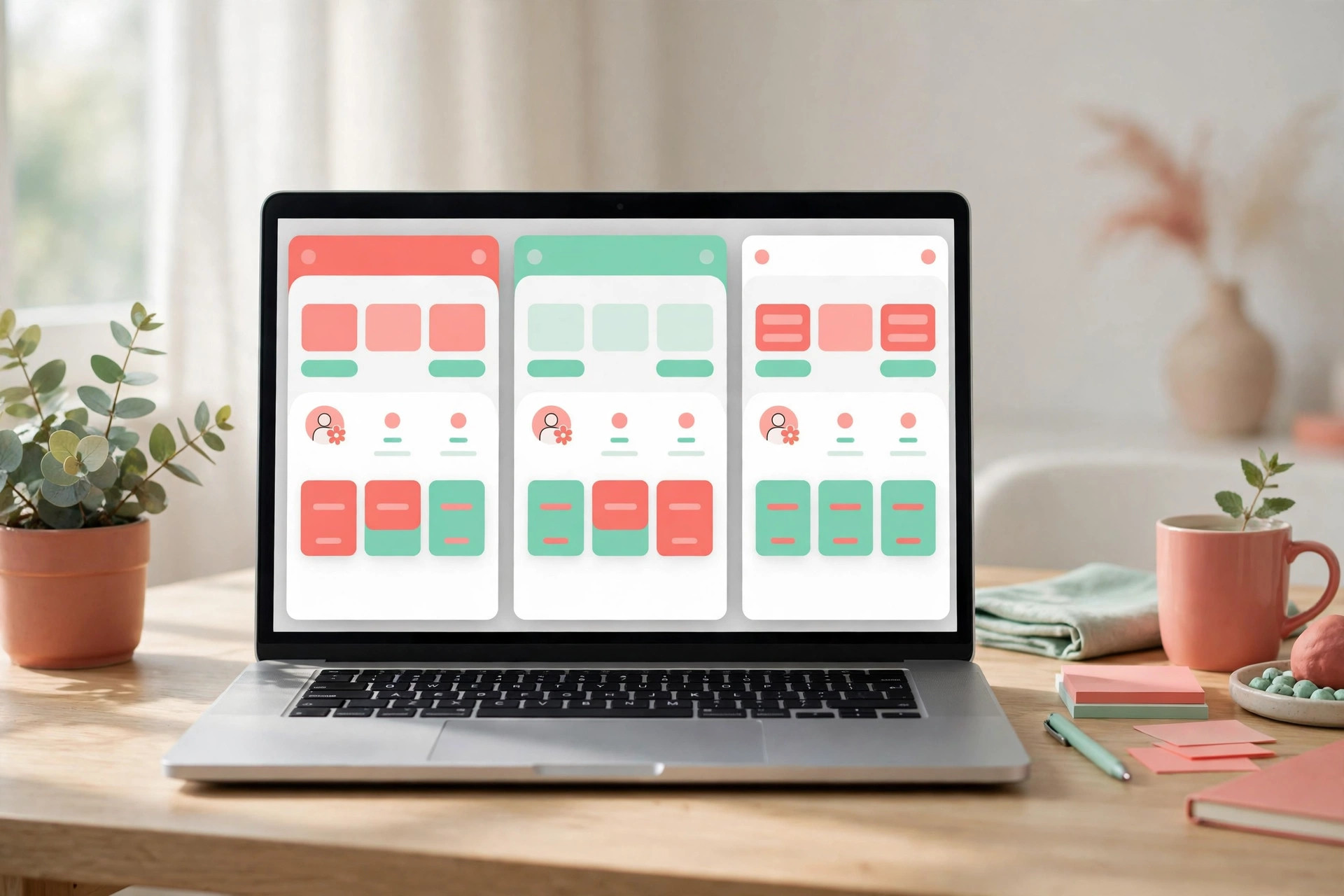
On November 16, Lovable launched Drafts: before changing an app, you first make a complete copy of it, from the interface to the database, and experiment inside the copy while the live version stays completely untouched. Each draft comes with its own chat and preview, so a team can open several versions at once, compare them side by side, and only accept and publish the one they like. Trying a new idea no longer means gambling with the app that is already running.
Getting started is simple: open a project, click its name at the top of the editor, and choose "New draft". Lovable then creates a full copy, and you can make as many as you like. Drafts come filled with example data, so editing a booking form shows a full calendar and tweaking an orders page shows a complete order history, with no need to invent fake data for the demo. When a draft is ready, accept it to merge the changes into the project, then hit publish to make them live; if you change your mind after accepting but before publishing, you can go back to the pre-accept version from History.
The most important design choice in Drafts is data isolation. Any data you add while testing is cleared when you accept or delete the draft, so it never lands next to real user data. That makes two scenarios safe: letting a client or colleague change things in their own draft and keeping only the version you choose, and trying changes that touch real data, such as a members page, a signup flow or deposits, without worrying that test records will pollute the live database. In Lovable's own examples, a sales team and the product team at OLX are already using Drafts to try different approaches in parallel.
For an individual developer, Drafts works like an undo button: branch off before a big change, and if it goes wrong, just delete the copy. For a team, it turns "who changed the live app" into a review-then-merge workflow. Copies are not a free lunch, though: the more drafts you keep, the more there is to manage, and you have to remember which version holds which idea. The feature is live now and works on existing projects, with no new version to wait for.