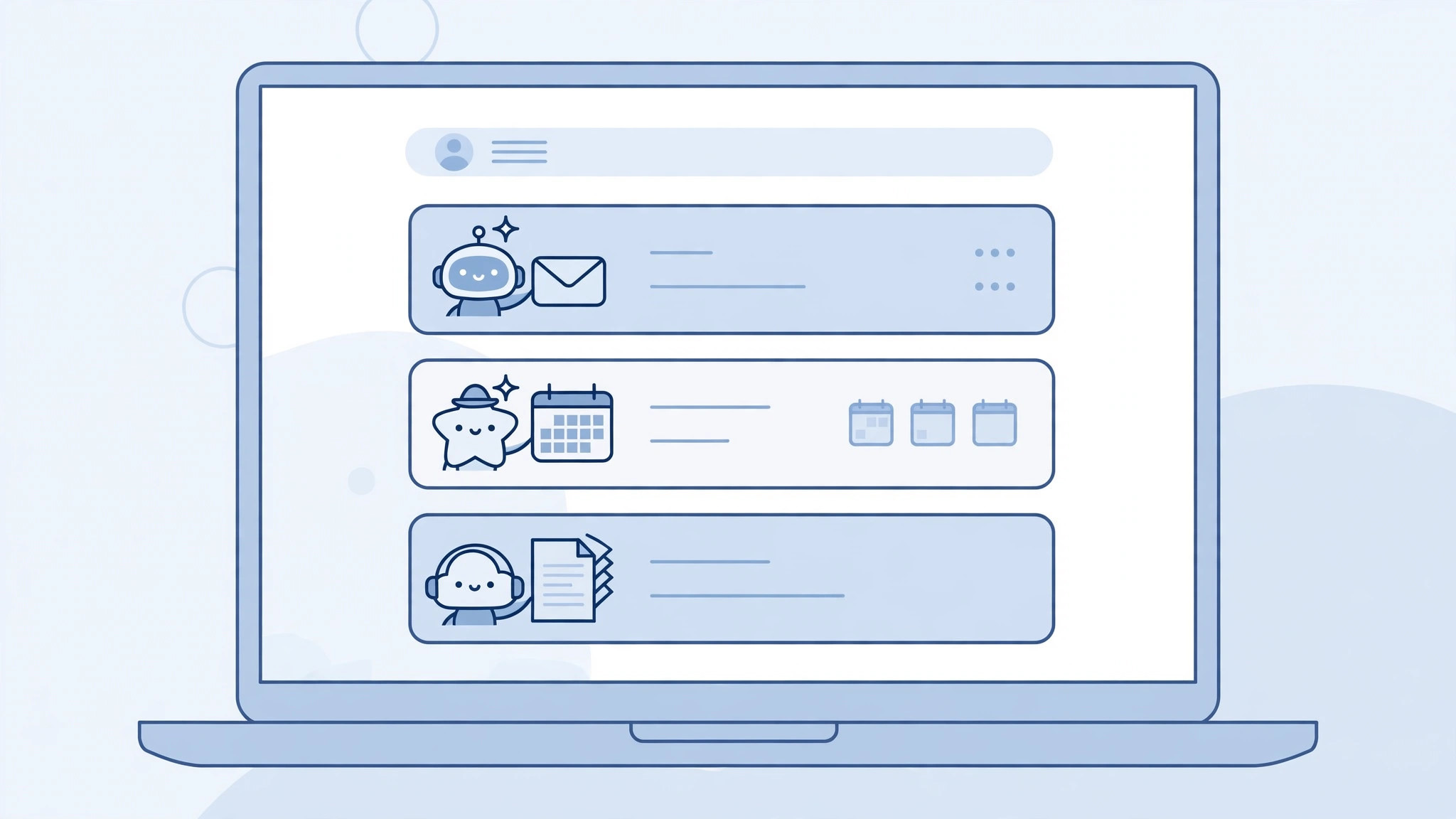
Perplexity Teammates is a persistent work assistant launched on November 4, 2026, currently in research preview. It doesn't handle one-off questions; it takes on ongoing work such as sorting your inbox every day, tracking competitors, and drafting replies to client emails. Before you start, check three things: it is only available to personal Max subscribers — $200 per month, or $2,000 per year — while Pro and free plans don't have it.
Three things to check first
- Subscription requirement: exclusive to personal Max plans. Pro and free plans can't use it, and Enterprise doesn't include it by default — an admin has to request it separately. Don't look for the entry point with Pro permissions.
- Usage consumption: a Teammate consumes your Max monthly allowance, and more complex tasks consume more of it. Promotional bonus allowance can also cover part of it.
- Where to find it: the web version comes first — find the Teammates entry in the sidebar. It isn't on mobile yet.
Creating a Teammate
- Hover over Teammates in the sidebar and click Create teammate.
- Name it by its job, for example Inbox Triage, so its responsibility is obvious at a glance.
- Describe the work and its cadence clearly: what it does each day, to what standard, and when it hands work to a human for review. The more specific the description, the less likely it is to drift off course.
- When it needs external tools, connect plugins such as Slack, GitHub, and Gmail so it can read the content it has to process directly.
What it can do — and what not to expect
A new Teammate uses Claude Opus 5.5 by default, and you can switch to another model. It breaks tasks down on its own, runs them in parallel, retains memory, and hands finished work to a human for review. Research preview means features and allowance rules may still change, so always have a human review important output before sending it — don't let it reply to client emails on your behalf directly. Start with one Teammate with a single, focused responsibility, such as inbox triage only, and add a second once the first runs smoothly.