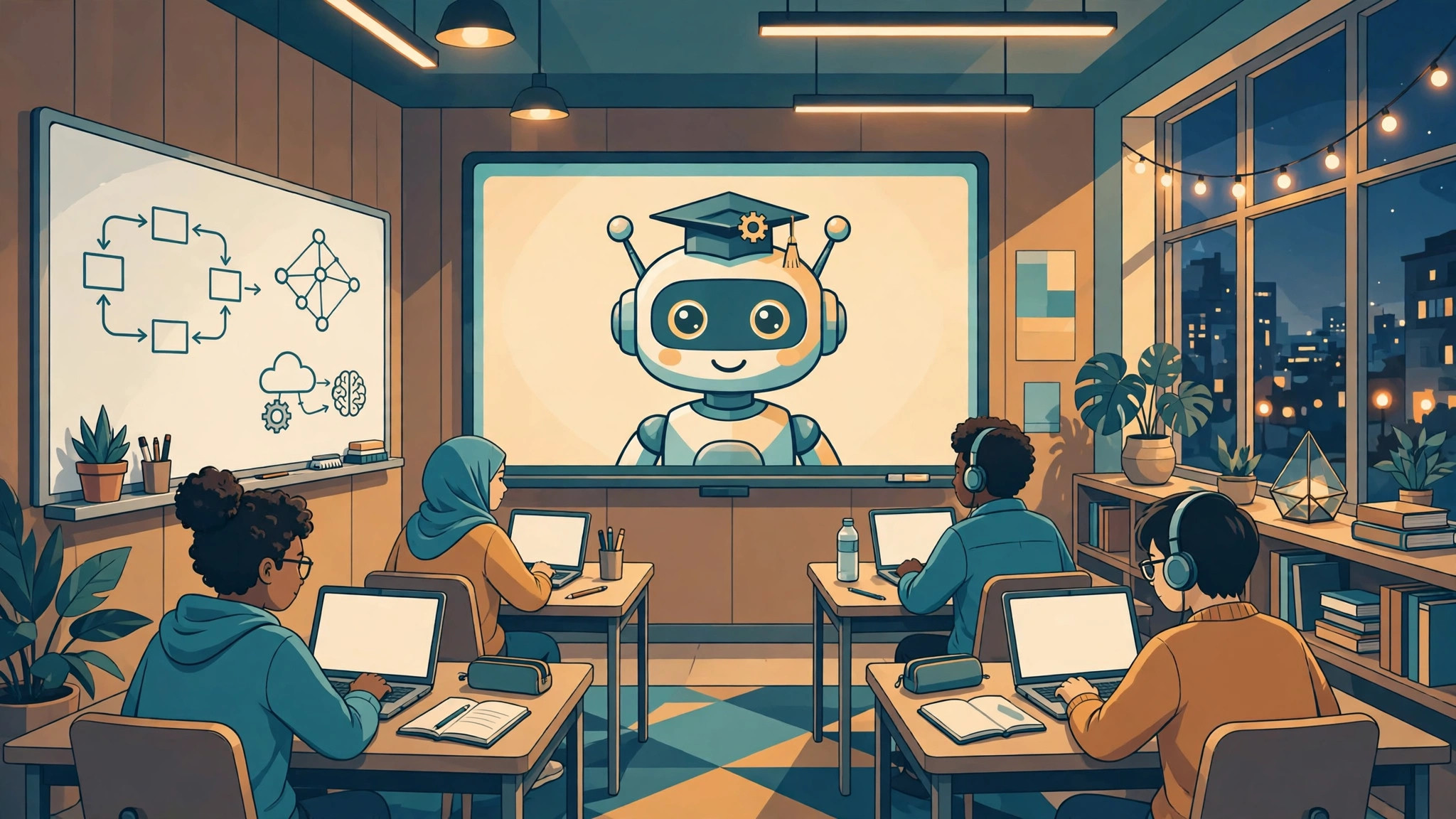
OpenMAIC is a multi-agent interactive classroom open-sourced on GitHub by the MAIC team at Tsinghua University. Give it a topic or a document and it generates an interactive classroom with an AI teacher, AI classmates, whiteboard explanations and voice narration, and lets you export the lesson as PPTX or offline HTML with one click. It is worth trying if you prepare lessons, run training or study on your own — but it is not a ready-to-use chat tool. Deployment means getting through two hurdles, the database and model configuration, so if you have no server and just want quick answers, hold off.
What is in the classroom, and where do the 42K stars come from
The repository is on GitHub, under the THU-MAIC organization, and the project is called OpenMAIC. As of early November it has about 42,800 stars, adding roughly 870 in the past week, and the momentum continues. A classroom has one AI teacher giving the lesson, several AI classmates with different styles, plus quizzes, hands-on simulations and a shared whiteboard. The teacher narrates the lesson by voice, and students can jump in, discuss and debate with each other. Lessons are driven by a multi-agent workflow orchestrated with LangGraph, where a director agent manages turn-taking and the pace of the class. The project was tested at Tsinghua with several hundred students, producing more than 100,000 real interaction records. The stack is Next.js 16 and PostgreSQL 16, and there is also an OpenMAIC Skill that plugs into agent tools such as OpenClaw and Codex to generate a classroom from a single sentence.
Deployment cost: three things you cannot skip
Running it locally takes three things: the code repository, a PostgreSQL database and a large-model API key. The official options are Docker, Vercel and self-hosting. Docker is the easiest route, Vercel fits a quick demo, and self-hosting is the better choice for long-term personal use. The real hurdle for first-timers is not installation but model configuration: how good the classroom feels depends on the model you connect, and once the free allowance runs out you pay per use, so work out the cost of a full lesson on a small scale first. Lessons can be exported as PPTX and offline HTML, which you can present without an internet connection — a practical advantage over a purely online classroom.
Who should try it, and who should hold off
Three groups will get value from it: teachers preparing lessons, teams running internal training, and self-learners who like to learn by doing. A classroom turns one document into an interactive lesson that you prepare once and reuse. Three groups should hold off: people who only want to chat and ask questions will be faster with a general chat tool; people with no server who do not want to manage a database will find deployment and maintenance draining; and anyone planning direct commercial use should read the repository's current open-source license first. 42K stars show it meets a real need, but stars do not mean it works out of the box — try a lesson in the official online demo first, and only deploy if the classroom format feels right.