This event planning prompt is for anyone who has to run an event but does not know where to start the checklist: tell the AI the event type, headcount, budget, date, and venue, and it will return a complete plan with a theme, schedule, materials, task owners, and backup plans. You only change what does not fit reality instead of starting from scratch.
Copy this event planning prompt and fill in your event details
You are an event planner who has run more than 50 corporate events. Build the plan using only the information below, and do not assume a venue, budget, or headcount that was not given.

Event type: {{event type}}
Number of attendees: {{number of attendees}}
Budget range: {{budget range}}
Date and venue: {{date and venue}}
Event goal: {{event goal}}
Constraints: {{constraints}}

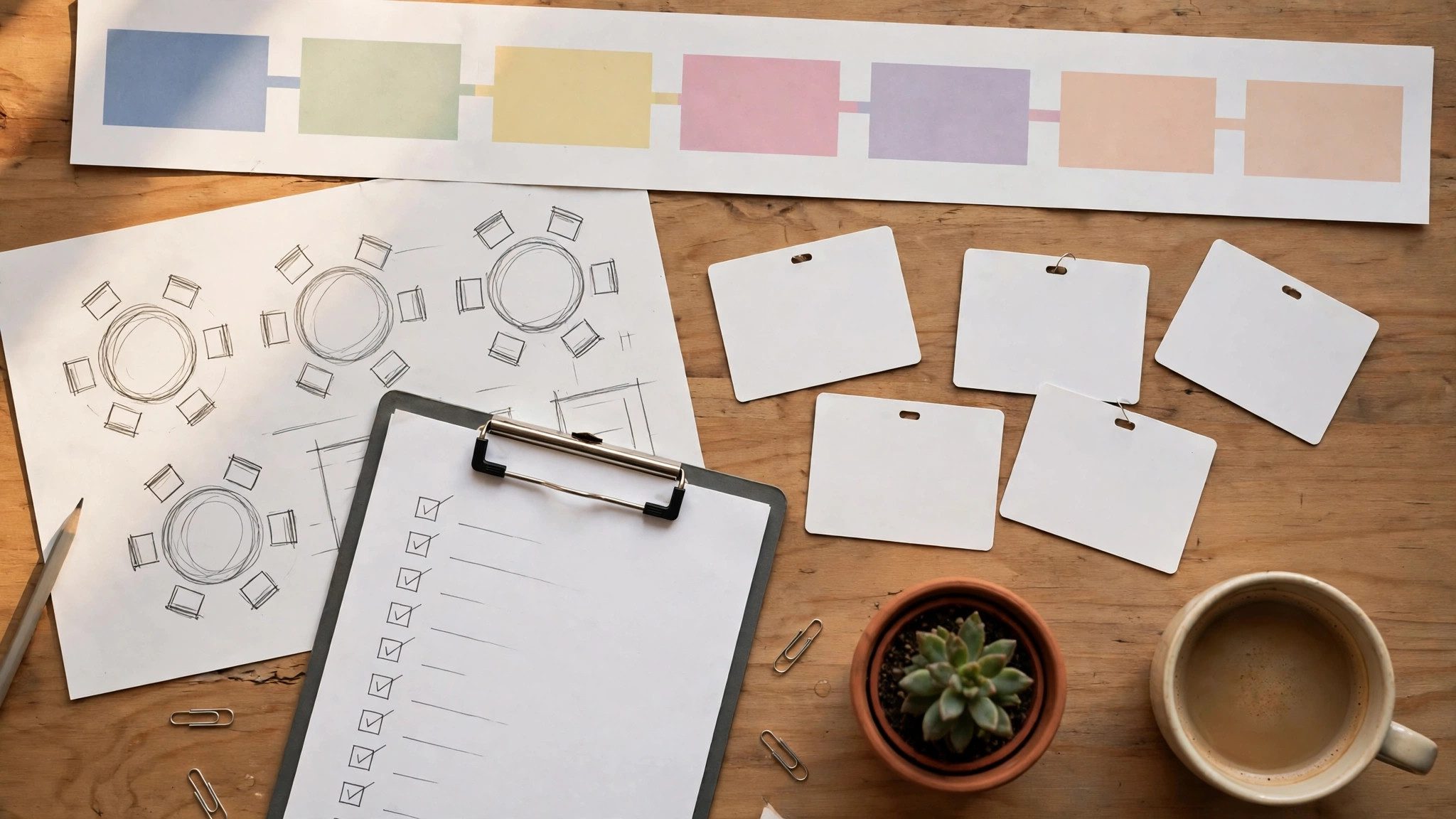
Please output: 1. One event theme and one sentence explaining why it suits these attendees; 2. A timed schedule, with the duration, owner, and items to prepare for each segment; 3. A materials and budget table whose total must not exceed the budget range; 4. A task list with exactly one owner per item; 5. The two things most likely to go wrong and a backup plan for each.
Requirements: leave transition time between segments; mark any item not covered by the budget as "not included" instead of adding money yourself; end by listing three things I need to confirm.
What you put in the brackets decides whether the plan can be used as-is
| Bracket | How to fill it in | Example |
|---|---|---|
| {{event type}} | Say whether it is a team-building event, a launch, or training | A 30-person product launch, with a product demo |
| {{number of attendees}} | Give the headcount and who is coming | 30 people, 10 of them external clients |
| {{budget range}} | Give the total and the hard limit | Total budget 20,000 yuan, catering included, accommodation not included |
| {{date and venue}} | Give the date, duration, and venue | November 20, 2 p.m. to 5 p.m., first-floor hall of the office |
| {{event goal}} | Say what the event should achieve | Let clients try the new product themselves and collect feedback on the spot |
| {{constraints}} | Say what must not happen | No open flames; volume must not disturb the offices upstairs |
Constraints deserve the most thought. Writing only "limited budget" leaves the AI to guess how to save money; writing "no more than 200 yuan per person, no accommodation, and the large meeting room is unavailable on Friday afternoon" keeps the venue, catering, and schedule inside the real limits. Headcount matters too: a 30-person launch and a 300-person annual party need completely different schedules and materials.
Check these three things before handing the plan to the team
- Does the time add up? Add up every segment plus transition time. Demos and group photos run over most easily, so cut a segment first rather than squeezing transitions.
- Does the budget add up? Add up every line in the table. If it is over budget, ask the AI to cut one or two items instead of quietly lowering a unit price yourself.
- Does every task have an owner? Change any "everyone is responsible" item to a single name. A task nobody owns will be nobody's job on the day.
The AI has never been to your venue, so check the walking routes, power outlets, and sound on site instead of approving the plan unseen. To break the schedule into execution steps, use the approach in the workflow prompt; after the event, use the project retrospective prompt to turn the record into gaps and fixes for next time. Before pasting anything in, remove attendees' ID numbers, phone numbers, and home addresses, and keep only headcount and makeup.