Gemini files no longer have to be exported before they can be edited. On October 29, 2026, Google announced on the Gemini app blog that users can now generate, preview and edit documents, PDFs, presentations, spreadsheets, code and other files directly inside a chat, available to all users in all languages where the Gemini app is offered. This extends the file generation feature introduced in April: back then Gemini could create and download a file, and any change meant switching to another program. Now the file opens and can be edited inside the conversation.
Three ways to edit, all in the same conversation
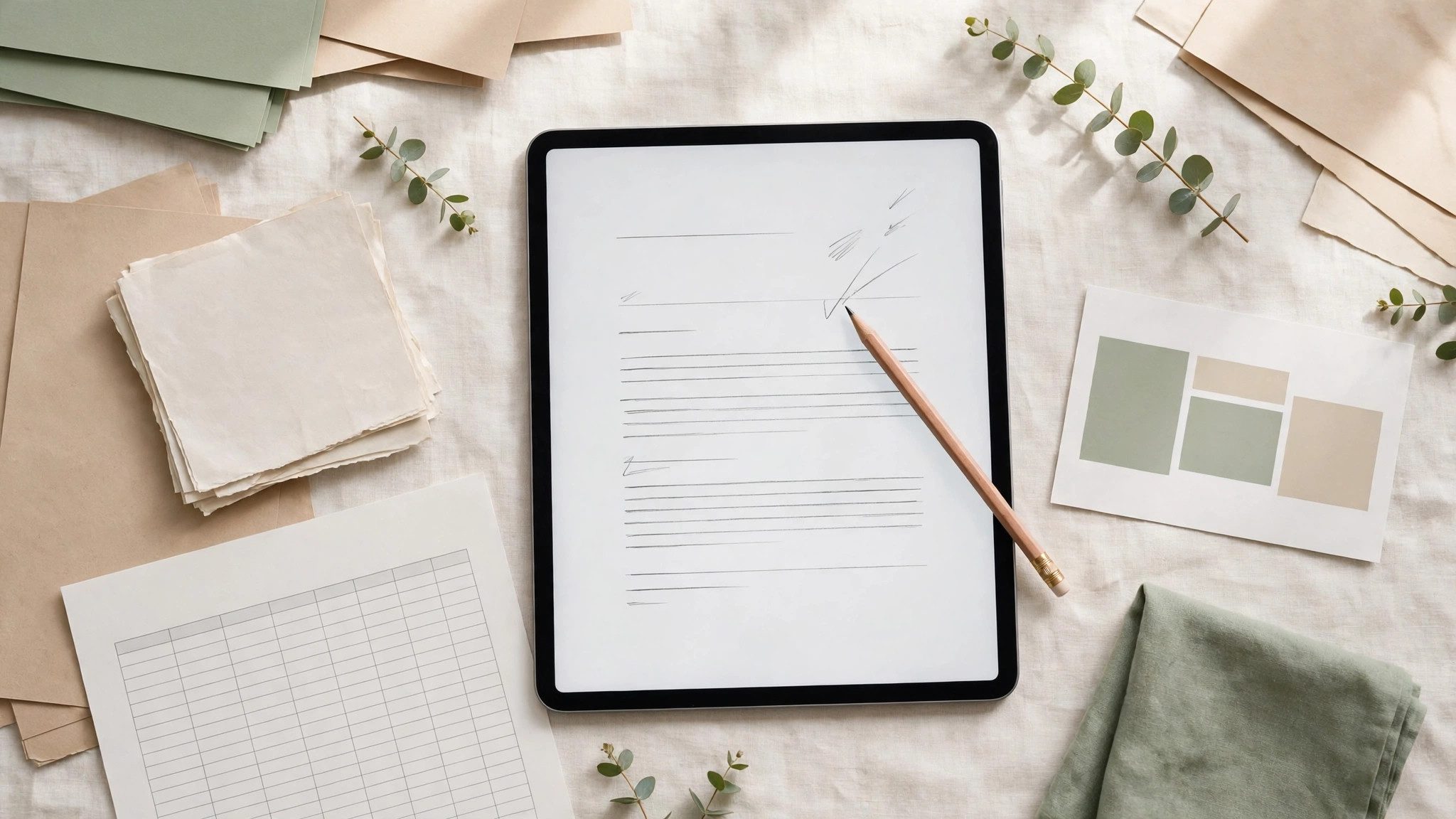
Google describes three actions: expand a file to full screen and type edits directly; highlight a passage to ask Gemini a question about it or request a change; or tell Gemini how to change the file and let it rework the contents. Google's example is a student scenario: upload photos of handwritten lecture notes, ask Gemini to turn them into a PDF study guide, then edit it by hand in the chat, highlight sections for Gemini to change text or visuals, and ask follow-up questions. The file stops being a one-off output and becomes a working object refined in the same thread.
On a phone, only PDFs work this way
The format and device split needs stating first: PDF preview and editing are supported on both web and mobile, while Google Docs, spreadsheets, slide decks, Markdown, TXT and code files are supported on the web only for now. In other words, a document or spreadsheet Gemini generates and delivers on a phone still has to go back to a browser to be edited in the chat. Google's announcement does not say whether edited files save automatically to Drive, nor does it mention file-size or usage limits, and neither should be assumed.
For people who regularly draft documents with Gemini, what changes is not the model's capability but a workflow with one fewer export and re-upload. What will decide whether it is actually useful is whether full-screen manual editing and highlight-and-ask work reliably on everyday files, not on the handwritten notes in the demonstration. Trying it first on an unimportant file before moving a formal document into the chat is the steadier approach.