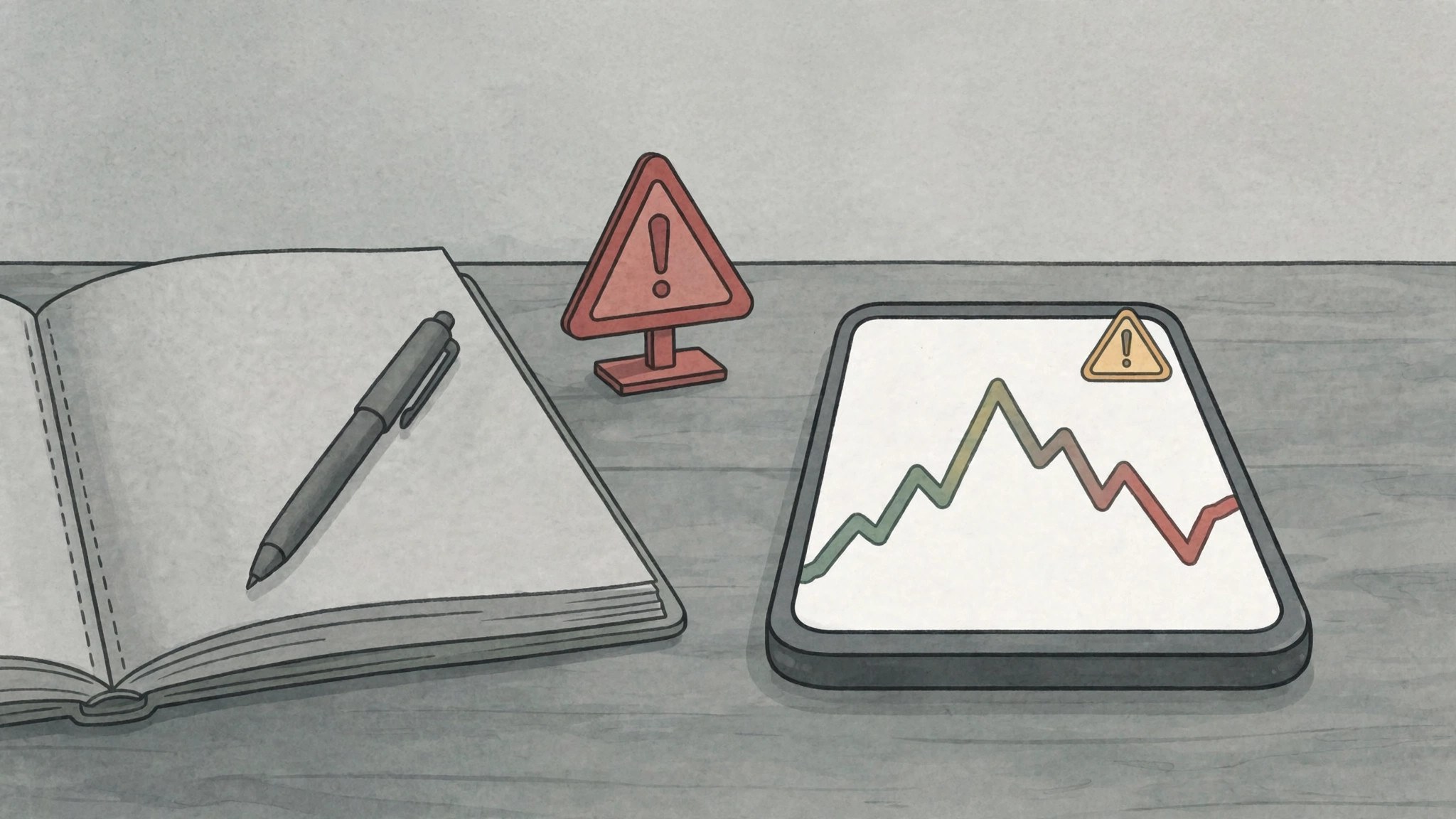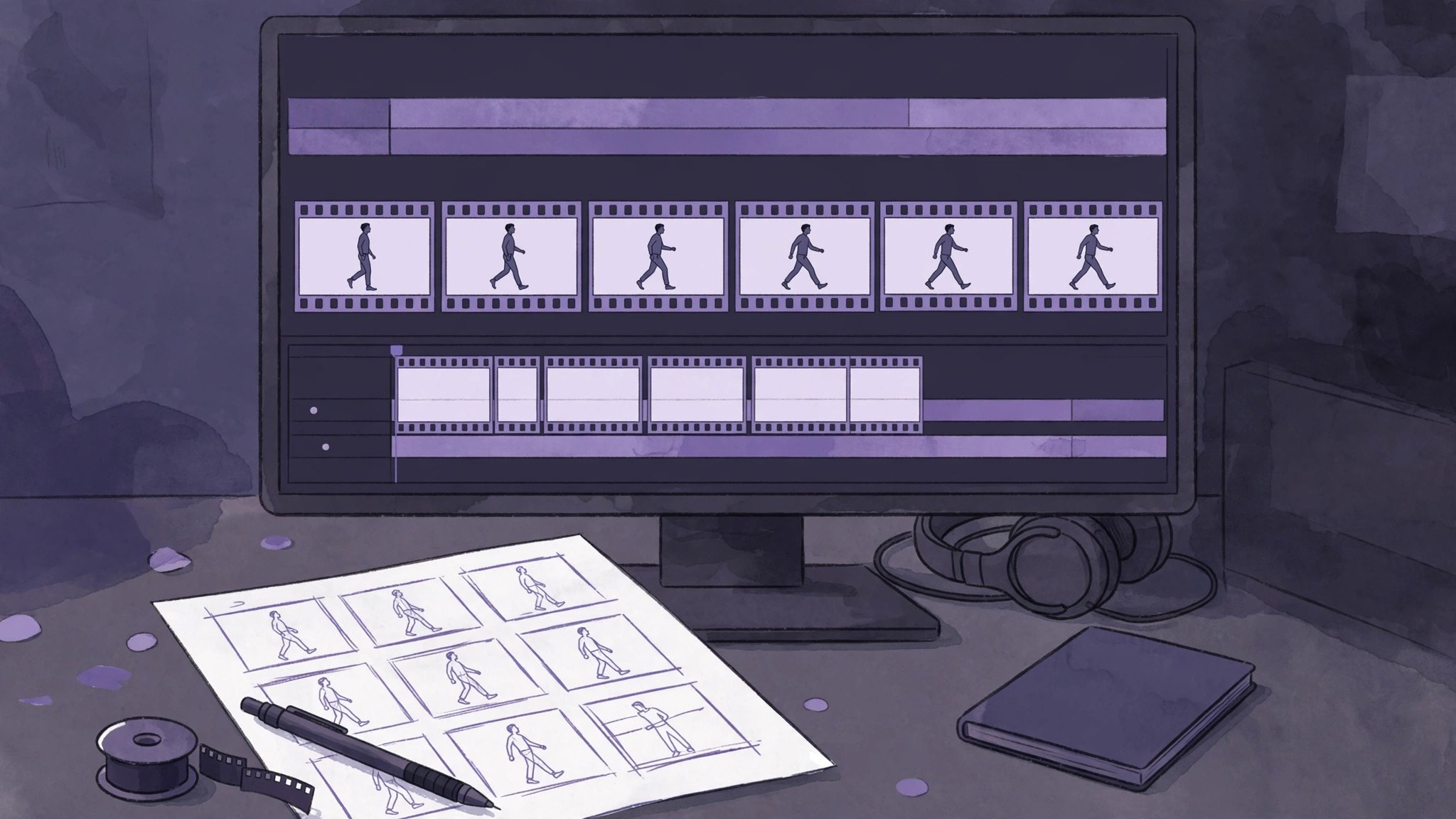
When movements in AI-generated videos keep deforming, first break complex movements into smaller parts and split shots into shorter ones, then regenerate only the problematic shot. Most deformations cannot be fixed by changing one prompt: the more complex the movement and the longer the shot, the harder it is for the model to keep the body structure stable.
Why deformation appears in four kinds of scenes
When several people share the frame, the model easily assigns arms, legs, and faces to the wrong places. During fast turns, the body orientation changes too quickly, so joints and clothing twist. Fighting and large movements involve continuous force, and the in-between frames are the most likely to break. Long shots contain too much information, with movement, expression, and scene changes crowded together, so the model struggles to handle them all at once.
Lower the difficulty so the movement becomes simpler
Switch to a single person to reduce occlusion and interference between people. Change fast movements to slow ones to leave room for transitions. Use close-ups or medium shots instead of distant full-body shots to reduce the limb details that must be generated at the same time. Keep the descriptions of appearance, clothing, and scene the same each time so the same person does not change appearance across shots.
Split the shots: one shot, one movement
Break a complex performance into separate shots such as raising an arm, turning, and sitting down, with each shot completing only one movement. First produce keyframes or reference images to confirm the look, then convert image to video. Regenerate only the deformed shot and keep the good shots unchanged. When joining shots, watch the starting and ending poses so the joins do not jump.
Stage complex crowd scenes differently first
Complex crowd scenes and high-speed movements should not be forced for now; work around them with editing and shot language. Use close-ups, reaction shots, and empty shots to bridge the gap, suggesting the result of a movement without showing it in full. Focus on the rhythm of the story: viewers remember the plot, not whether every frame of movement was complete.