Immich is a self-hosted photo and video backup service that keeps photos and videos on your own server instead of only in a third-party album service. It offers automatic mobile backup, face search and semantic search, shared albums, and other features, and it has attracted considerable attention among self-hosting enthusiasts in recent years. Whether it is worth using depends less on the feature list than on whether you are willing to pay the maintenance cost.
The Problem It Solves
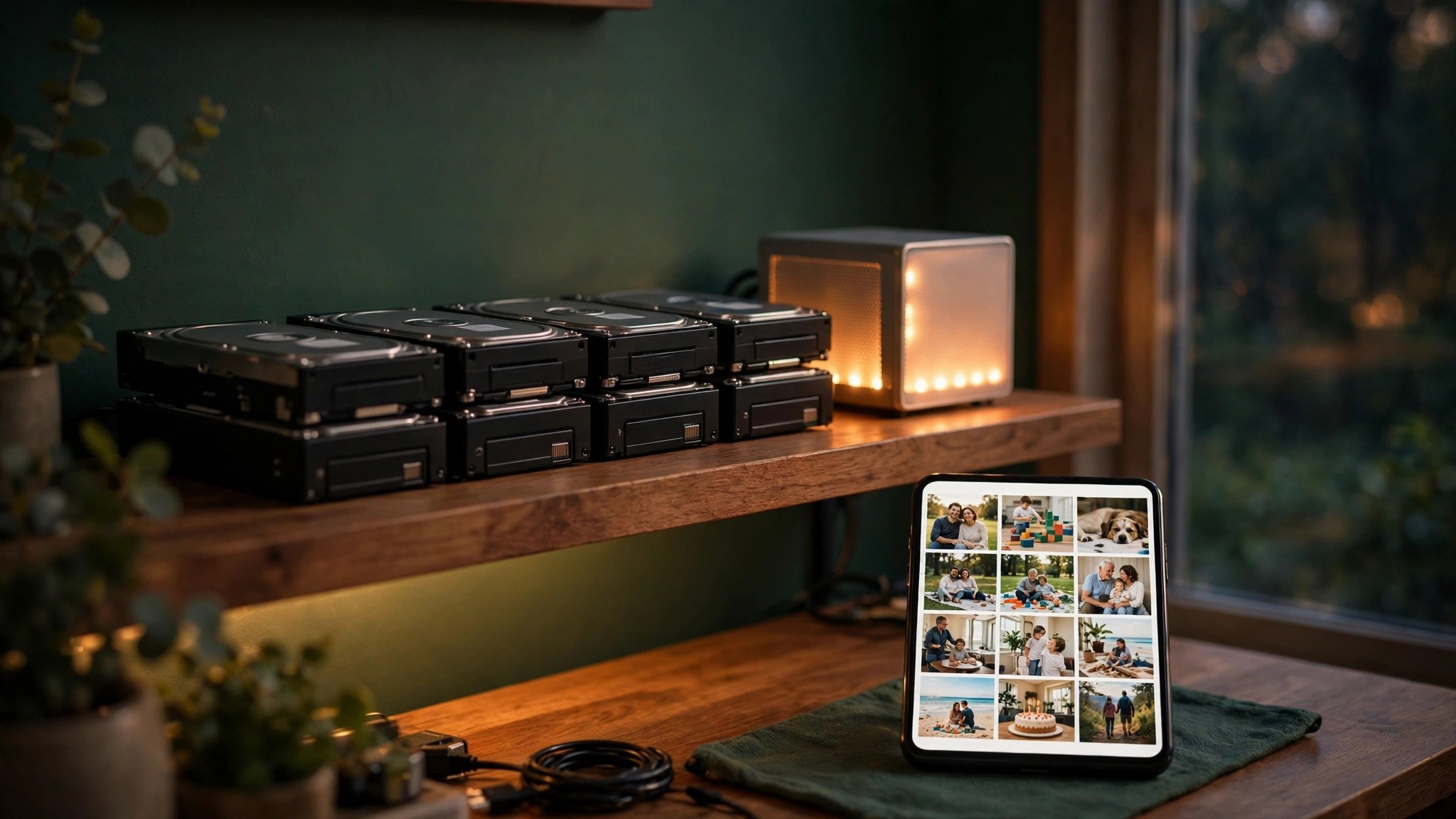
Many people have more and more phone photos, and cloud album space, privacy, and long-term control have become concerns. Immich stores originals on storage you manage. Its mobile app can back up new photos automatically, after which you can search by person or content in the web interface or app, and share albums with family. That combination is attractive for people who want control over their own data; for people who only want convenience, it adds a layer of maintenance responsibility.
Official Repository Information
The platform is GitHub, the organisation is immich-app, the project name is Immich, and the licence is AGPL-3.0. Check the organisation and project names before downloading and deploying, to avoid modified versions from unknown sources. Releases change fairly often, so confirm before deploying that the version and deployment method you want match.
Who It Suits
It suits people who already have a small server or NAS, are willing to do occasional maintenance, have many photos, and care about control over their data. It also suits families who want to build a shared family album, provided someone can take responsibility for day-to-day maintenance. It does not suit people who want to install it and forget it, who have no spare storage, or who do not want to deal with networking and backup issues.
Three Deployment Costs to Count
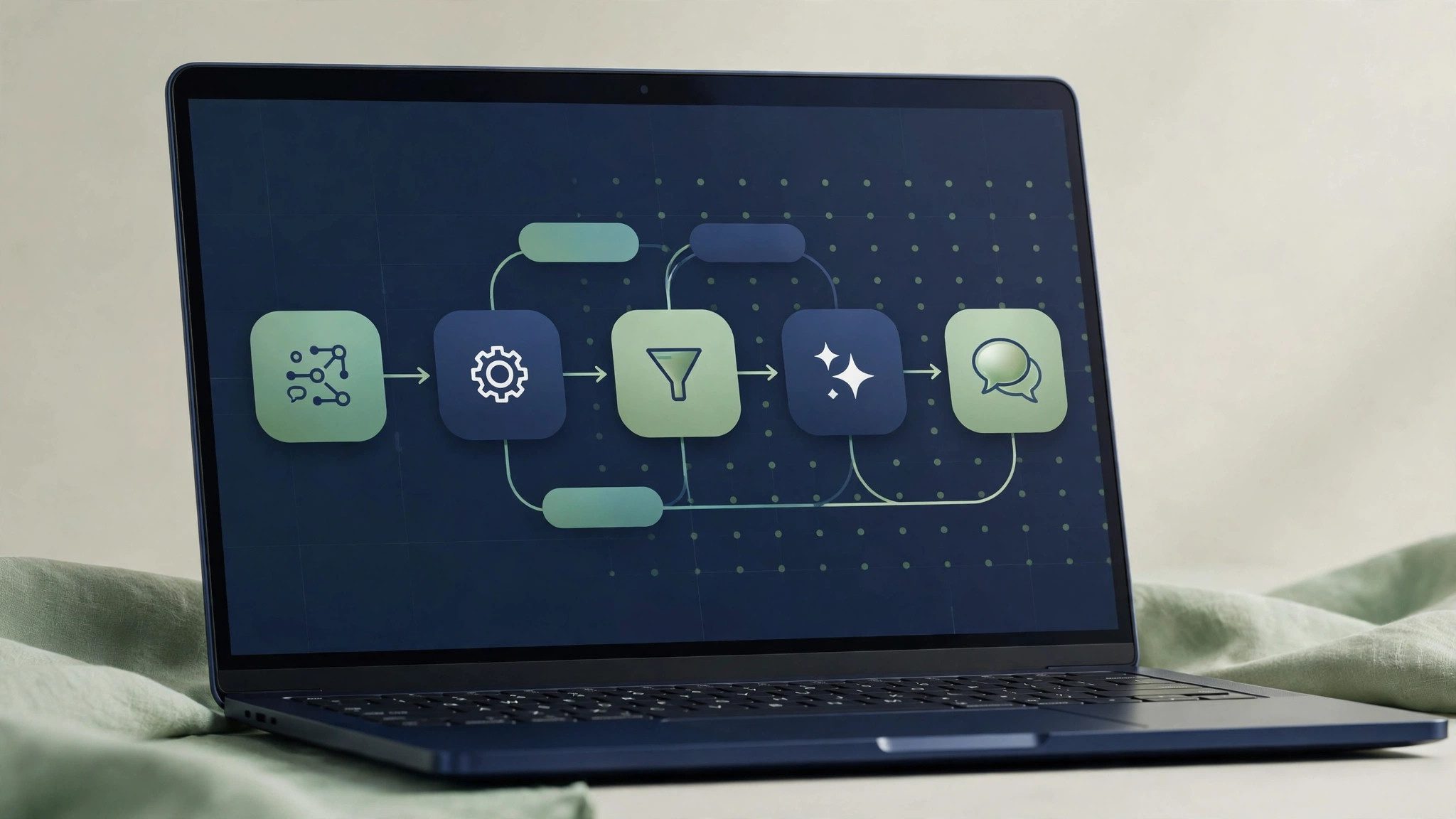
Hardware is one cost. Deployment uses Docker Compose and includes components such as the server, the machine learning service, PostgreSQL, and Redis. The official guidance is at least 6GB of memory and 2 cores to start, with 8GB more comfortable. With too little capacity, importing and searching slow down. Storage is another cost. Leave room beyond the originals, because the system generates thumbnails and preview files. The more photos there are, the more noticeable the extra use becomes. Counting only the originals will sooner or later crowd out space. Time is the third cost. When a large library is imported for the first time, indexing for face recognition and semantic search can take several hours or even longer. A GPU can speed it up, but is not required. Load is high during import, so it is best to import in batches at quiet times.
Real Pitfalls to Consider First
- Back up the database and data before upgrading. Upgrading without a backup makes it hard to roll back if something goes wrong.
- If you want access from outside your home network, set up HTTPS first. Do not expose an unencrypted service directly.
- Some older CPUs have instruction-set requirements, and the machine learning service may fail to start. Check before deploying whether the hardware meets the requirements, and try disabling the relevant features first if needed.
- Do not rely on a single disk for backup. If the server disk fails, the data in Immich goes with it. Important photos need an independent second copy.
Try It at Small Scale Before Committing Long-Term
Try it for a week with a small number of photos first, and check that automatic backup, search, sharing, and restore all work smoothly, before deciding whether to migrate the whole library. If the maintenance burden already makes you want to give up during the trial, long-term use will only feel heavier. The value of self-hosting is control, and the price is that someone must be responsible. Only when both conditions are met should you use it formally for the whole family’s photos.