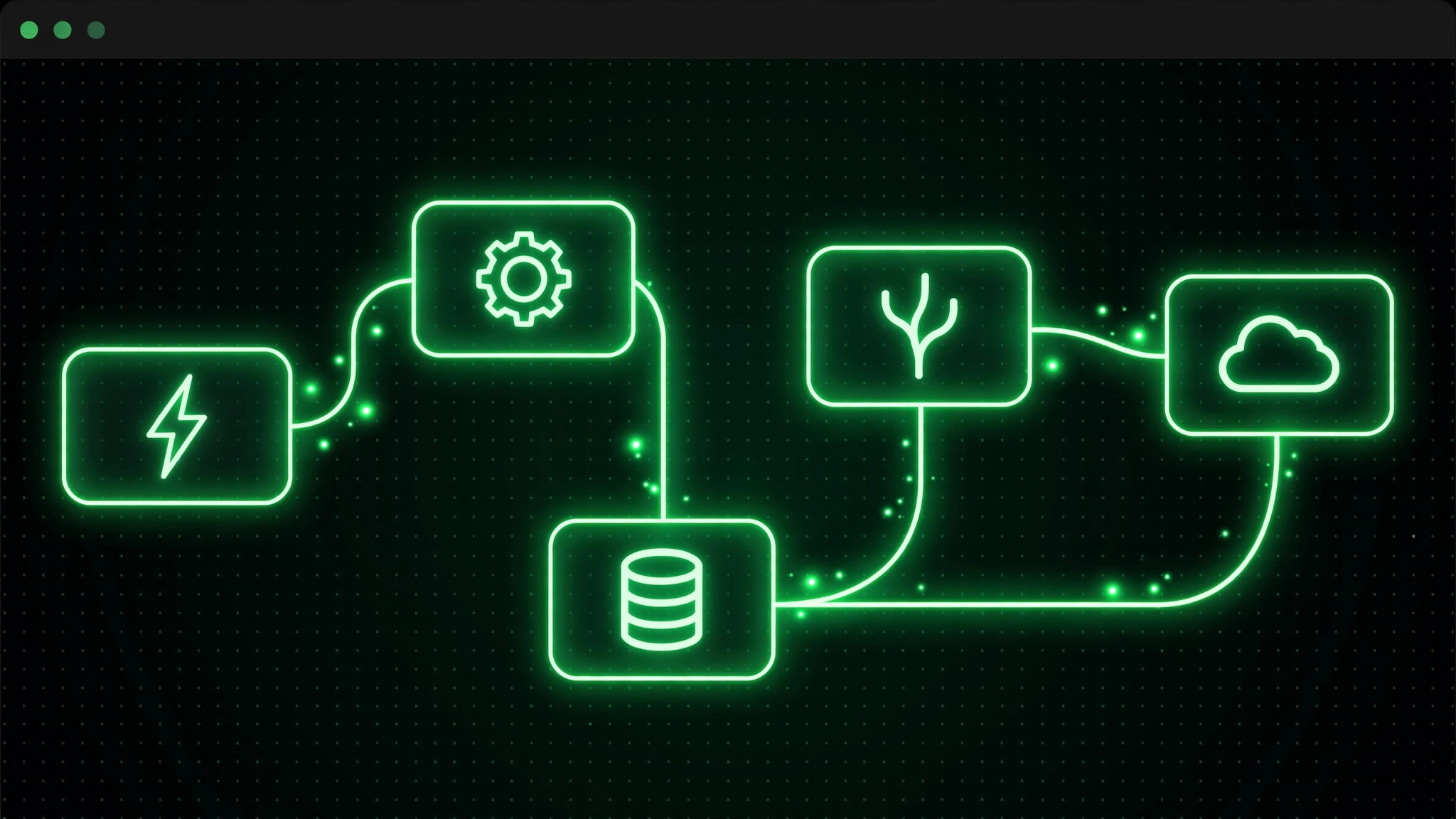
n8n is a workflow automation platform with over 200,000 GitHub stars, positioned as the 'open-source Zapier': drag-and-drop nodes connect hundreds of apps, running on schedules or triggers to eliminate repetitive work. It is popular not because it is free, but because the self-hosted edition has no cap on executions — the more automation you run, the more you save versus cloud services.
Official Repository Info
Platform: GitHub; organization: n8n-io; project: n8n. The repository address is github.com/n8n-io/n8n — use it and you will not land on a copycat. Its Docker image has been pulled over 270 million times, making it the top project in the automation category among the self-hosted crowd.
Who It Fits
Teams running dozens or hundreds of repetitive operations a day: cloud plans charge per execution or per seat, so the heavier the usage, the better self-hosting pays off. Scenarios where data must stay on-premises: workflows, credentials, and execution records all remain on your own servers, which helps with data compliance. People with basic ops skills: if you can use Docker and configure a reverse proxy, one command gets it running, plus you can install any community node and connect internal databases.
Not for: anyone who never wants to touch a server. Those users should take n8n Cloud or a Zapier-like SaaS — peace of mind beats saving money; and small teams with nobody watching the box will turn the savings into incidents when it goes down at 3 a.m. with no one to restart it.
Deployment Cost: Lighter Than You Think, Heavier Than 'One Click'
The official Docker image gets a personal trial running with a single docker run; in one real-world test idle memory use was about 690 MB, so a small 2-core 4 GB VPS is enough. For production, switch to PostgreSQL (the default SQLite cannot handle concurrency) and add Redis queue mode with multiple workers sharing the load. The cost is one server — no per-execution billing.
Back up the n8n_data volume: the encryption key generated on first launch lives there; lose the volume and every saved credential is gone. If you want to manage the key yourself, set N8N_ENCRYPTION_KEY before the first start.
Real Gotchas: Read Before You Decide
License boundaries. n8n is fair-code, not open source in the traditional sense — it uses the Sustainable Use License plus an Enterprise license: free for internal business use, but wrapping n8n itself as a service for third parties requires checking the license terms first; do not treat it like MIT. The paid Business/Enterprise licenses unlock enterprise features like SSO, advanced permissions, and log streaming.
Version upgrades. Nearly two hundred stable releases ship a year — iteration is extremely fast. Pin the image version before upgrading in production, back up the data volume first, test major versions in staging, and do not chase latest.
Execution timeouts. A single workflow that runs too long gets killed; split long tasks into steps and run them in queue mode with workers — do not expect one node to grind away for half an hour.
Community node security. The Community edition lets you install any community node from npm, which means running third-party code on your server — install only nodes from trusted sources, and read the source first for anything of unknown origin.
Reverse-proxy pitfalls. Behind proxies like Nginx, watch the webhook callback URLs and 'connection lost' errors — usually misconfigured proxy headers; check the reverse-proxy section of the official docs and verify item by item.