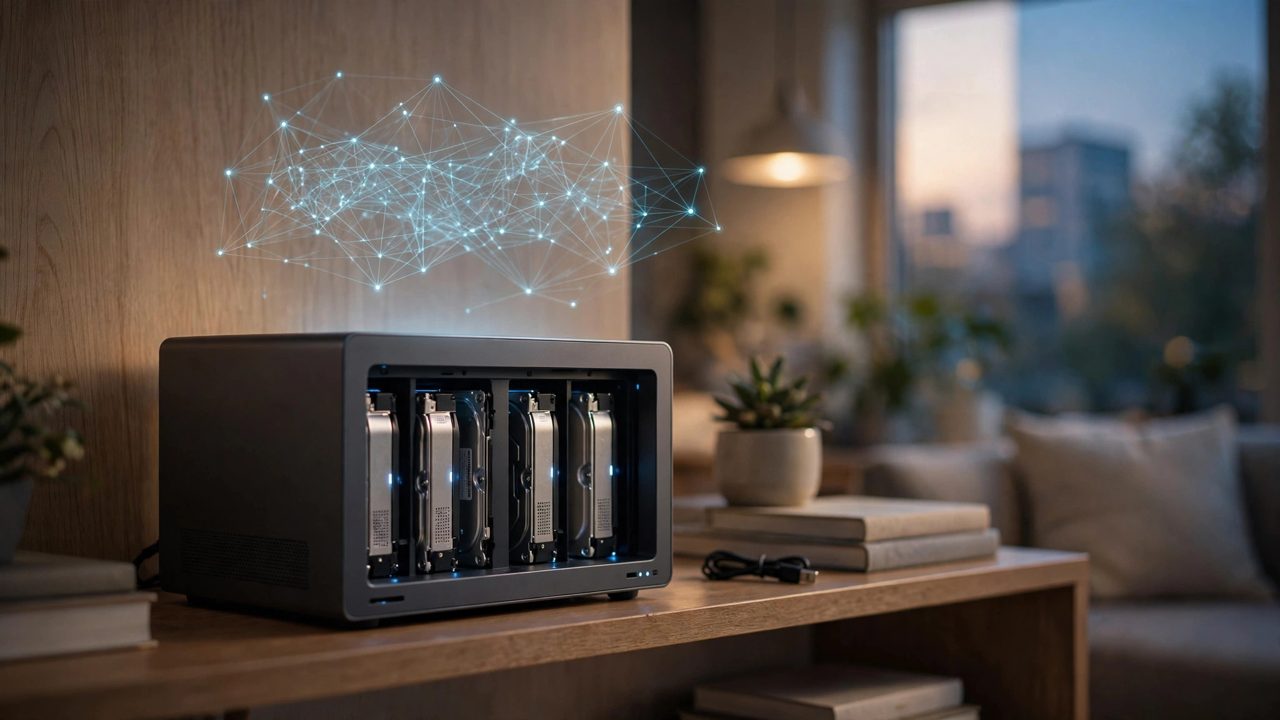
Running a local large model on a home NAS sounds like one machine doing two jobs: the drive bays hold the family photos and media, and the same box answers questions locally, no network, no subscription. But a NAS is a storage appliance at heart. Its processor is chosen for low power, and its memory and compute are specced for frugality first. Separate the real selling points from the ceiling before deciding whether the money belongs in a NAS at all, or in a small computer instead.
The real selling points: always on, quiet, data stays home
The NAS's biggest advantage is that it is already on, twenty-four hours a day. A desktop only runs a model while it is booted, a laptop sleeps when the lid closes, but a NAS sits in a corner online all year, and any device in the house can ask it a question at any moment; that availability is the most comfortable shape for a local model. Power and noise also favor the NAS: a whole unit commonly draws only tens of watts, with a fan quiet enough for a living room. Third is the data boundary: family albums, scanned documents and private files already live on the NAS, so letting a model read them on the same machine avoids uploading files to a cloud just to ask one question. For privacy-sensitive users with light question-answering needs, these three points are tangible.
The entry barrier: model size is decided by memory first, chip second
A local model's footprint is set mainly by parameter count and quantization level, and whether it fits is decided first by memory. The 4GB or 8GB common in NAS units must be shared with the operating system and storage services, leaving so little room that only the smallest models run at all, and a long context can get the process killed. Sixteen gigabytes is where it gets comfortable, running mid-size quantized models for summaries, classification and document questions. Check before buying whether the memory can be expanded at all; many units are soldered or have a single slot. Above memory sits compute: most home NAS units have no meaningful graphics acceleration, so inference runs on the processor alone, often at only a few to a dozen or so words per second, and a paragraph of answer takes a noticeable wait. That pace suits background work, tagging photos overnight or summarizing documents in bulk, not instant replies like an online service.
Who buys well: three kinds of people
First, people whose shopping list already contained a NAS: storage pays the bill and the local model is a bonus, which is the healthiest mindset. Second, light but frequent users whose needs are document summaries, photo search and family knowledge questions, insensitive to speed and sensitive to privacy. Third, tinkerers who enjoy installing containers, configuring environments and picking quantized models, treating the box as part of a home lab and accepting slowness as part of the deal.
Where it is not worth it, said plainly
If your main goal is to chat fluidly with a large model, write code or process long documents, a NAS will disappoint you: the same budget added to a small computer with a discrete graphics card delivers inference speed of a different order. There is also a hidden account: paying up for a high-spec NAS just to run models often costs enough to buy a separate small computer, while storage performance barely changes and the model experience stays dragged down by the NAS's low-power chip. The steadier arrangement is division of labor: let the NAS go back to being storage, give the model to the strongest device in the house or to a cloud service, and keep the NAS's always-on quiet for media and backups. The verdict is therefore clear: buy a NAS for storage and let it run a small model on the side, worth it; buy a NAS mainly to run large models, not worth it.