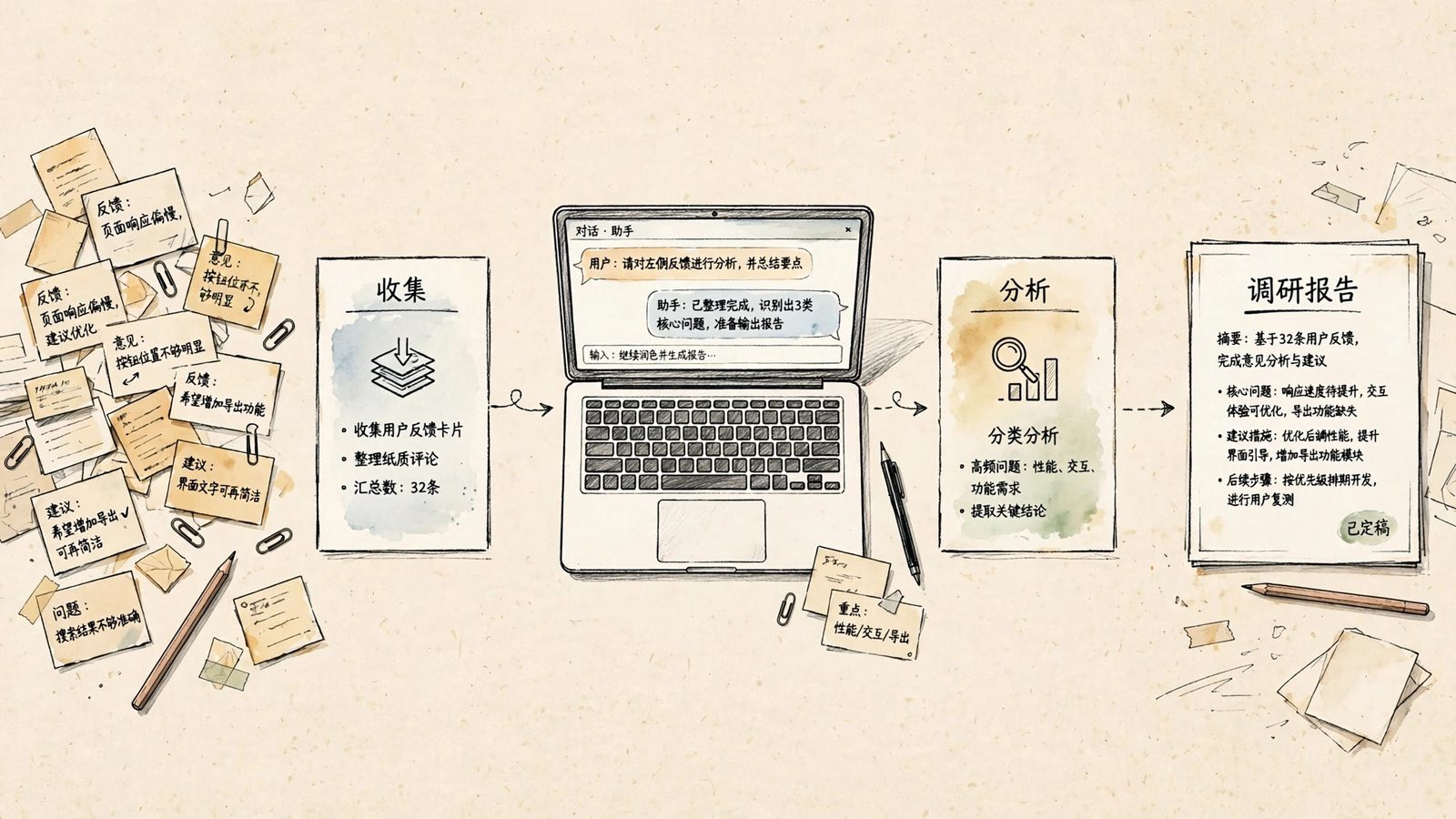
A weekly report prompt solves a familiar problem: you did plenty of work this week, yet your report reads like a diary — meetings attended, documents edited, requests followed up — and your manager still cannot tell what you moved forward or what it achieved. The prompt below turns scattered notes into a report built around results, numbers, and next week's plan. Copy it, swap the variables, and use it right away.
The input can be simple: this week's to-do list, meeting notes, calendar entries, work-related chat excerpts, or even a few rough lines you jotted down. What matters is not writing more, but separating "what I did" from "what I delivered."
The prompt (copy and use)
You are a workplace writing assistant skilled at reporting upward. Turn my scattered notes from this week into a weekly report, following these rules strictly:

1. Results this week: group by project or task. For each item, state the result first, then what I did. Use the format "Task: result (with a number or status) — key action." If there is no result data, state only the current progress and the blocker; never invent numbers.
2. Problems and risks: list blockers, delays, or anything where I need help, with the impact and the support I need. If there is none, write "No major risks this week" — do not pad this section.
3. Next week's plan: list the 3-5 most important items, each with a goal and an expected completion time, ordered by priority.
4. Keep the whole report within [word limit, default 300 words], in a [reporting style, e.g. concise and formal / plain and direct] tone. Avoid empty phrases like "progressing smoothly"; every sentence must carry concrete information.

My role is [role, e.g. product operations], I am reporting to [audience, e.g. my direct manager], and my key project this week is [project name].

My notes for this week:
[paste your to-do list, meeting notes, calendar entries and rough records here — the rawer, the better; no need to tidy them first]
How to fill in the variables
| Variable | What to put | Example |
|---|---|---|
| [This week's notes] | Every scattered trace of your work this week | To-do lists, notes, calendar entries, chat excerpts |
| [Role] | Your job title — it shapes how results are framed | Product operations, backend developer, sales, admin |
| [Audience] | Who will read the report | A direct manager cares about progress; a department head cares about results and risks |
| [Project name] | The 1-2 projects that most deserve visibility this week | A major campaign, an onboarding redesign |
| [Word limit] | Match your company's habit | 200, 300, or 500 words |
| [Reporting style] | Keep it consistent with your team's tone | Concise and formal, plain and direct, data-first |
After the first draft, run one more round
The most common flaw in a first draft is vague results. Instead of editing line by line, follow up with: "Rewrite the results section: every item must contain one verifiable fact — a number, a deliverable name, or a launched/confirmed status; delete any item without factual support." After this round, most of the diary-style filler disappears.
Another common issue is a next-week plan disconnected from this week's work. Add: "Connect next week's plan to unfinished items from this week: explain why each unfinished item is carried over before listing new tasks." Your manager can then see continuity instead of a report that restarts from zero every week.
Three pitfalls to avoid
First, overly polished input actually hurts. If you only paste sentences you have already refined, the AI can only rephrase them; paste raw notes, quick remarks, even voice-to-text transcripts, and it has real material to extract results and numbers from.
Second, never let the AI fill in numbers. The prompt already says "never invent numbers"; if the draft still contains a percentage or amount you never provided, delete it and ask where it came from — fake data in a weekly report is far riskier than plain writing.
Third, do not send the same report to both your manager and a cross-team group. Different readers need different selections of results: change the [audience] variable and generate a second version instead of trying to please everyone in one draft.