The short answer: nothing is wrong with your account. Muse is currently only open to users 18 and over in the United States, and your region simply isn't supported yet. There is no official way to get early access, a VPN won't get around it, and the safest move is to turn on official notifications and wait — never buy a third-party account.
Why you're seeing this message
Muse is Meta's personal AI agent, launched on September 8, 2026. It can operate a browser on your behalf, handle email and calendars, and complete purchases. At launch it is only available in the US, for users 18 and older, via iOS, Android, the web version (muse.ai), and WhatsApp; the Mac version is US-only as well. So far, Meta has not published a rollout timetable for other countries or regions.
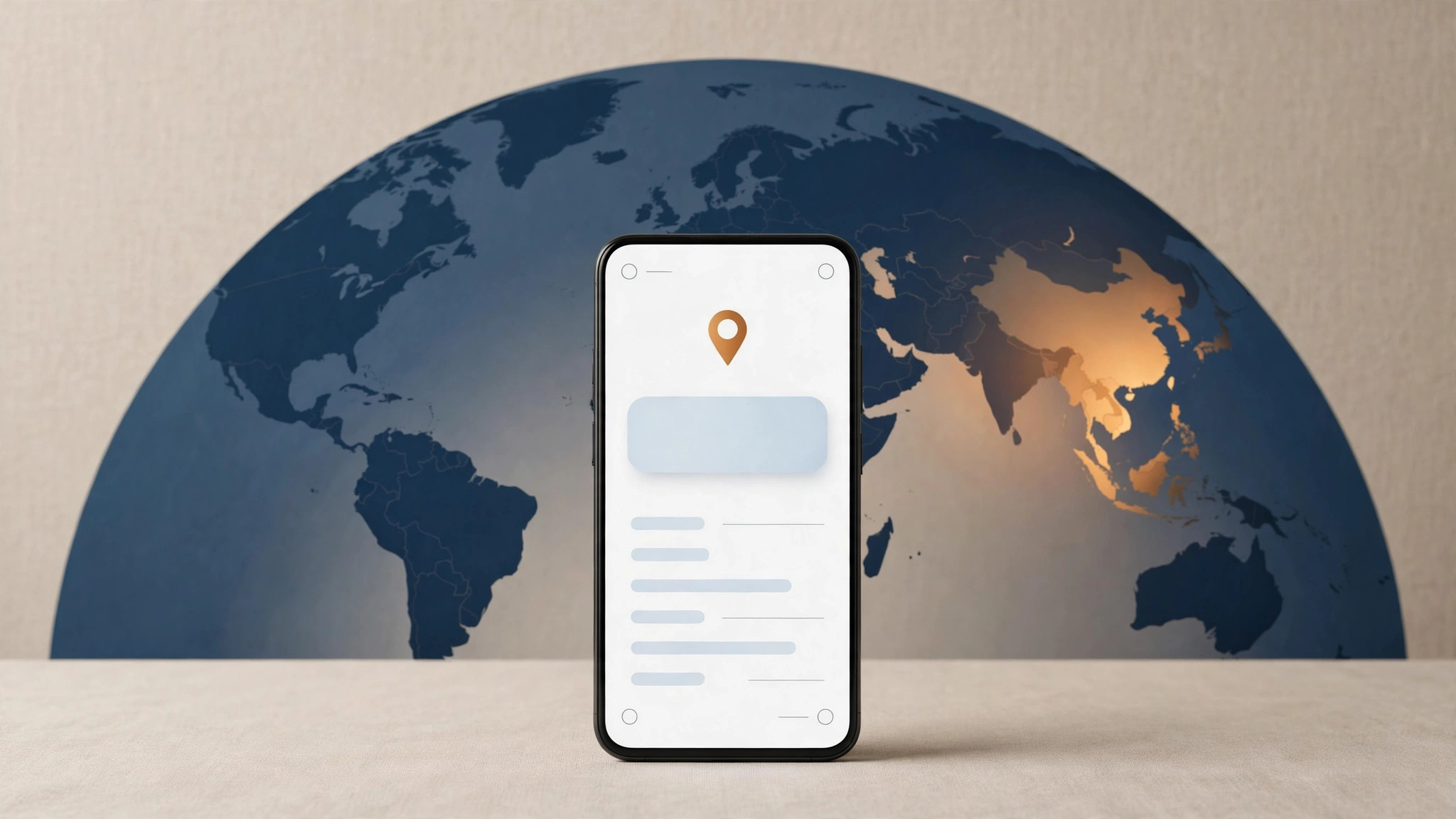
So this message is a regional access restriction — not a ban, not a network error, and not something you did wrong. The system checks your account's region (not just your IP address) to decide whether you're in a supported area. If your account isn't registered in the US, you'll see this message.
First, confirm one thing: are you really outside the supported region?
In rare cases the message comes from account settings rather than your actual location, so it's worth a quick check:
- Check that the country/region settings on your Meta account and app-store account are correct;
- Confirm the signed-in account is 18 or older;
- If you're physically in the US but still see the message, check whether the region info in your account profile was filled in incorrectly.
If all of that checks out, the message is accurate: your region isn't supported yet.
What you can do right now
1. Turn on notifications and wait for the official rollout. The line "We'll let you know when it's available to you" is the official channel — keep the app updated and allow notifications, and you'll hear about it first. This is the only legitimate way to wait.
2. Don't count on a VPN. This restriction works at the account level, not the IP level: the muse.ai website loads fine anywhere in the world, but signing in verifies your account's region. Switching IPs won't bypass the account check, and it may trigger account risk controls — not worth it.
3. Don't buy third-party "US accounts" or activation services. These accounts are typically bulk-registered from unknown sources. At best they come with limited functionality and can be banned at any time; at worst your payment details and personal data get exposed along with them. Not a risk worth taking just to try an agent early.
4. Use an alternative for now. If you urgently need an AI assistant for everyday tasks, use an AI product that's already available in your region, and migrate once Muse officially launches there.
About pricing — good to know in advance
In the US market, Muse has a free tier (which Meta says covers most everyday needs), plus two paid plans: Power (around $20/month) and Maximum (around $100/month). One thing to note: even the free tier requires a payment card at sign-up, because the agent completes real actions like shopping on your behalf. When your region opens up, you'll most likely need a valid payment card too — good to be prepared.
FAQ
Q: Will it definitely come to my region eventually?
A: Meta hasn't committed to any timetable. Based on how Meta's other products have rolled out, regional expansion usually happens gradually, but nobody can give an exact date — anyone claiming "internal channels for early access" is running a scam.
Q: Does registering with a US phone number help?
A: No. The restriction is based on a combined assessment of your account's region; changing just the phone number doesn't change where the account belongs, and it may violate the account's terms of use.
Q: How is this different from "account banned"?
A: The difference is clear: a ban comes with a stated reason and an appeal channel; an unsupported region is just a neutral notice, and your account itself is perfectly fine — nothing to worry about.