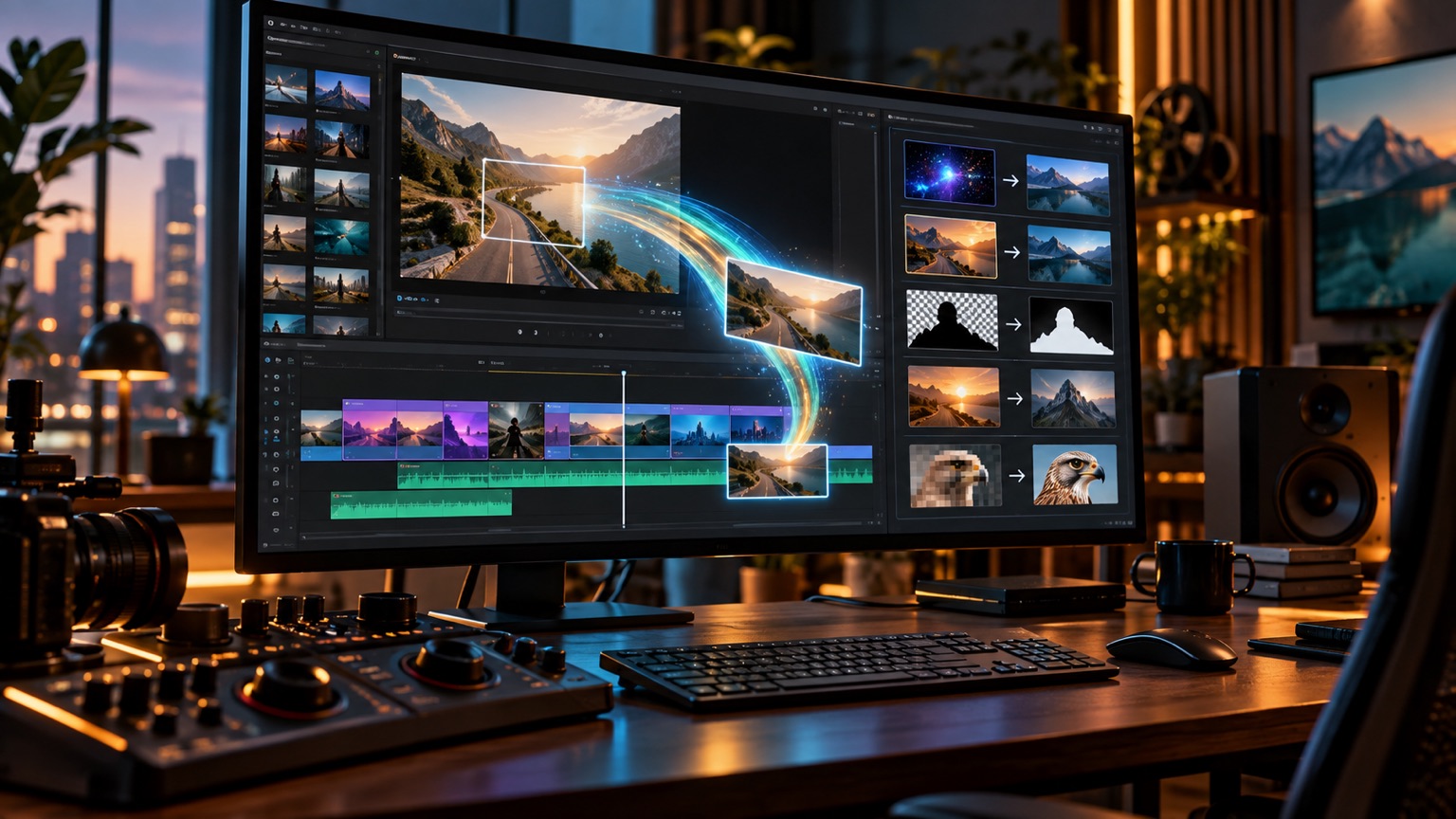
On September 8, 2026, Runway released a plugin on its official website for Adobe Premiere Pro and After Effects. It puts the Runway panel directly into two professional post-production software, allowing users to generate images and videos in the current project, redraw existing materials, zoom in on the frame, and then send the results back to compositing or timelines. For editors, the core of this update is not adding a new model entry point, but removing the entire back-and-forth process of exporting single frames, switching to browsers, uploading, downloading, and re-importing.
The generated result goes straight back to the playback header
In Premiere Pro, panel-generated footage can be placed in the current playhead position and then trimmed again as a normal clip; In After Effects, the result can be returned to the current composition. The plugin also provides workspace switching and retains users' existing Runway accounts, plans, and credits. The official team also lists quick processing options like HDR conversion, background removal, and zooming, ensuring that "finish, retouch, final delivery" remains within the same project context as much as possible.
For existing shots, Edit Studio is not just creating new images from scratch. After selecting a clip, users can redraw the anchor frame, and then Aleph 2 can re-render the full clip according to the original footage's length; Within the panel, you can compare the previous and following versions before deciding whether to return to the project. This design is closer to the authentic rhythm of post-production than standalone web generators and reduces the risk of misaligned file versions and timecodes.
Free plugins do not mean free generation
Runway stated that plugins can be downloaded and installed for free on macOS and Windows, but generated from plugins are only for paid plans and consume existing points. The announcement also does not promise seamless compatibility for all complex projects, third-party effects, or color management chains. Before officially joining, teams should still conduct small-scale tests using long-term streaming, HDR assets, proxy files, and collaborative projects.
The competitive landscape of professional creative tools is shifting
In the past, AI video products mainly competed over generation quality and duration; now competition is gradually shifting to whether they can enter the editing, compositing, and delivery chains. Runway has made generative capabilities a step on the timeline, rather than an isolated island outside the project. To judge the gains and losses of AI video generation tools compared to other generative models in terms of image quality, duration, and controllability, continue reading for a horizontal comparison of AI video generation tools. True value will be determined by the number of rework, material traceability, and team handover efficiency, not by the number of buttons in the panel.