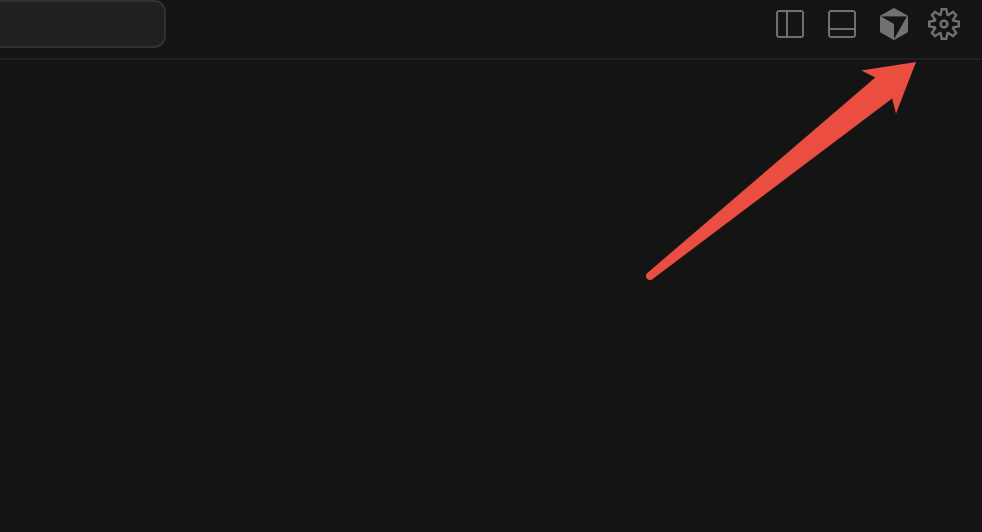
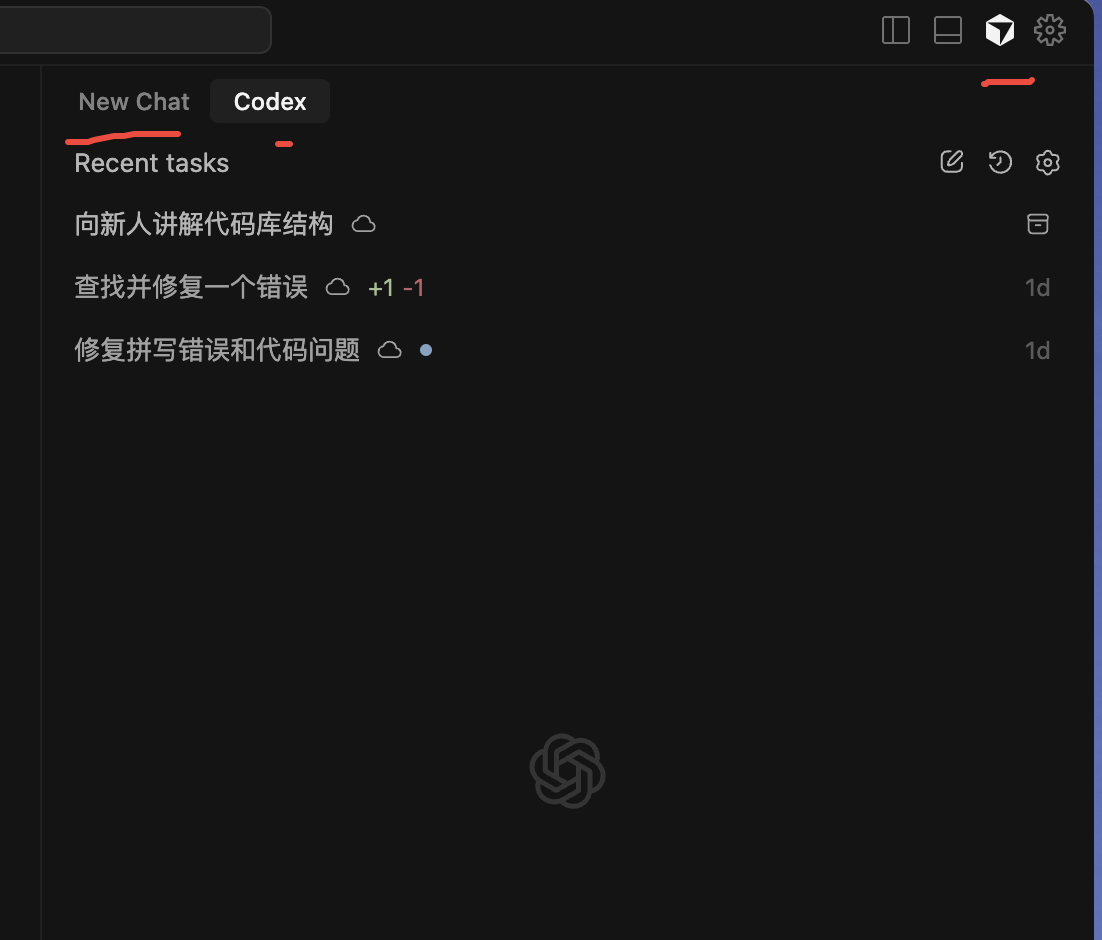
Cursor IDE中安装了Codex扩展,如何把Codex扩展移动到右侧?Cursor扩展如何移动到右侧?Codex如何移动到右侧?如何把 Codex 扩展移动到右侧栏显示?其实很简单,只需要以下三步即可实现。
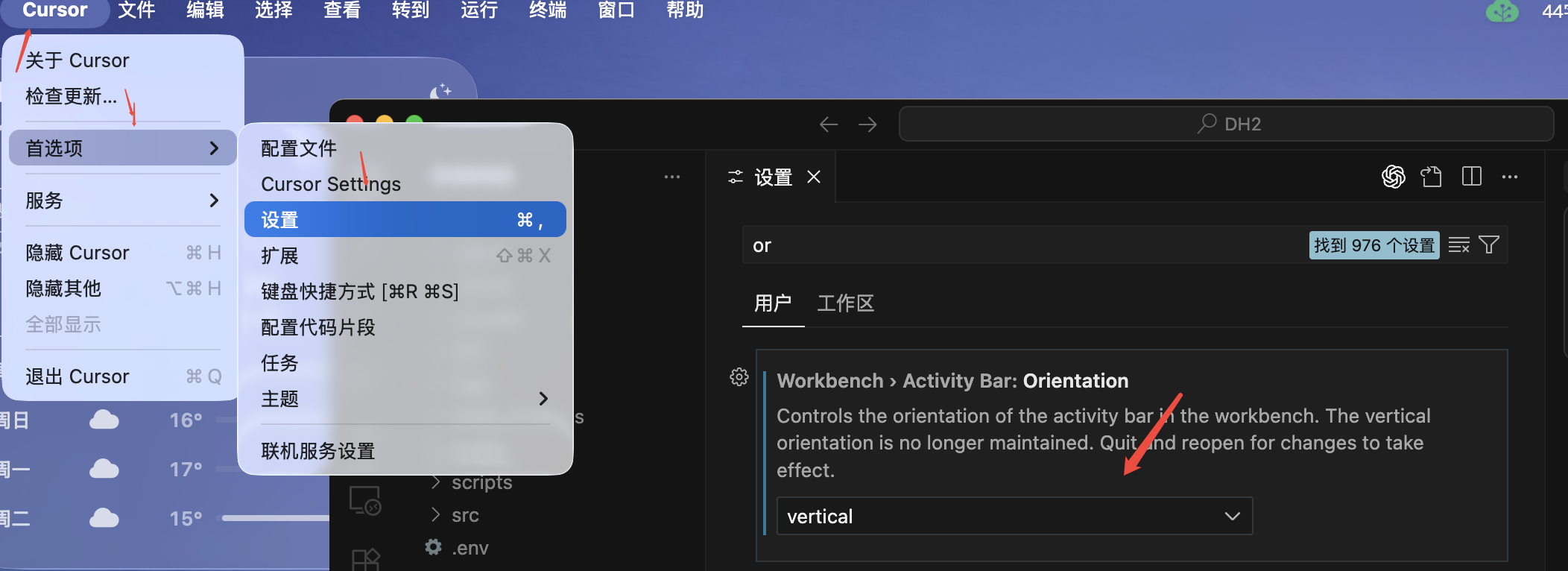
设置路径:Cursor ——首选项——设置——找到Workbench › Activity Bar: Orientation——选择vertical——重启——用鼠标拖拽到右侧
第一步:
Cursor ——首选项——设置——找到Workbench › Activity Bar: Orientation——选择vertical
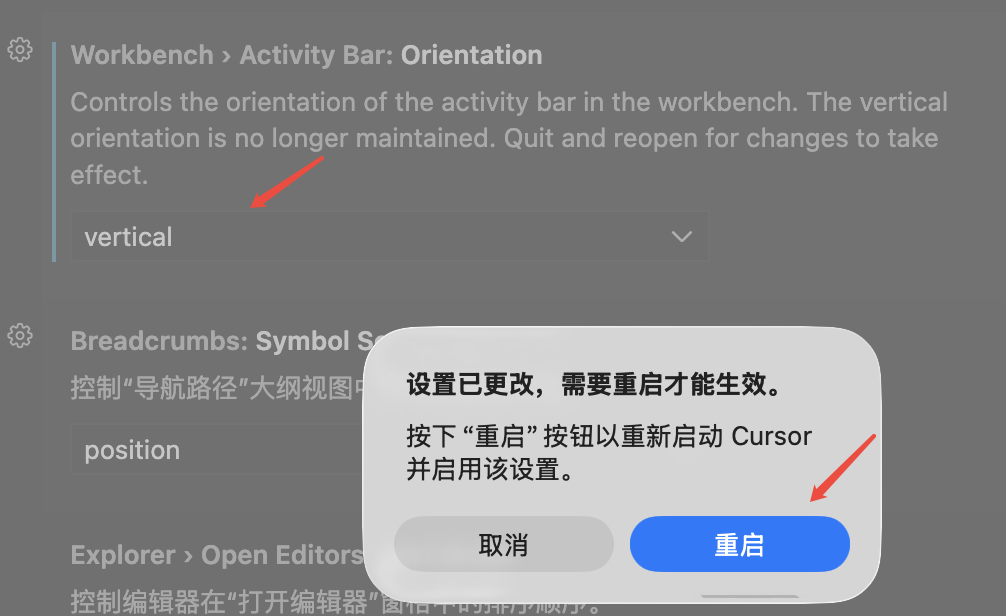
第二步:重启
第三步:用鼠标拖拽到右侧
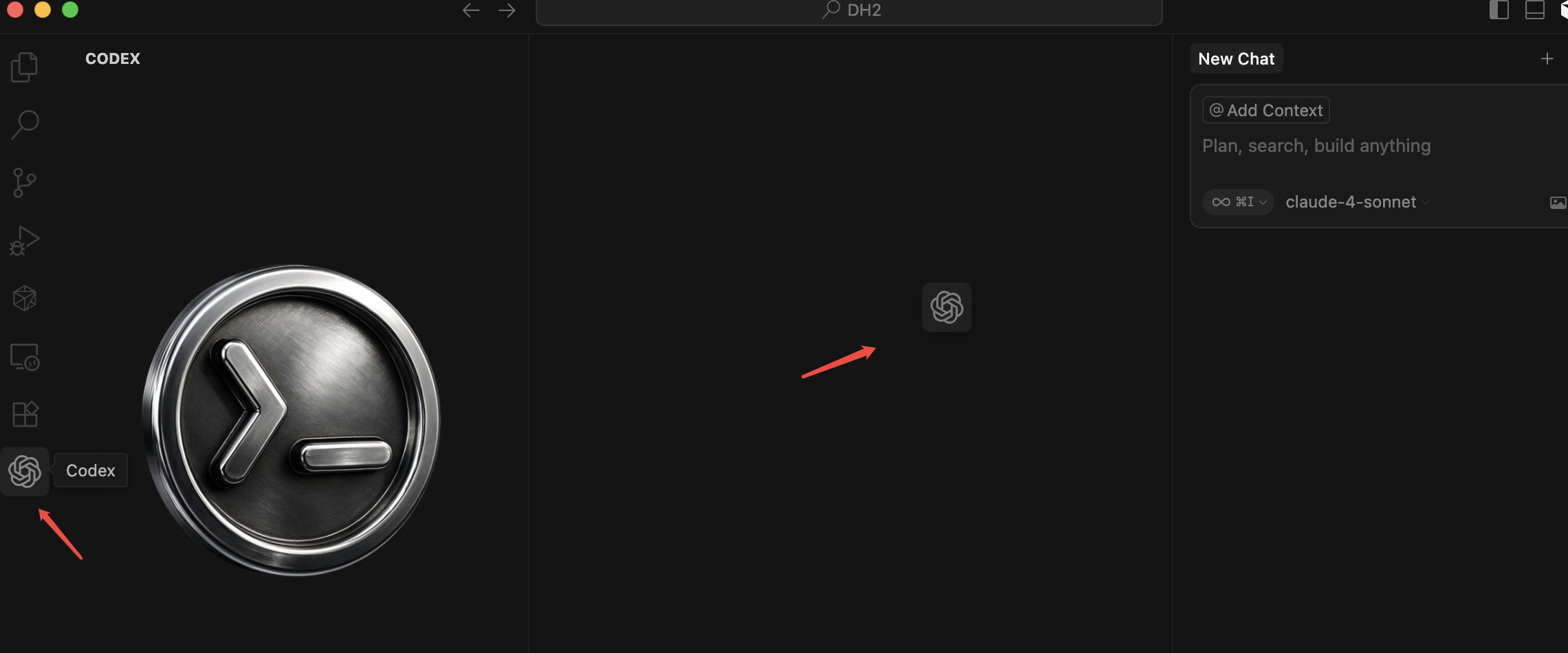
GPT-5-Codex works faster through easy tasks and harder on complex tasks, improves on code quality, and is more steerable with AGENTS.md. Learn more.
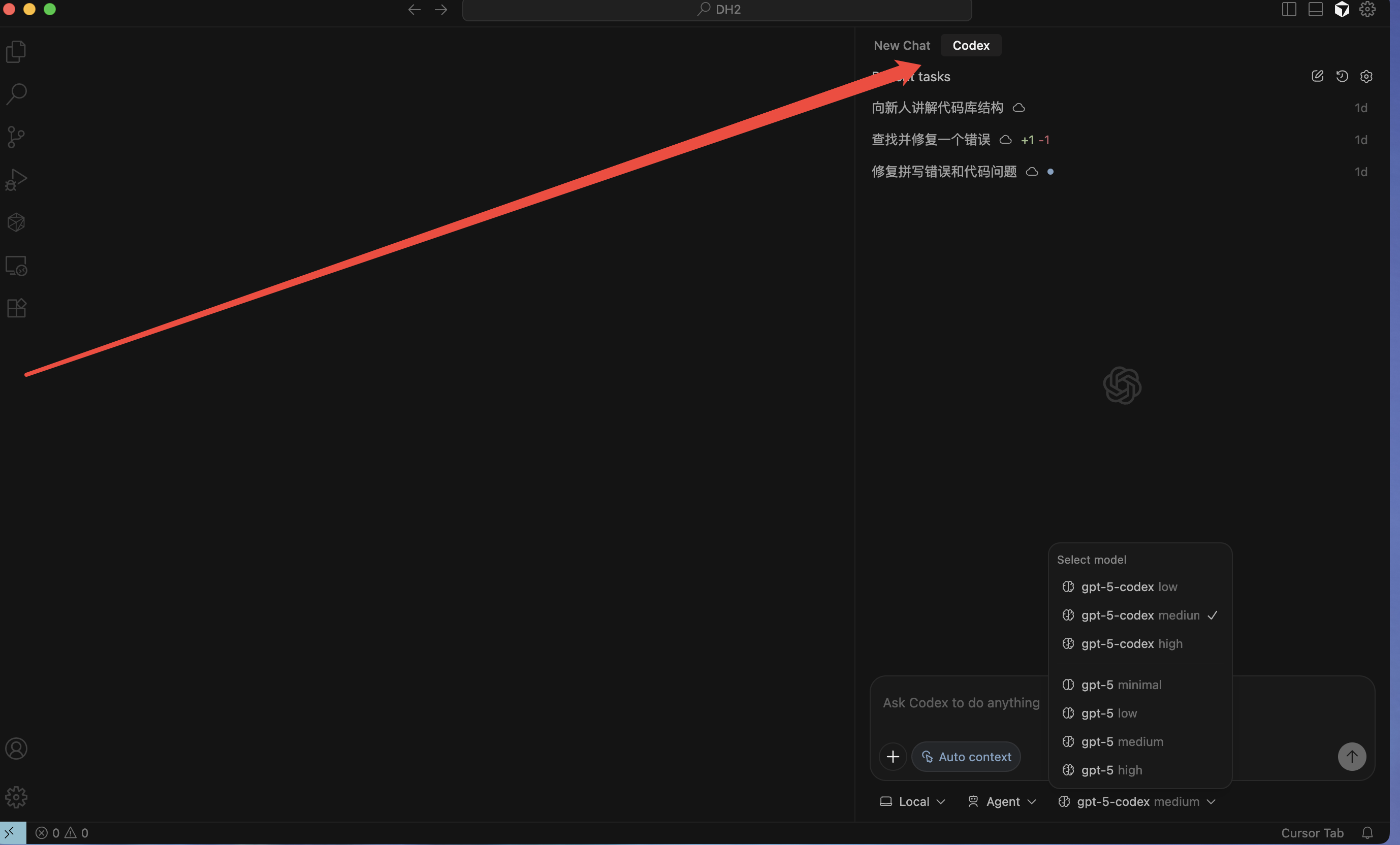
如果点击了关闭不显示了,可以在点击一下右上角的Ai对话,两个会同时出现