
Codex is stuck and not responding? Check by approval, terminal, and log check
If Codex is stuck and unresponsive, do not send the same message repeatedly. Confirm in order whethe
Vivaldi is a highly customizable, modern browser that advocates "making browsing work your way." Vivaldi has built-in ad and tracking blocking, privacy protection, and rich shortcuts, and supports vertical tabs, Tab Stacks grouping, Workspaces, and split-screen browsing to help you efficiently manage information in multitasking and research scenarios. Vivaldi also integrates tools like notes, translations, screenshots, reading lists, mail, and calendars in the sidebar to reduce switching between apps. With deep theme customization, gesture manipulation, and cross-device synchronization, Vivaldi provides creators, developers, and heavy information workers with a stable, controlled, and efficient browsing experience. For users seeking personalization and privacy, Vivaldi is a browser choice worth using for a long time.
It is most suitable as the main browser for information workers, handling complex multi-tasking and high-frequency web work.
Because its workspace, label grouping and sidebar tools are all suitable for long-term high-load use.
Suitable, it has built-in advertising and tracking blocking, and also emphasizes user control.
No, it also integrates utilities such as notes, mail, calendar and translation.
Its customization and information management capabilities are significantly stronger.

ChatGPT Atlas is an AI browser product for macOS. It embeds ChatGPT into any web page in the form of a sidebar, providing instant answers, web page summary, data analysis and product comparison. Users can select text to rewrite, polish and translate with one click, use intelligent agents to complete complex tasks such as retrieval, form filling and shopping, and achieve continuous collaboration through controllable browsing memory. ChatGPT Atlas supports both text, image, video and news searches. It has built-in multiple tabs, bookmarks and auto-completion, and can customize the appearance and preferences. In terms of privacy, users can fine-tune visible sites, clear history, enable traceless mode and manage browsing memory to ensure security and controllability.

Zuni is a Chrome sidebar AI workspace and Gmail assistant aimed at browser office users, Gmail users, and knowledge workers. Its value is not that it does everything for users at once, but that it provides actionable assistance around using AI chat, summarization, and drafting on web pages and emails: users can talk to tabs or emails, draft Gmail replies and manage tasks, and then follow up with their own business judgment. When choosing such a tool, you need to pay attention to browser permissions, email privacy, and reply moderation, especially when it comes to accounts, customer profiles, contracts, courses, audio, video, or code output. Its visibility capabilities include AI workspace, Gmail drafting, and chat with tabs, making it better suited for browser workflow assistance.

YourAIScroll is an AI chat history export and management tool aimed at AI-heavy users, researchers, and knowledge organizers for exporting and managing conversation history across multiple AI platforms. It's suitable for those who already have clear tasks, assets, or business processes to centralize AI chat history export, Grok, Gemini, and Claude archives into a more performable workflow. When using it, you need to pay attention to account permissions, privacy data, and export formats, especially when it involves customer information, learning content, audio and video materials, business data, or public release, you should confirm authorization and manual review first. Overall, YourAIScroll is suitable as an auxiliary tool for exporting and managing conversation history across multiple AI platforms, rather than a substitute for the final judgment of professionals.
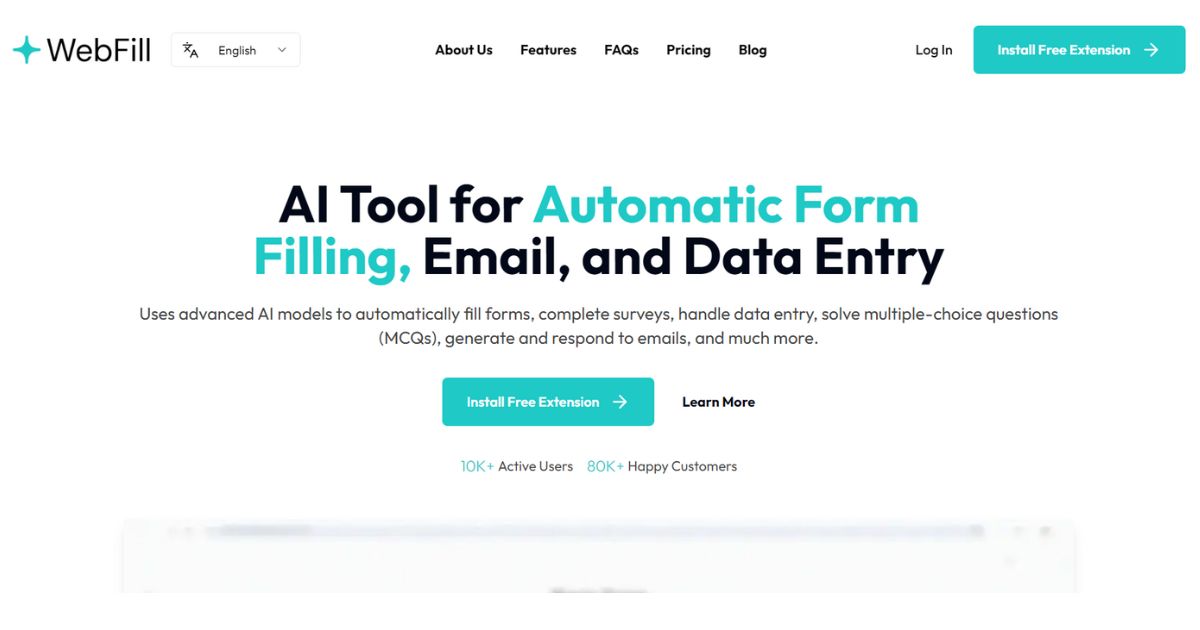
WebFill is an AI form-filling, email, and data entry extension aimed at salespeople, operations, and browser office users for automating form-filling, email-generating, and data entry. It's better for people who already have clear materials, scripts, customer communications, or business processes that centralize form filling, email generation, and data entry into a one-of-a-kind workflow that's easier to execute. When using it, you need to pay attention to form permissions, customer data, and pre-submission review, especially when it comes to customer information, voice information, image materials, web page data, or published content. Overall, WebFill is suitable as an aid for autofilling forms, generating emails, and handling data entry, rather than a complete replacement for the final judgment of editors, operations, R&D, or management.

WebCopilot is a web-based AI assistant and second brain tool aimed at knowledge workers, researchers, and web-heavy users for carrying AI notes and knowledge assistance on web pages. It's better for people who already have clear footage, scripts, customer communications, or business processes that combine page summarization, note saving, and browser assistance into a one, easier workflow. When using it, you need to pay attention to browser permissions, data privacy and fact-checking, especially when it involves customer information, character voices, image materials, web page data or published content, you should first confirm authorization and manual review. Overall, WebCopilot is suitable as an auxiliary tool for carrying AI notes and knowledge assistance on web pages, rather than a complete replacement for the final judgment of editors, operations, R&D, or managers.

Termo is an AI tool for users who need a clearer way to handle focused digital work. It can support creation, automation, analysis, learning, media production, development, research, customer operations, or document workflows depending on the product scope. Start with a small low-risk task, compare the result with your own standards, and keep human review for facts, permissions, privacy, brand voice, safety, and final delivery.

If Codex is stuck and unresponsive, do not send the same message repeatedly. Confirm in order whethe

codex exec In CI, it can analyze code without making changes; first check the sandbox: non-interacti

If Codex Skills is installed but does not trigger, first check if it is located in the scan director

Codex config.toml changes that don't take effect usually don't mean the TOML file is corrupted, but

After exiting the Codex CLI, you don't need to redescribe the entire task; just run codex resume sel

On August 3, 2026, the Qwen team released the Qwen 3.8-Max on the official Qwen blog, positioning it