
Latest AI News: The World Artificial Intelligence Conference opens, with 29 countries preparing to establish AI cooperation organizations
24-hour AI News Snapshot: Kimi K3 resets the scale of open-source models, intensifying global AI gov
Flakes is an AI-native productivity browser. The core positioning visible on the official website is to provide macOS users with a keyboard-first, context-aware work browser, mainly focusing on tab organization, AI contextual assistance, command panel, keyboard navigation, and focused browsing, suitable for heavy browser users, knowledge workers, and productivity users who prefer keyboard operations. Before using it, you should check whether the account permissions, material or data source, privacy boundaries, export format, billing method, and manual review requirements match your actual process. When it comes to sound, images, portraits, financial data, health records, recruiting leads, legal, or publicly released content, additional checks for authorization, compliance, and the risk of misjudgment of results are also checked, and cannot be used directly for formal decision-making by just looking at the homepage presentation.
The value of Flakes is not in handing over all processes to AI, but in putting the capabilities clearly demonstrated on the official website into specific tasks to verify. It is suitable for small-scale testing with a set of real materials, real data, or real work scenarios before determining whether it is worth using for a long time.
It's ideal for researching materials, managing multiple task tags, executing commands quickly, reducing context switching, and organizing daily web work.
Suitable for researchers, creators, developers, operations, and those who need a browser-focused workflow.
The limitation is that the current positioning is biased towards macOS, and the team needs to confirm system support, extended compatibility, and privacy policies before deploying.
During the trial, focus on checking whether commonly used websites, plugins, shortcut keys, and account isolation are in line with your work habits.
First, look at whether the input comes from legal, clear, and authorizable data, and then see if the output can be understood and modified. Generate results to check facts, tone, picture details, sound naturalness, and platform rules. Data analysis results should be returned to the original source to check the key figures; Automation tools need to confirm trigger conditions, permissions, and manual takeover methods after failure.
If the task requires formal identity verification, medical diagnosis, investment advice, legal advice, recruitment conclusions, unaudited ad postings, or automated by high-risk systems, the tool should not be left to the ultimate responsibility. A safer use is to use it as a draft, clue, initial screening, scheduling, generating samples, or supporting analysis.
What does Flakes mainly solve? **
It addresses the issue of cluttered tabs, frequent switching, and inadequate AI contextual assistance in common browsers.
Is Flakes suitable for direct use in formal processes?
Suitable for individual productivity processes, teams need to confirm security, compatibility, and management policies before using them.
What do I need to prepare before using Flakes?
You'll need to prepare your macOS environment, your favorite accounts, and the browser workflows you want to migrate.

ChatGPT Atlas is an AI browser product for macOS. It embeds ChatGPT into any web page in the form of a sidebar, providing instant answers, web page summary, data analysis and product comparison. Users can select text to rewrite, polish and translate with one click, use intelligent agents to complete complex tasks such as retrieval, form filling and shopping, and achieve continuous collaboration through controllable browsing memory. ChatGPT Atlas supports both text, image, video and news searches. It has built-in multiple tabs, bookmarks and auto-completion, and can customize the appearance and preferences. In terms of privacy, users can fine-tune visible sites, clear history, enable traceless mode and manage browsing memory to ensure security and controllability.

Zuni is a Chrome sidebar AI workspace and Gmail assistant aimed at browser office users, Gmail users, and knowledge workers. Its value is not that it does everything for users at once, but that it provides actionable assistance around using AI chat, summarization, and drafting on web pages and emails: users can talk to tabs or emails, draft Gmail replies and manage tasks, and then follow up with their own business judgment. When choosing such a tool, you need to pay attention to browser permissions, email privacy, and reply moderation, especially when it comes to accounts, customer profiles, contracts, courses, audio, video, or code output. Its visibility capabilities include AI workspace, Gmail drafting, and chat with tabs, making it better suited for browser workflow assistance.

YourAIScroll is an AI chat history export and management tool aimed at AI-heavy users, researchers, and knowledge organizers for exporting and managing conversation history across multiple AI platforms. It's suitable for those who already have clear tasks, assets, or business processes to centralize AI chat history export, Grok, Gemini, and Claude archives into a more performable workflow. When using it, you need to pay attention to account permissions, privacy data, and export formats, especially when it involves customer information, learning content, audio and video materials, business data, or public release, you should confirm authorization and manual review first. Overall, YourAIScroll is suitable as an auxiliary tool for exporting and managing conversation history across multiple AI platforms, rather than a substitute for the final judgment of professionals.
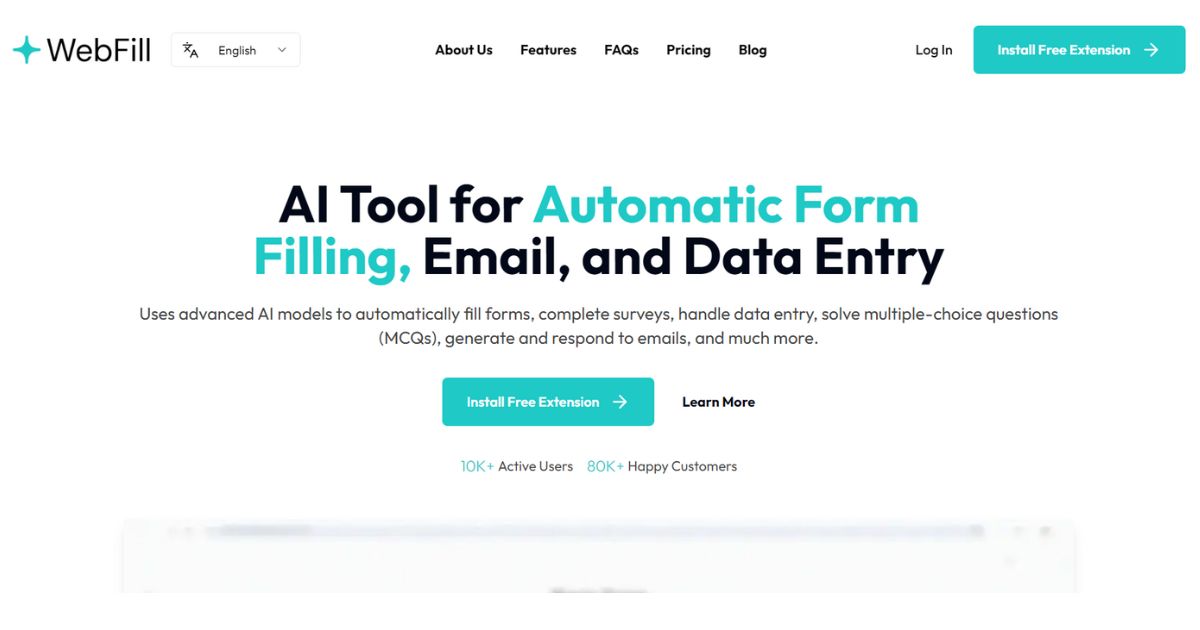
WebFill is an AI form-filling, email, and data entry extension aimed at salespeople, operations, and browser office users for automating form-filling, email-generating, and data entry. It's better for people who already have clear materials, scripts, customer communications, or business processes that centralize form filling, email generation, and data entry into a one-of-a-kind workflow that's easier to execute. When using it, you need to pay attention to form permissions, customer data, and pre-submission review, especially when it comes to customer information, voice information, image materials, web page data, or published content. Overall, WebFill is suitable as an aid for autofilling forms, generating emails, and handling data entry, rather than a complete replacement for the final judgment of editors, operations, R&D, or management.

WebCopilot is a web-based AI assistant and second brain tool aimed at knowledge workers, researchers, and web-heavy users for carrying AI notes and knowledge assistance on web pages. It's better for people who already have clear footage, scripts, customer communications, or business processes that combine page summarization, note saving, and browser assistance into a one, easier workflow. When using it, you need to pay attention to browser permissions, data privacy and fact-checking, especially when it involves customer information, character voices, image materials, web page data or published content, you should first confirm authorization and manual review. Overall, WebCopilot is suitable as an auxiliary tool for carrying AI notes and knowledge assistance on web pages, rather than a complete replacement for the final judgment of editors, operations, R&D, or managers.

Termo is an AI tool for users who need a clearer way to handle focused digital work. It can support creation, automation, analysis, learning, media production, development, research, customer operations, or document workflows depending on the product scope. Start with a small low-risk task, compare the result with your own standards, and keep human review for facts, permissions, privacy, brand voice, safety, and final delivery.

24-hour AI News Snapshot: Kimi K3 resets the scale of open-source models, intensifying global AI gov

Moonshot AI officially launched the Kimi K3 . This 2.8-trillion-parameter model provides 1 million t
24-hour AI News Summary: Global AI competition continues to heat up, with chips, models, security re

On July 9, 2026, Mistral announced in its official article "Your Prompts and Skills Need a System of

On July 9, 2026, Google Research released the wearable health foundational model SensorFM. It was pr

On July 9, 2026, OpenAI officially announced ChatGPT Work in its announcement "ChatGPT is now a part