Curtain is a note-taking tool that combines outline notes and mind maps, focusing on core capabilities such as outline notes, mind maps, structured recordings, and multi-terminal cloud synchronization, helping users organize scattered information into a clear hierarchical structure for use in scenarios such as study notes, work documents, task lists, and brainstorming.
1. Basic information
The curtain is provided by Shenzhen Shilihu Technology Co., Ltd., covering multiple platforms such as web, desktop and mobile. The product organizes content in a hierarchical folded outline and supports one-click conversion of outline content into mind map views, enabling quick switching from linear recording to structured presentation.
2. Product overview
The core interaction of the screen is tree-level editing and folding. Users can split topics step by step in the same document, and organize knowledge points, action items, or writing points by level to form a reusable structural framework. Documents are easy to quickly input and adjust the order in the outline view, and easy to review logical relationships and structural integrity as a whole in the mind map view, which is suitable for sorting out complex problems, planning solutions, and precipitating knowledge bases.
3. Core functions
1. Outline structured editing
The curtain provides a layer-based editing method, supporting folding and unfolding, level adjustment and rearrangement, making it easy to quickly disassemble the theme and continuously refine it. The product emphasizes input efficiency and long document processing capabilities, supports shortcut key operations, and maintains a smooth editing experience with large volumes of content.
2. Mind map view and diversified styles
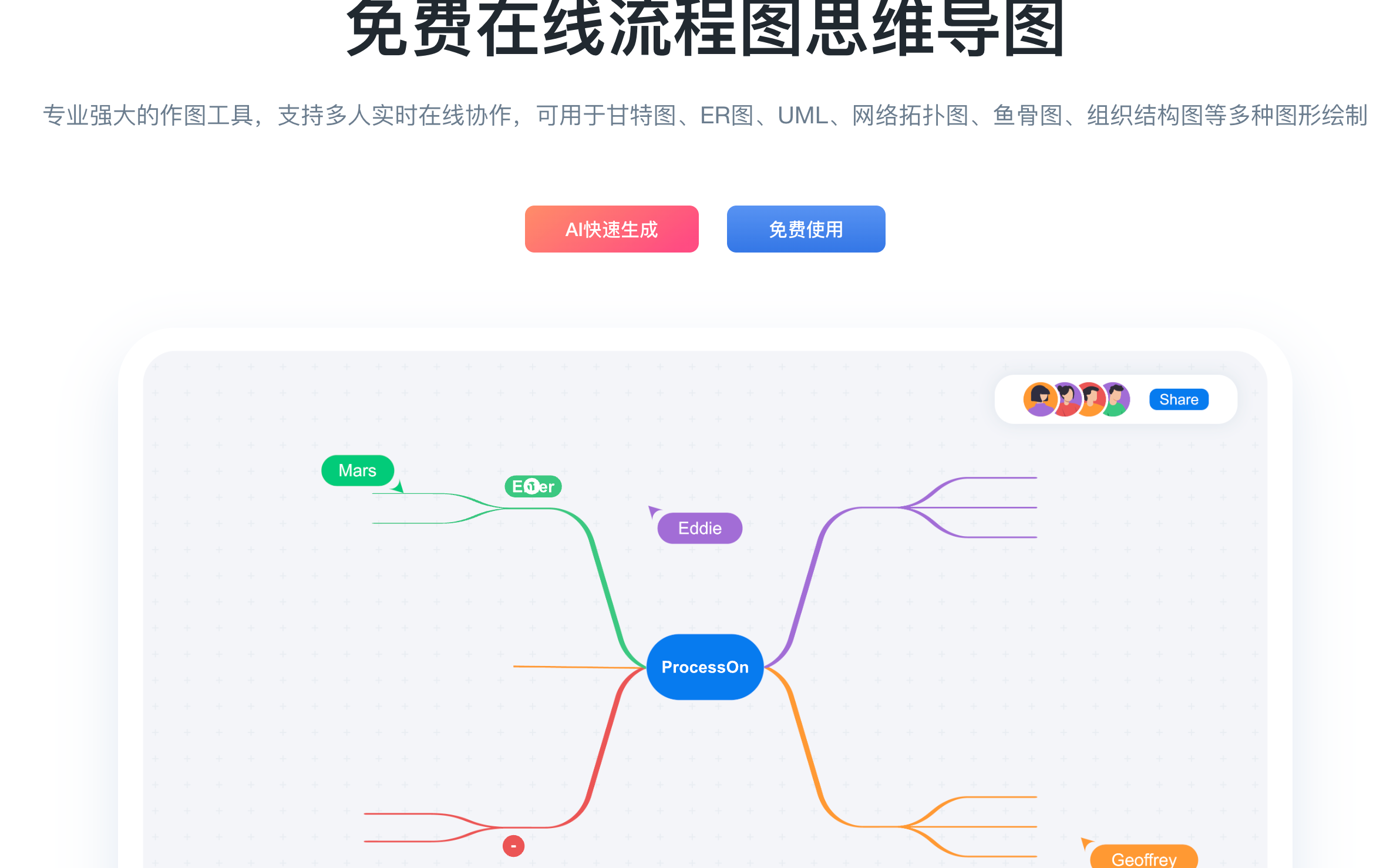
The screen supports one-click switching from outline content to mind map view, which is used to check the structure and display reports. Mind maps provide a variety of structures and styles to suit different expression needs, such as learning review, solution combing, and meeting discussions.
3. Template library and content precipitation
The curtain provides templates and curated content entrances that cover common recording scenarios such as study, work and life. Users can quickly establish a structured framework through templates, and then continuously supplement details within the framework, reducing the cost of building a structure from scratch.
4. Collaborative editing and sharing
The curtain supports collaborative editing and team sharing, allowing multiple people to participate in the co-creation and discussion of the same content through links and other methods, which is suitable for collaborative tasks such as team meeting minutes, project disassembly, and knowledge base co-construction.
5. Format input and knowledge expression ability
The screen supports Markdown input and formula input capabilities, which can be used for higher density knowledge expression and academic learning records. For users who need to record both text points and mathematical expressions, it can maintain a more consistent and structured presentation in the same document.
6. Import and export and cross-tool circulation
The screen supports a variety of export formats, making it easy to flow between different tools and delivery scenarios. In outline mode, it can be exported to Word, PDF, images, HTML and OPML formats; In mind map mode, you can export as images and FreeMind format files. The product also supports importing files in formats such as OPML, FreeMind, and XMind, making it easy to migrate or continue editing from external tools.
4. Pricing and versions
Curtain offers different versions such as free account and premium version. The free account has a cap on the number of document topics and provides basic functions such as basic export capabilities and recycle bin retention. The Premium edition offers higher subject capacity limits, richer export capabilities, longer recycle bin retention policies, and offline storage on mobile. The specific price of the premium version may vary depending on the event or channel, and the actual display on the official page shall prevail.
5. Applicable scenarios and populations
- Students and exam preparation groups: classmate notes, review frameworks, wrong questions and knowledge points are systematically organized
- Workplace users: meeting minutes, project dismantling, weekly reports, work plans and action item management
- Content creators: hierarchical archiving of article outlines, speech structures, course outlines, inspiration and materials
- Team collaboration scenarios: shared knowledge base, multi-person co-creation documents, requirements discussion and solution review records
6. Frequently asked questions
Q: How do I switch between outline notes and mind maps?
A: Screen supports using the outline view for input and editing in the same content, and can be switched to mind map view for structure inspection and display with one click.
Q: What export and import formats does the screen support?
A: Outline mode supports exporting Word, PDF, images, HTML and OPML formats; Mind Map mode supports exporting images and FreeMind format files. PC and web files can be imported into OPML, FreeMind, XMind and other formats.
Q: What are the main differences between Curtain Premium and Free Edition?
A: The Premium version usually provides higher subject capacity limits, richer export capabilities, longer recycle bin retention policies, and supports offline storage on mobile devices, as specified by the official release notes.
Q: Does the screen support team collaboration?
A: Curtain provides collaborative editing and team sharing capabilities, making it easy for multiple people to co-create and discuss the same content.