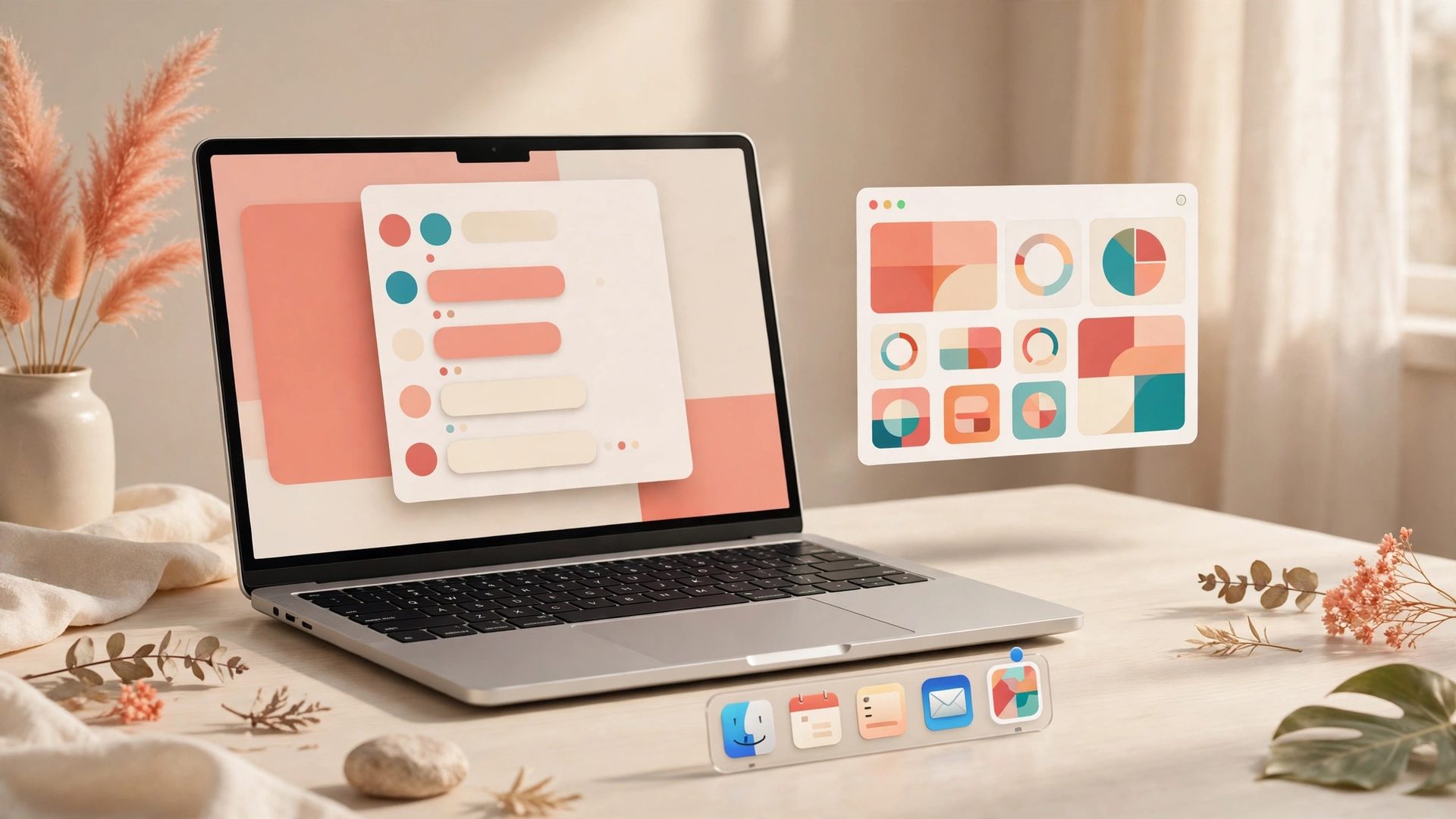
Small tools built in Claude can now be installed as desktop apps: on November 24, 2026, Anthropic announced on the official Claude blog that artifacts are gaining an "Install as app" feature, rolling out in beta for Claude on Mac and Windows. A small tool you ask Claude to build in a chat can now have its own icon and its own window — no packaging, no signing, and no separate API key. What was a half-finished product inside a chat window becomes an app you can actually open on your computer.
Installing is simple: update Claude for desktop to the latest version, open an artifact you use often, and choose "Install as app" from the Share menu. The installed app is still driven by the original artifact, so edits sync automatically; it can call Claude and your connected connectors, send notifications, and live in the menu bar or system tray. Anthropic's blog names examples its own staff built: Linnet, a layered image editor; Phosphor, a cinematic file manager; Sift, which organizes folders by rules; and Tern, a terminal app with Claude explanations built in.
Three permission tiers, and "full access" is for your own apps only
Permissions are the part of this update worth reading first, and there are three tiers. By default, an installed app can only do what a web page can do; with "app permissions" it can send notifications, keep a window on top, or listen for global shortcuts; the top tier, "full computer access", can run programs and read, change, or delete files — and must be re-authorized after every update. Full access can only be granted to apps you built yourself, or on Team and Enterprise plans, to apps built by colleagues in your organization. Anthropic says it does not review apps before installation, so only grant that level to apps you trust.
The feature is in beta on all plans: on by default for Team, with full access off, and off on Enterprise until an owner turns it on. HIPAA-ready organizations and hybrid deployments cannot use it, and Claude Docs, Slides, and Sheets artifacts cannot be installed as apps. Requests made by installed apps count toward plan usage, and opening one requires being online and signed in to Claude. Claude recently gathered connectors and skills into a single plugin entry point; this update thickens the foundation under those plugins.
For people who cannot code but want a favorite tool pinned to their computer, this is the shortest path from a chat result to something durable; for teams, the real dividing line is not whether apps can be installed, but whether admins draw the permission boundaries first. The next step is straightforward: update the desktop app, pick one artifact you use every day and install it, run it on default permissions for a few days, and only then decide whether to open up more access.