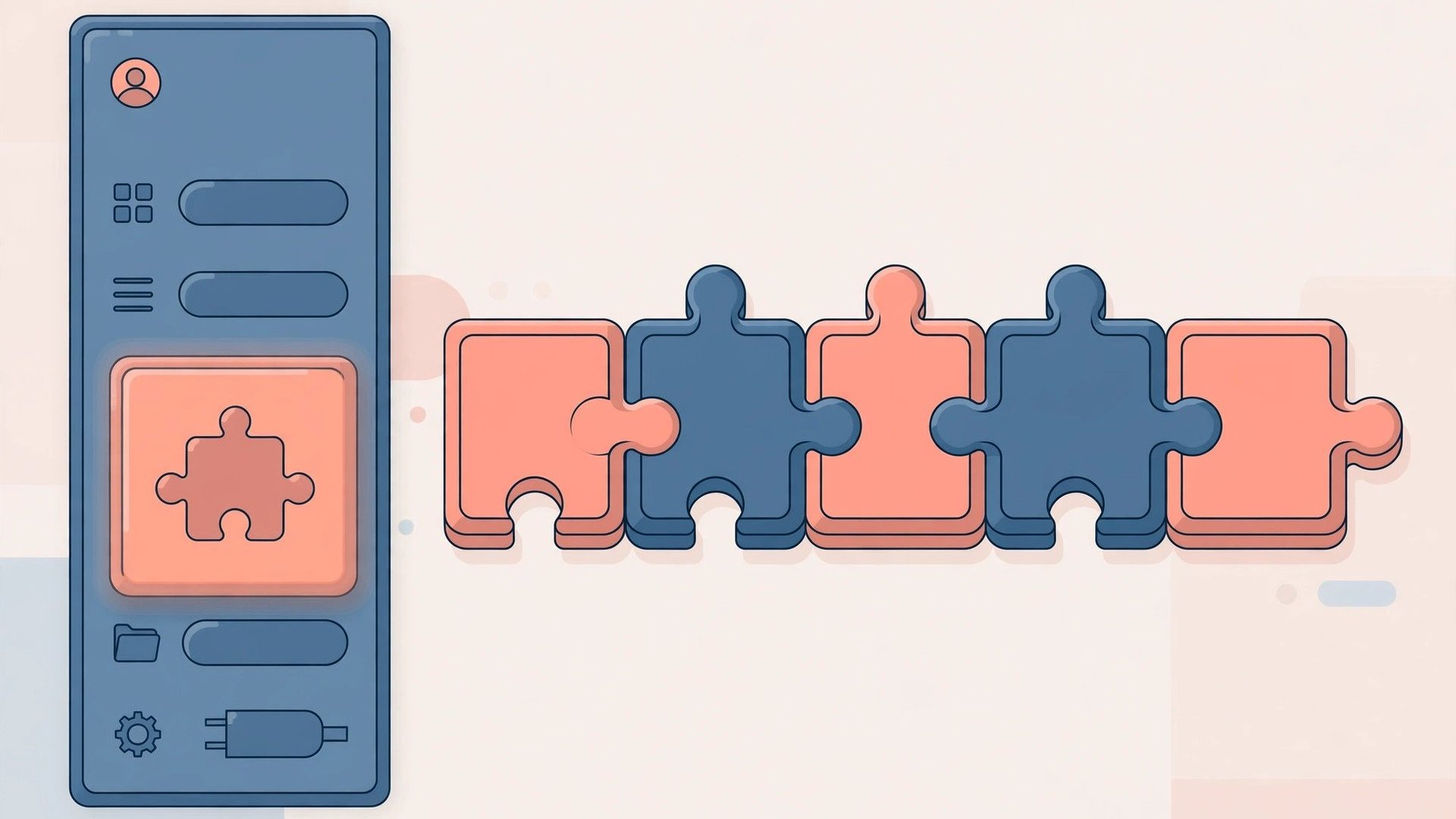
Installing Claude plugins got much simpler on November 23. Anthropic announced that day through the official Claude account that connectors and skills are now merged into plugins: the sidebar entry formerly called "Customize" is now "Plugins", and a single page installs a whole capability set at once, without configuring things separately. Skills and connectors you already installed are not lost — only the entry point changed, so existing users don't need to rebuild anything.
What one page can install, and how
A plugin is a bundle: one plugin can install skills, connectors and subagents together, ready to use right away, with no need to set up a connector first, then find a skill, then adjust commands. Open the Plugins page in the sidebar, use the filters to show only skills or only connectors, then pick a scenario you already use from the official plugin directory and install it. Before installing, check which connectors it brings and which accounts it connects to; after installing, use it directly in conversation without opening switches elsewhere. Compared with before, the saved effort is hunting for entry points — ready-made plugins mean many common workflows no longer need to be built from scratch.
| Change | Before | Now |
|---|---|---|
| Entry point | Three separate tabs for skills, connectors and plugins | One Plugins page in the sidebar |
| Installing | Connectors and skills configured separately | One plugin installs everything at once |
| Existing installs | Kept separately | All kept, no reinstall needed |
Check one thing before deleting a plugin
Deleting a plugin does not disconnect the connectors that came with it — to disconnect them you have to do it separately. When cleaning up plugins, first check the connector settings to see which accounts are still connected, and manually disconnect the ones you no longer use; otherwise the plugin is gone but the account authorization stays. The same applies when installing a new plugin: after installing, check which accounts it connected to and keep only the ones your work actually needs.
Admins: watch the November 30 date
The unified entry point first covers the Free, Pro, Max and Ultra plans; Team and Enterprise follow later, with enterprise rollout by default on November 30. From November 30, if an organization has the skills switch turned off, plugins will also be disabled in the Claude desktop app, and the Cowork and Code tabs are affected the same way. Organization admins who want to keep plugins should turn the skills switch on before November 30; the setting will also be renamed to "Plugins" that day. Individual users don't need to worry about this — just pick a plugin and try it. Claude's unified plugin entry is live How to install Claude plugins