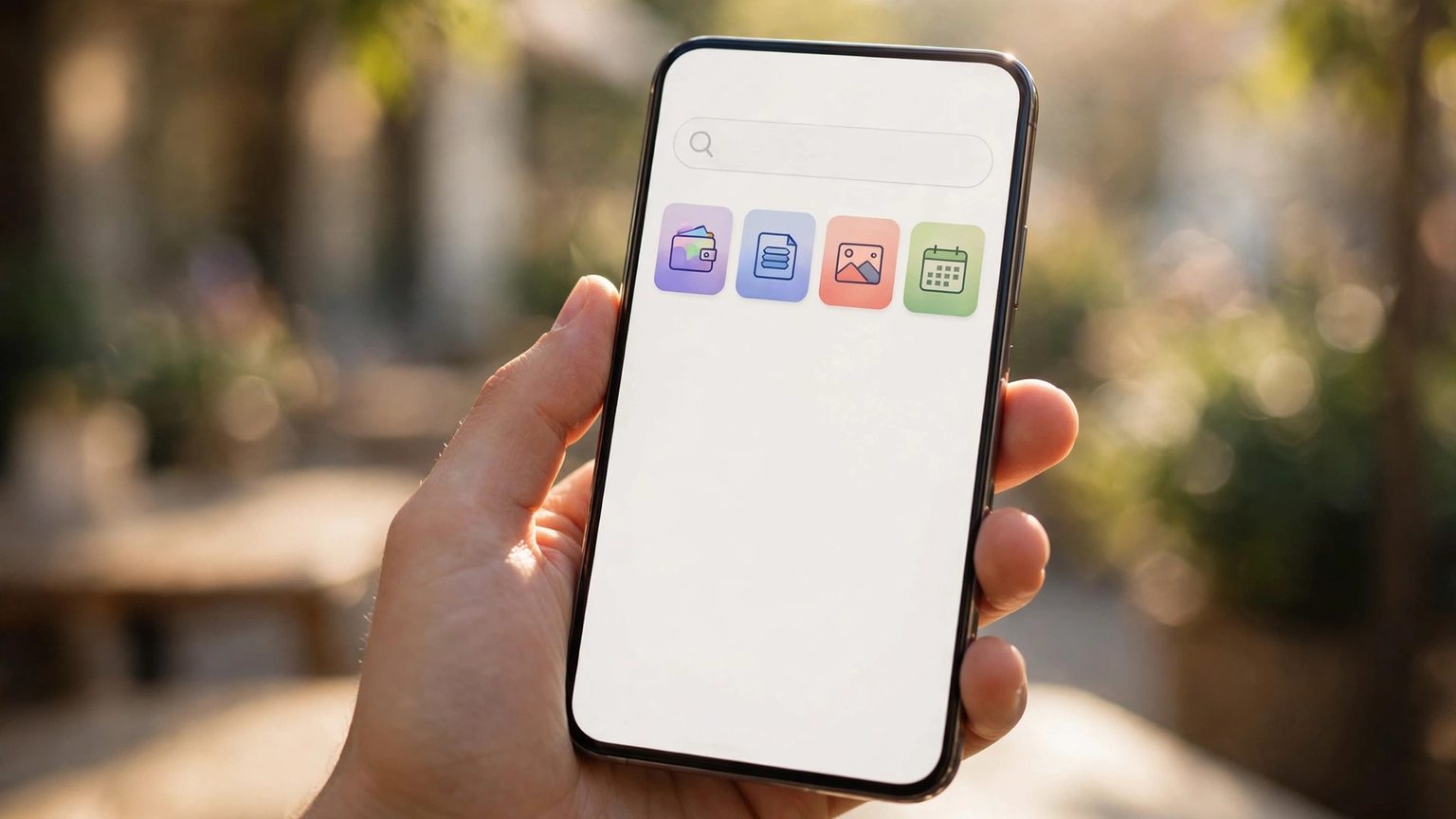
Google Search's Personal Intelligence is connecting to more apps. On November 23, 2026, Google announced on its official blog that users can now opt in to connect Google Wallet in AI Mode, with Drive and the Gemini app to follow in the coming weeks; Gmail, Calendar, and Photos, already connected, keep supplying personal context. The core change is not a few new toggles — Search is starting to organize answers directly from your spending, documents, and conversations.
Wallet first, Drive and the Gemini app to follow
Google Wallet is the first to connect. Once linked, AI Mode can map your spending milestones, spot everyday savings, and work out how to get the most from your linked cards — cash-back categories, travel perks, and reward points. Google drew a clear line at the same time: AI Mode can only read Wallet information. It cannot move, manage, or invest your money.
Drive addresses a different kind of friction: important information scattered across documents, spreadsheets, and PDFs is hard to find. With that context, Search can answer with your own material in mind — for example, a preparation plan ahead of tax season, rather than generic steps. The Gemini app connection is on its way too: in the coming weeks, the Gemini app and AI Mode will be able to share context, so an idea explored in one can be picked up in the other. Search history could already be connected to Personal Intelligence in the Gemini app; this update completes the other direction. The AI Studio entry point mentioned in What to do when your Gemini free quota runs out is still the first place free users should check their allowance.
The switches are yours, and the context is visible
Connections are switched on one by one: open Search Personalization, select Connected Apps, and choose the apps you want. You can turn them off at any time. Soon you will also be able to tap the "Personalization" icon below any tailored response to see what context AI Mode used; to change something, just say so in the conversation — "I'm no longer a vegetarian," for example — without digging through settings.
AI Overviews and AI Mode will also give more personally relevant responses based on recent search context — for instance, picking up a half-finished trip plan in a new thread without starting over. If you would rather not be followed this way, turn personalization off in Search Settings. Control has not changed; Google has simply added visibility into what was used.
What this upgrade really changes
Search input shifts from "the web's information plus your question" to "the web's information plus your question plus your personal context," and answers should get noticeably more tailored. For most people, the practical gains are in two places: spending tracked in finer detail, and preparation work sorted out before you start. The condition is that you are willing to hand Wallet and documents to Search: read access is not operating access, a point Google put in the announcement itself. Before connecting, decide which apps are worth bringing into Search — and which should stay outside.