
Method 1: Use a full UNC path (recommended)
Press WIN+R and enter cmd, then enter the following information and press Enter
del "\\?\C:\Users\更换成你自己的文件路径\nul"
Method 2: Using PowerShell
Remove-Item "\\?\C:\Users\更换成你自己的文件路径\nul"
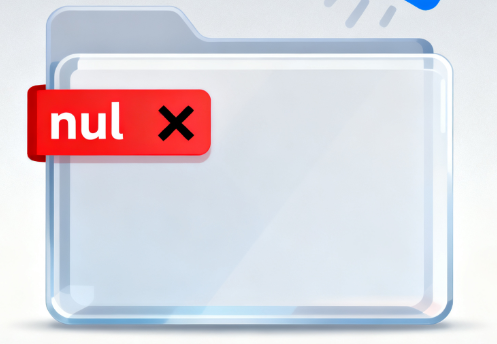
Method 1: Use a full UNC path (recommended)
Press WIN+R and enter cmd, then enter the following information and press Enter
del "\\?\C:\Users\更换成你自己的文件路径\nul"
Method 2: Using PowerShell
Remove-Item "\\?\C:\Users\更换成你自己的文件路径\nul"
What should I do if I encounter the following prompt when installing software on my computer? The dr...
An Authorization Error Occurred. What should I do if I frequently encounter this kind of prompt in d...

AI-written text should not be submitted as is. The problem is not using AI itself; it is that the dr...

An AI agent saying "done" is not evidence. Whether a task actually happened — an order placed, a fli...