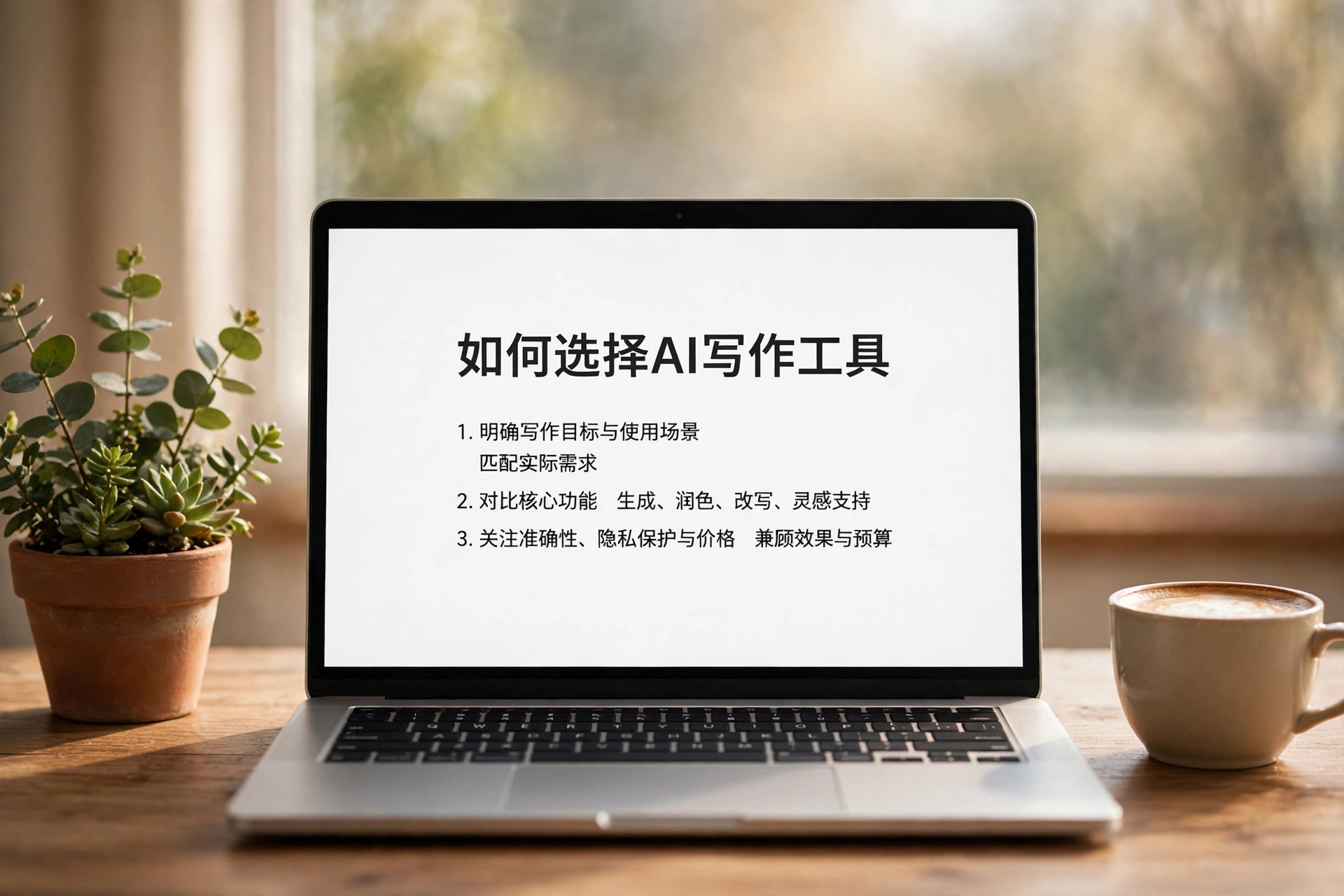
How do you choose an AI image generation tool? Start with the job at hand: making posters, editing product photos, or generating images in bulk — three different jobs, not one tool. Posters hinge on small Chinese characters and layout, product editing hinges on how faithfully reference images are preserved, and bulk generation hinges on cost per image. The four products below all have clear pricing and verified performance, so match them to your use case.
Sort Yourself Into One of Three Groups First
People making posters and promotional graphics fear one thing most: Chinese small text coming out wrong, and layouts that can't be taken apart and edited. People editing product photos fear the product warping when the background changes, or labels landing crooked. People generating in bulk fear the bill: cheap per image, out of control at volume. Put yourself in one group first, then read the table — your odds of choosing wrong drop by half. If you're just curious with no fixed use case, don't pay yet: try a few images through a free entry point first.
| Product | Best for | Strengths | Weaknesses | Cost |
|---|---|---|---|---|
| Seedream 5.5 | Posters, Chinese typography | Strong small Chinese text, holds up through a hundred rounds of edits, transparent backgrounds, posters split into up to 100 layers | API not open yet, only via Jimeng and Doubao | About 0.28 yuan per edited 2K square image on Volcengine Ark in China |
| Nano Banana 2.1 | Product photo editing, product photography | Multi-image reference editing in conversation, strong curved-surface label placement | Per-image billing, costs add up at volume | About 3.4 US cents per image, 1K to 4K output |
| GPT Image 2.6 | Bulk generation, chasing top quality | Top of the Artificial Analysis text-to-image blind test at 1259 points | Token-based billing, higher quality costs more | Fast version at low quality about 2.5 US cents per image |
| Qwen-Image-2.1 | Running locally, wanting control | Open weights free to download, brush-select editing, transparent background output | Non-commercial research license, local runs need a GPU | Weights free, you pay for compute |
Who They Are Not For
If you only retouch a photo now and then, don't pay for any of these four: your phone's built-in editor or a free allowance is enough. If you demand a finished image in one try and refuse revisions, they aren't for you either — image tools all take several rounds, and if you can't accept that workflow you'll feel the money was wasted. And for commercial use: Qwen-Image-2.1 is under a non-commercial research license, so switch licenses before using it for commercial images; the other three also depend on platform terms, so confirm before using them with brands or real people's likenesses. For how to use Seedream 5.5, see this hands-on guide; for Qwen-Image-Edit's free entry point versus its commercial version, see this usage guide.
The decision rule is one line: fix the use case first, then look at the price. Posters go to Seedream 5.5, product editing to Nano Banana 2.1 or Qwen-Image-Edit, bulk generation to GPT Image 2.6 once you've done the per-image math; for local deployment with zero budget, Qwen-Image-2.1 is the only option that costs nothing. One reminder: 2.5 is the previous generation of GPT Image, so don't mix old reviews up with 2.6.