Text-to-image is an AI capability that takes a sentence as input and produces an image: you type "a cat wearing a red scarf sitting on a windowsill," and the model generates a new picture matching that description. It does not search the web and collage existing pictures, nor does it trace a template. It computes a brand-new image from the text condition. One boundary first: text-to-image names the task itself, while diffusion models are just one way to implement it — equating the two will only confuse you.
What the Model Is Actually Doing Inside
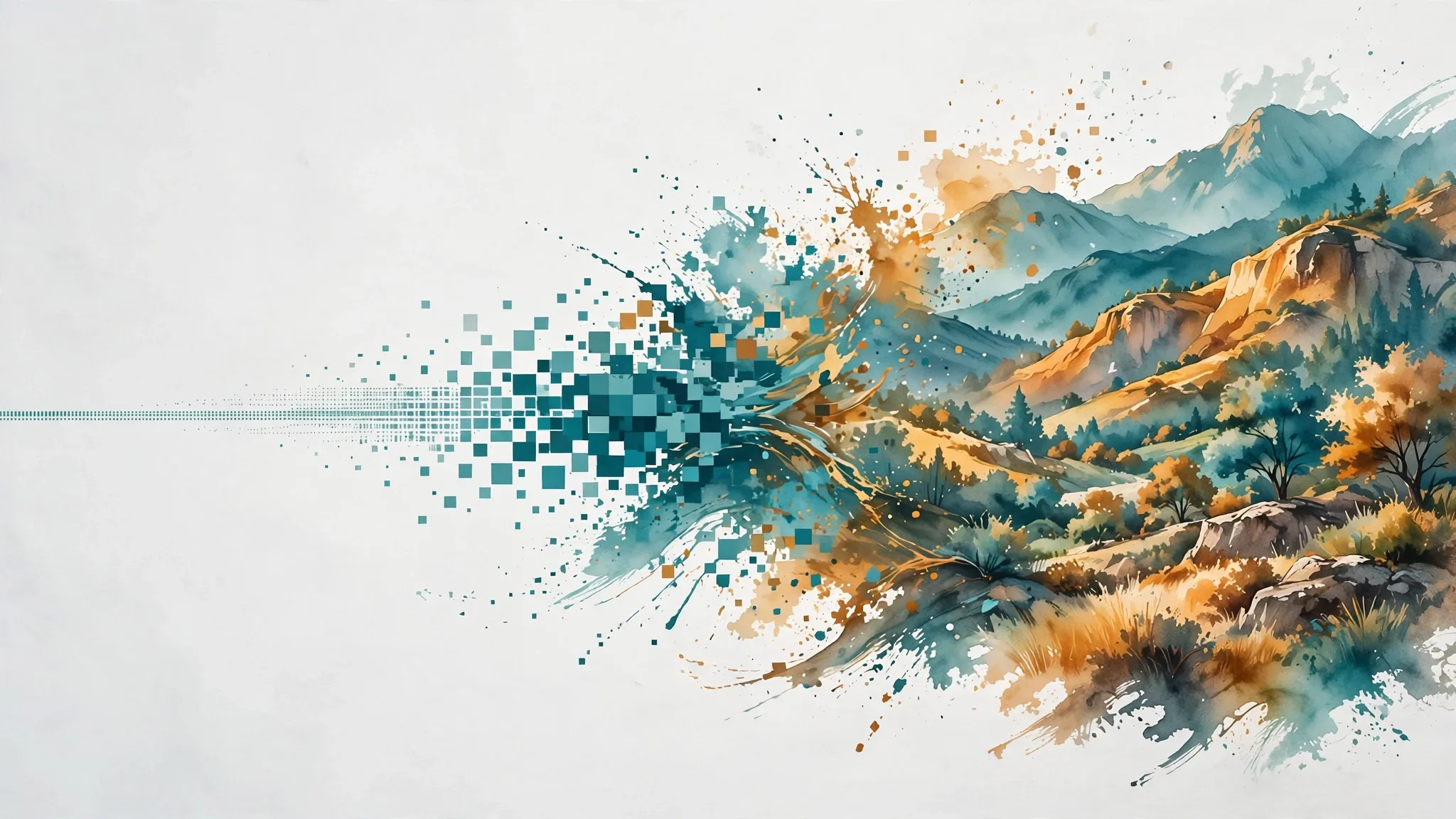
Most mainstream text-to-image models today follow the diffusion approach, in roughly three steps. First, a text encoder turns the prompt into a semantic vector, so the model knows what a cat, a red scarf, and a windowsill are and how they relate. Second, starting from a sheet of pure noise, it removes noise step by step, checking each step against the text condition until the noise becomes a recognizable picture. Third, a decoder turns the result into pixels. The key is step two: the model has never "seen" the picture you asked for. It learned the correspondence between words and images from huge numbers of image-text pairs, so generating means recombining what it learned.
| Capability | Input | Output | Typical use |
|---|---|---|---|
| Text-to-image | Text only | A brand-new image | Posters, illustrations, concept art |
| Image-to-image | Text plus a reference image | An edited image | Changing backgrounds, styles, retouching |
| Image understanding | An image plus a question | A text answer | Visual Q&A, reading tables, identifying objects |
Four Common Misunderstandings
First, longer prompts are better. Wrong. Clear, well-prioritized key information beats piling on words; too many words and the model loses track of what matters. Second, one try gives a perfect picture. Text-to-image is more like a lottery draw: composition, details, and hands often need three to five rounds before the result is usable. Expecting a finished product from a single sentence leads to disappointment. Third, a generated image can be used commercially however you like. Whether you can use it commercially depends on the platform's terms and the use case — be especially careful with real people, brand trademarks, and copyrighted styles. Fourth, the model truly "understands" the picture. It has learned statistical correspondences between images and text, so it can draw a picture that "looks right," which is not the same as knowing what the things in the picture actually are.
When is it most useful? Creative brainstorming, illustrations, concept validation, and style experiments — fast and cheap. For the opposite cases, don't rely on it alone: diagrams that demand factual accuracy, portraits of real people, and formal materials with small text. Small text is often misspelled, and hands and facial details frequently go wrong, so always check the output by hand. To understand the mechanism behind it, read the diffusion model entry; to see how "looking at pictures" differs from "drawing pictures," compare the visual language model entry.