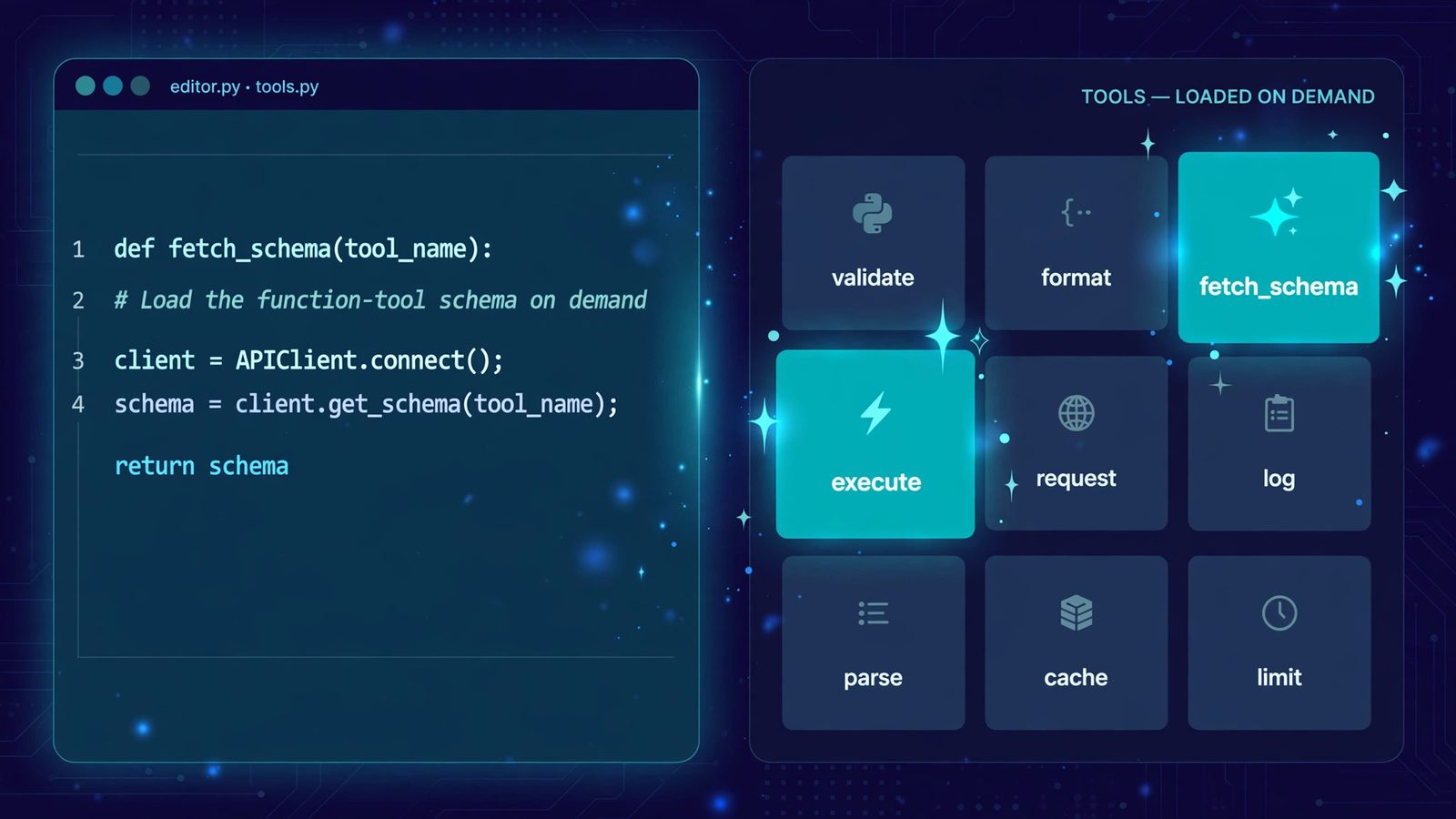
On November 19, 2026, Google announced on its official blog that computer use is coming to the Gemini app for Mac. Just describe what you need in one sentence, and Gemini clicks the mouse, types, fills in forms, and switches between apps for you inside an isolated background window, leaving your main screen and cursor completely free to keep typing or take calls.
Google gives four example uses to start with: batch color-grading photos and setting up lighting for 3D scenes in design software; pulling weights, dimensions, and addresses out of local PDFs to fill in shipping quotes for multiple boxes at once; gathering data and screenshots from live dashboards across regions and assembling them into a presentation in Google Slides; and analyzing clothing photos in a local folder, researching prices, logging the details, and staging listings on resale platforms. The common thread is multi-step, repetitive work that used to take dozens of clicks.
The bar to entry is not low: the first rollout is US-only and English-only; the computer has to be an Apple Silicon Mac running macOS Sequoia 15.0 or later; and the subscription has to be a paid Google AI Plus, Pro, or Ultra plan — free users are left out for now. Before use, the app needs macOS Accessibility and Screen Recording permissions, every step can be watched live and paused at any time, and key actions ask for approval first. The official blog does not say which model powers the feature, nor does it go into how it guards against hidden instructions on web pages — the permissions themselves are something users should think through before switching them on.
This is the step where Gemini moves from giving advice to doing the work: it recently brought Gemini to low-memory Android phones, where 2GB of RAM is enough for voice and photos, and now it is taking over the mouse and keyboard on the desktop. Google has given no timetable for other countries and languages, and no word on a Windows version. Eligible users in the US can download the Mac app from Google's site and try it first; users elsewhere may as well watch how it handles real tasks before deciding.