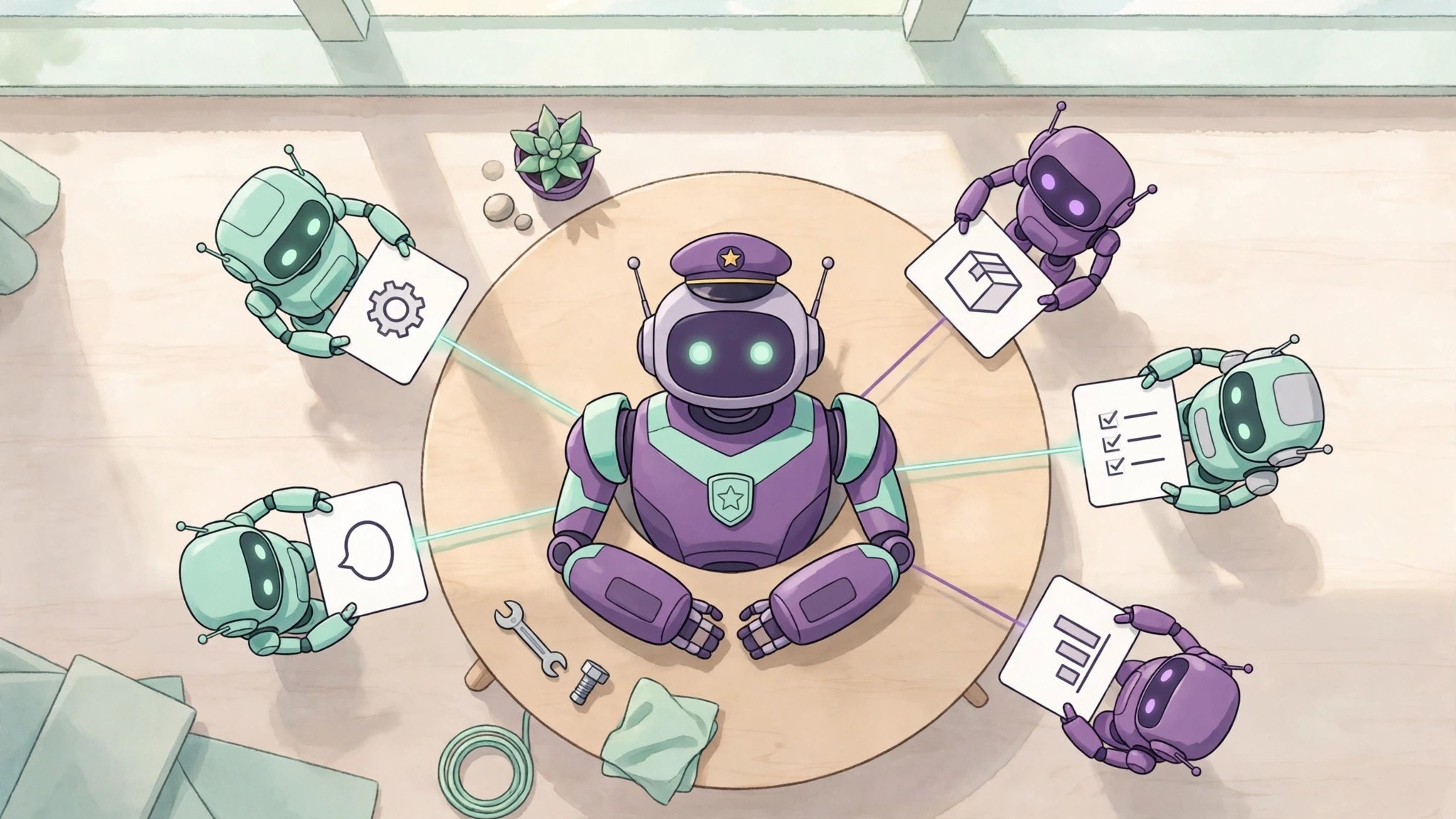
Amp Spaces is a new way to work that Amp launched on November 6: inside one space you talk to a single lead agent, which breaks work down, opens threads and coordinates several sub-agents for you, so you no longer build a pile of threads yourself. Teammates can join the same space to chat and follow progress together, but it has only just launched, so check the permissions and the scope first.
Starting a space takes three steps
- Click the + in the Spaces section of the sidebar, create a space, give it a title and pick the project it will work on.
- Tell the lead agent the goal directly, for example "run a security review of the recent changes". There is no need to split it into small tasks first.
- Let it break the work down: the lead agent opens threads, divides the work and pulls progress together, while you watch the cards and reply in the space.
Three kinds of work it fits
- Building a feature together: the Amp team built Spaces itself inside a space called "Spaces v1", with members dropping feedback and bugs into the chat while the lead agent handed them to different threads.
- Running a launch: from shipping to watching social media and bug reports, fixing bugs, and sending emails and refunds, everything can be followed in one space.
- Regular security reviews: give the space a standing goal and it splits the codebase into areas, reviews each one, cross-checks the findings, and keeps the conclusions in a trackable document.
What to confirm before handing it over
- The goal has to be splittable: the lead agent is a coordinator, not an all-rounder. If the goal is vague and cannot be broken down, the work it hands out will drift too.
- It is a single point: if the lead agent misunderstands, the error spreads to every thread it opens. Have a human review important changes before merging.
- Check the permissions first: a space is shared with the team, and members can see its conversations and progress. Remote compute (Orbs) costs extra, while Teams itself carries no additional charge.
- Try it on a small project first: this is a feature that arrived in November, and the only public validation so far comes from Amp's own team. Do not hand it a core launch on day one.