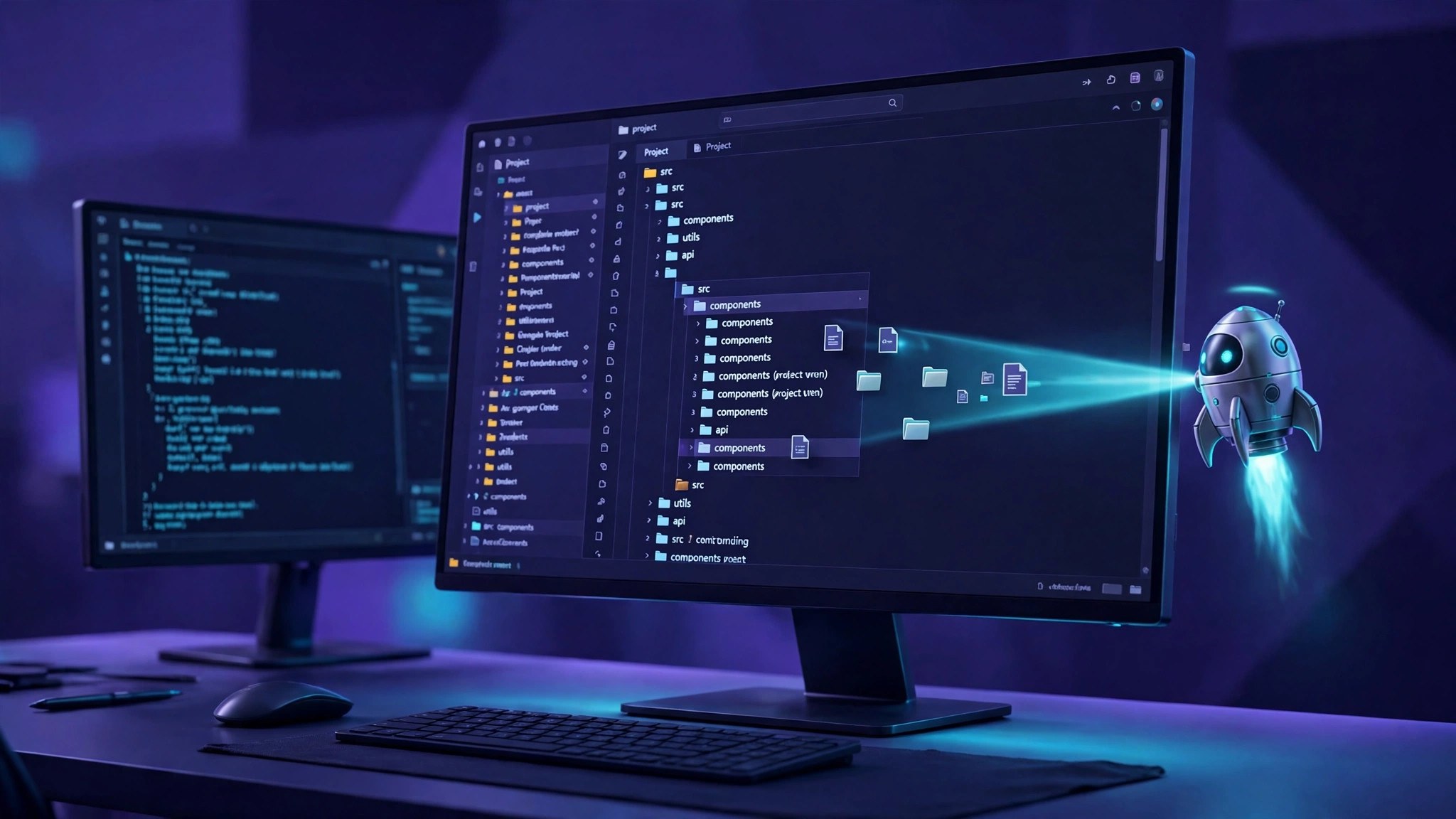
To bring an existing project into Antigravity, do not create a new project and move files by hand. Use "Open Folder" and hand it the project root, and the agent can read your existing code and structure. The most common beginner mistake is starting from an empty project and copying files in manually, which risks losing configuration and Git history and adds an extra round trip.
Three ways to open, matched to your situation
- Code already on your machine: choose "Open Folder" on the welcome screen and select the project root, not a parent folder or the desktop.
- Code on GitHub: choose "Clone Git Repository", enter the repository address, and Antigravity pulls the code before opening it.
- Coming from VS Code or Cursor: on first launch, choose to import settings, so themes, extensions and key bindings come along and your editing habits stay intact.
- Moving from Firebase Studio: Google documents a dedicated migration flow. Export a zip, extract it locally and open it; for complex projects, let the agent follow the official migration prompts.
Four things to do right after importing
- Let it read the project first: the agent scans file structure and function names, and tasks given before indexing finishes tend to go off track.
- Check Git status: confirm the branch and uncommitted changes are there, and commit once before editing so you can roll back at any time.
- Check the .gemini directory: project-level configuration lives here. Moving to another computer means copying this directory too; copying only the code loses sessions and rules.
- Try a small task first: type /plan in the prompt box and let the agent draft a plan before touching code, then let it edit only once the plan looks right.
Three pitfalls to avoid
- Do not open a whole drive or a parent folder as the project: the agent treats unrelated folders as context too, which is slow and invites wrong suggestions.
- Sessions do not travel with the folder: there is currently no official session migration tool, so old conversations may not come along after a path or machine change. Write important conclusions into a document first.
- Multi-repo projects belong in a multi-folder workspace: repositories on different paths can each have their own permissions instead of being squeezed into one root.