ChatGPT Remix is a feature OpenAI began rolling out to ChatGPT Business and Enterprise workspaces on November 6, 2026: open a ChatGPT Site shared by a colleague, say in one sentence what should change, and you get your own copy to keep editing, while the original stays untouched. The most important sentence first: the personal plans Free, Go, Plus, and Pro are not included in this rollout, and OpenAI has not said when they will get it.
Get your own copy in three steps
Step one: open the Site a colleague shared with you inside the workspace. Step two: describe the change in plain language in the chat, for example, "Replace the sales stages with our team's status labels, and keep the navigation and search as they are." Step three: ChatGPT generates your copy with its own address, and you keep editing that copy in the same chat.
It is not the same as co-editing
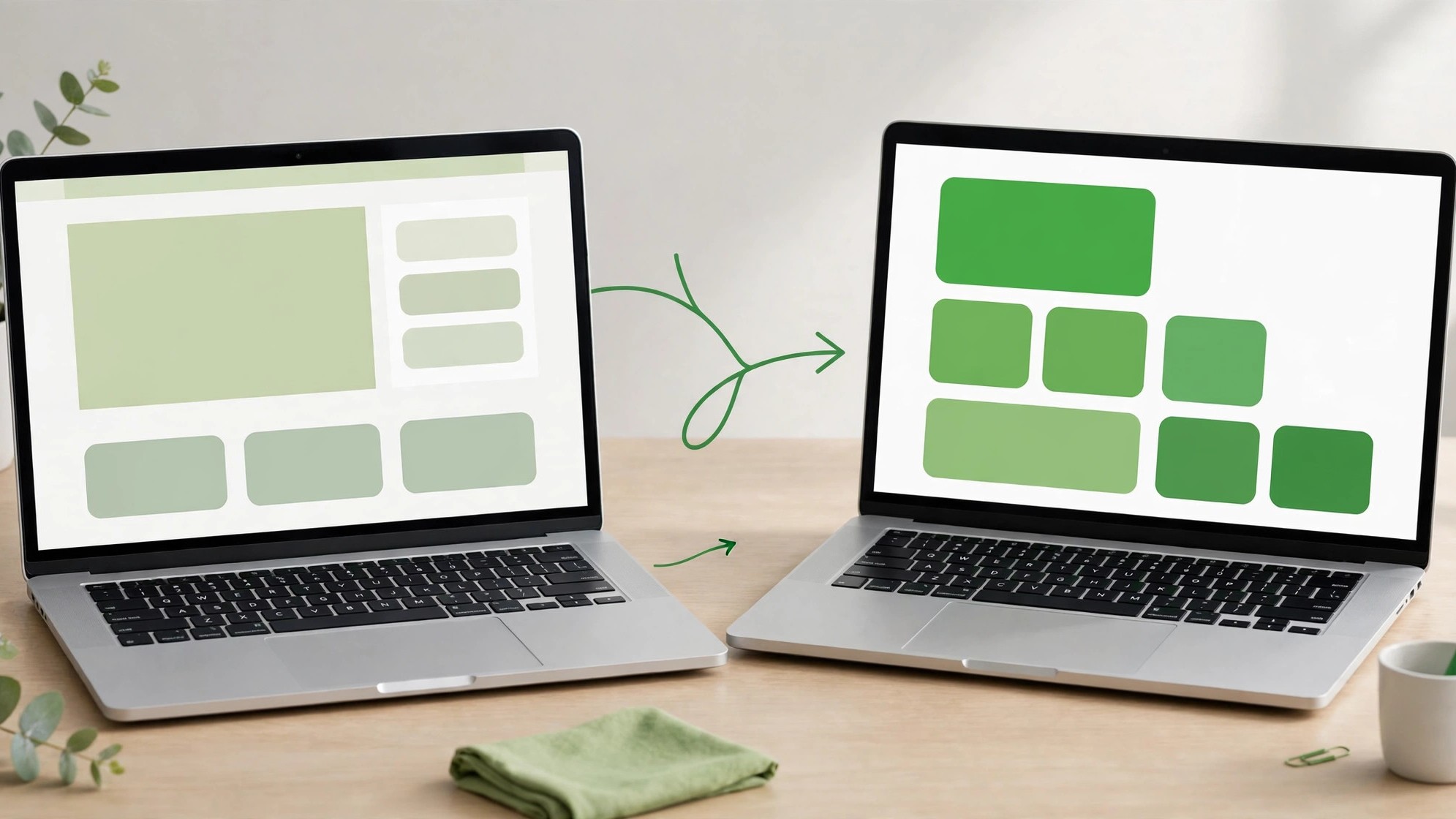
Co-editing changes one shared Site at one address, so everyone sees the same thing; Remix copies it so each person edits their own version, which suits "taking a colleague's template and making it your own." If someone on the team built a handy internal tool, you do not have to start from zero, and you do not have to worry about breaking someone else's work. When editing, state three things clearly: who the change is for, what should change, and what must stay exactly as it is, and it works best.
Limits: four things to confirm first
First, the rollout is gradual, so your workspace may not have it yet; if you do not see it, wait. Second, Site hosting is free through December 31, 2026, and metered billing starts on January 1, 2027. Third, Remix costs nothing extra; it is included in the workspace subscription, with the Business Standard plan at $20 per user per month (annual billing). Fourth, OpenAI has not published a Help Center page for Remix yet, and it has not explained how copied data, databases, and permissions are handled, so check important content yourself before publishing.