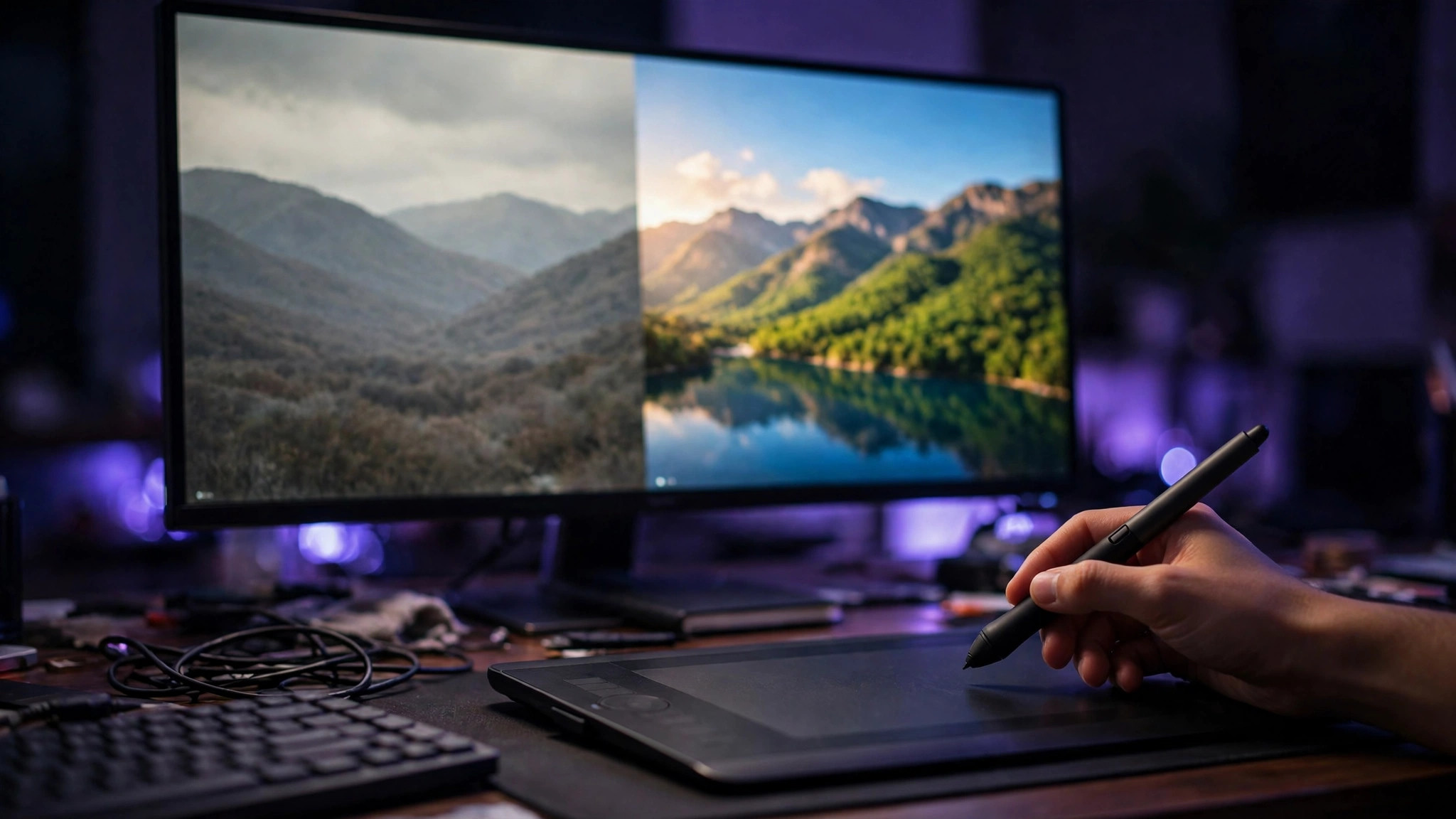
Qwen-Image-Edit-2509 is the editing version of Tongyi's Qwen-Image, released on September 22, 2025. Give it one or several images plus a sentence and it edits the picture. The free entry point is Qwen Chat: open the official website, sign in and choose image editing — no software to install, no API to set up. For commercial use, sort out the versions first: the weights of 2509, 2511 and 2512 are under the Apache 2.0 license and can be used commercially, while the newer Qwen-Image-2.1 weights are under a research license, and commercial use needs a separate agreement.
How the free entry point works
Open the official Qwen Chat website, sign in, choose image editing, upload a picture and describe in one sentence what should change — and you get the edited image back. You can upload up to 3 images at once, combining a person, a product and a scene into a single picture, for example placing a product photo into a different real-world scene. The model is built on the 20-billion-parameter Qwen-Image with a 7-billion-parameter vision encoder, and it reproduces text inside images relatively reliably: Chinese and English signs and poster text usually stay legible after editing. The free web version is limited to personal, non-commercial use under the service terms — enough if you just want to try it out or edit a few pictures.
Sort out the versions before going commercial
There are two lines. The weights of 2509, 2511 and 2512, all released in 2025, are Apache 2.0: commercial use, weight modification and self-hosting are all fine. 2509 is the starting point for multi-image editing, while 2511 is better at keeping the subject consistent — if you are setting up fresh, look at 2511 first. The other line is Qwen-Image-2.1, released in 2026, which merges generation and editing into one model. Its weights are under a research license that only allows research and evaluation, so commercial use needs a separate agreement with Alibaba — do not mix up the versions. People using the Alibaba Cloud API should also note that the old qwen-image-edit API series ended on October 10, 2026, and everything now runs through the 2.0 and 2.1 series.
How much GPU memory does local use need?
Running it locally starts with VRAM. FP8 precision runs on about 24 GB of VRAM, full BF16 precision needs 48 GB or more, and a 4-bit quantized version can also run on about 16 GB of VRAM, though with a quality penalty. The weights have to be downloaded separately — the diffusion model, the text encoder and the VAE are three parts — and when setting up a ComfyUI workflow for the first time they easily end up in the wrong folder. The safest way is to place them step by step following the official workflow. If you do not have a high-VRAM graphics card, there is no need to force local use: the free web version or the API is the better deal.