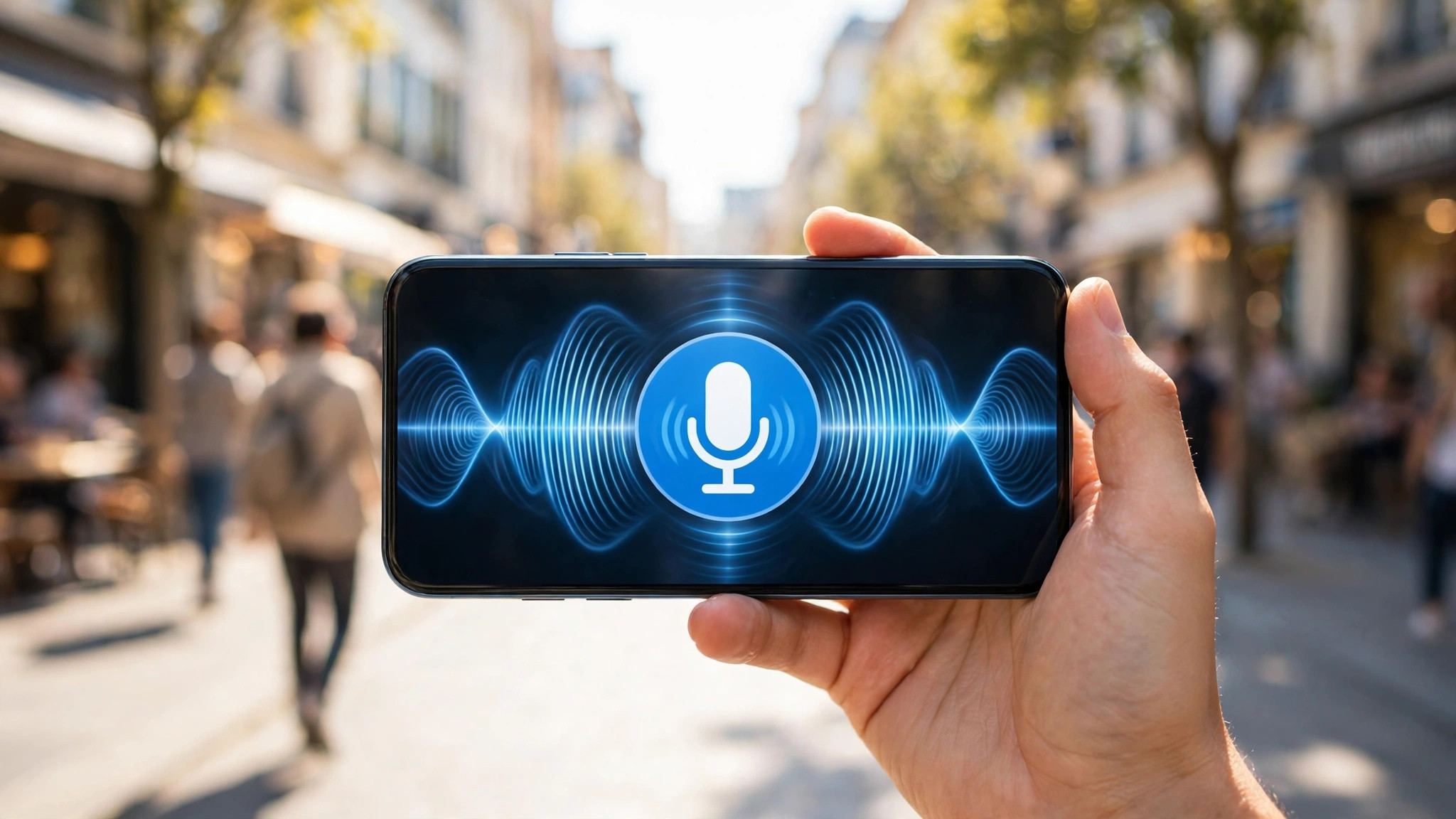
The entry point for Muse voice chat is the phone icon at the top right of the app — tap it once and you talk instead of typing. First, check two things: that you're in the US or another region where it's available, and that the app is updated to the latest version. People outside supported regions won't see this entry point at all, for the same reason Muse is restricted in mainland China.
Four steps to start talking
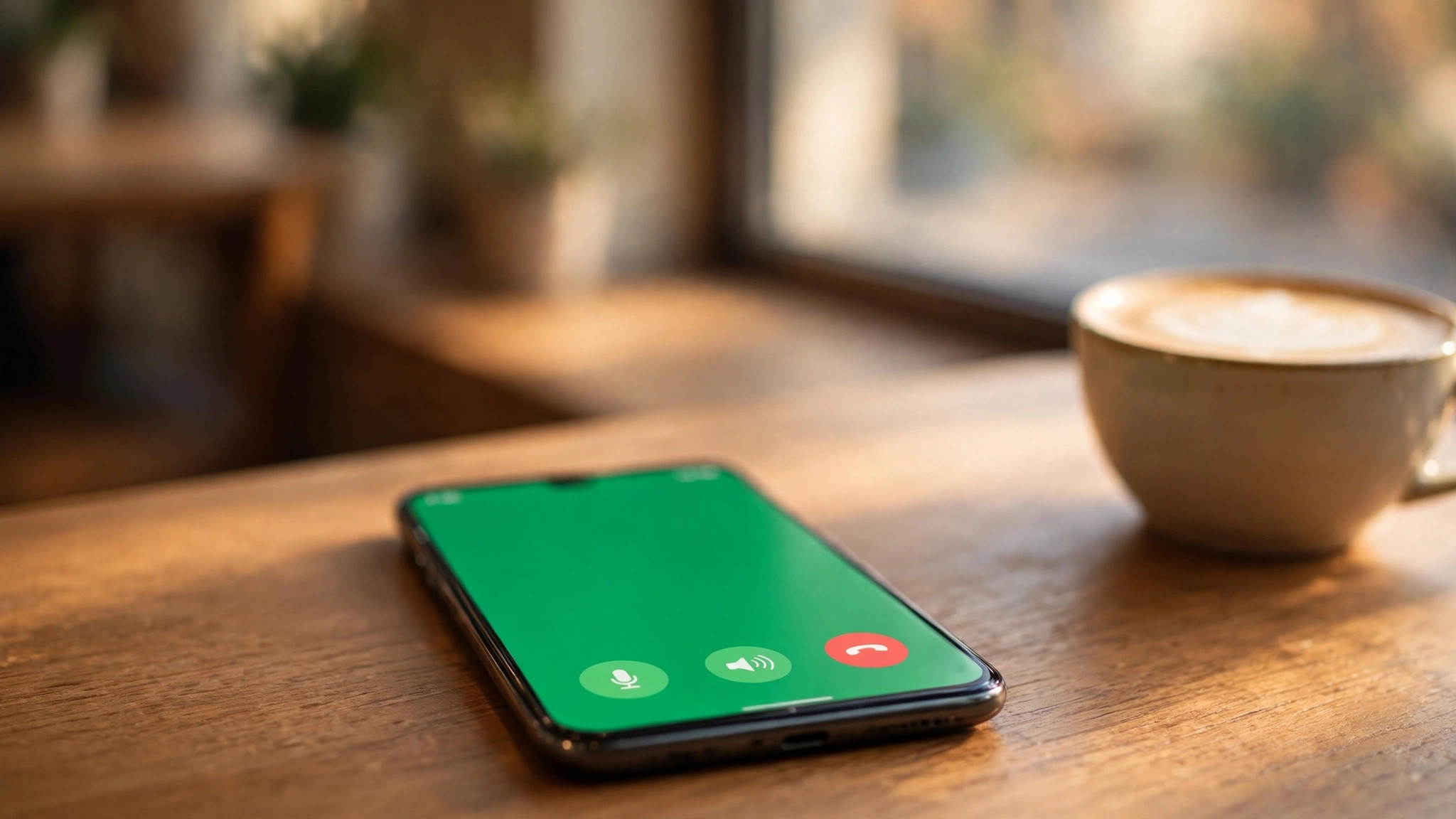
Step one: open the Muse app and tap the phone icon at the top right to enter voice mode — the web and Mac versions work the same way. Step two: say directly what you want done, for example, "Book me a table for two on Friday evening — options only, don't book anything yet." No need to name menus or read out button names. Step three: you can interrupt and correct mid-sentence without waiting for it to finish; say "Goodbye" or "Hang up" to end the conversation. Step four: voice chat keeps going in the background — switch to another app and it keeps listening, with your phone showing the microphone in use. Come back and keep talking.
What voice is good for — and what it isn't
Voice suits moments when your mind is working and your hands are busy: planning a trip while walking, listing items while cooking, rehearsing out loud before an interview. Exact information doesn't belong in voice: addresses, phone numbers, names, amounts — one misheard word and everything is wrong, so switch back to text for those. For irreversible actions like spending money or sending a message, have it read the plan back before you approve. Meta itself recommends managing background listening permissions in settings: Settings > Voice and Avatar, changeable at any time. Two more things to know: Muse in WhatsApp is currently text-only — there's no voice entry point there, so don't look for one. And voice requires you to be 18 or older; underage accounts can't use it.
You can change the voice and avatar — no need to settle for the default
When real-time voice launched, hundreds of voices were available, including different accents and styles, changeable at any time in settings — no need to settle for the default voice. The avatar is also your choice: voice only, avatar beside the chat, or full screen — three display modes, whichever suits you.