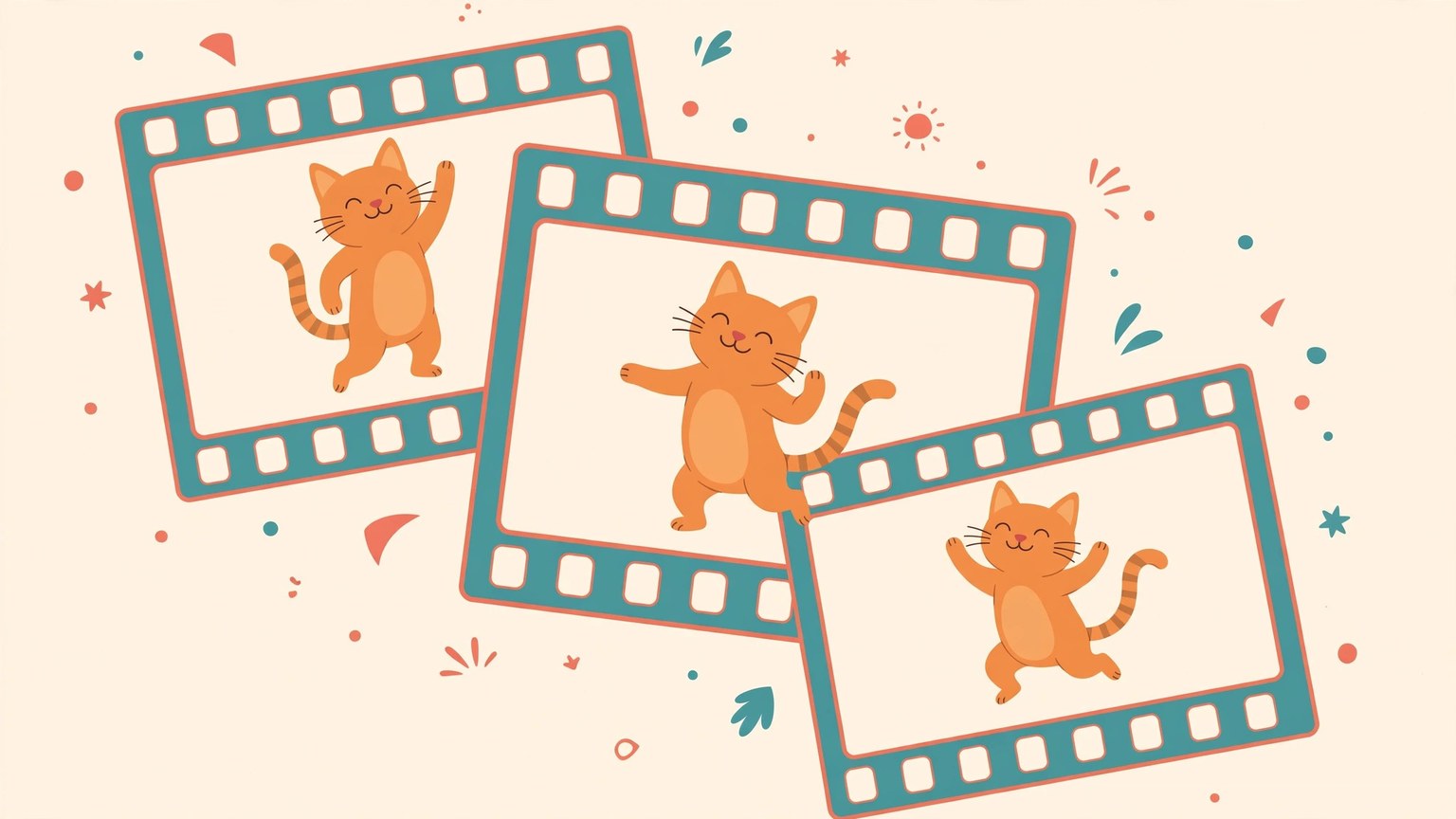
Animated images in ChatGPT Images 2.6 can be generated directly in the conversation: describe the action you want in a sentence, or upload a photo and make it move, then adjust the playback speed and edit individual frames after generation. OpenAI released Images 2.6 on 4 November, covering the web, desktop, and mobile versions of ChatGPT and Codex, across all subscription tiers. People who want to make stickers, product demos, or storyboard drafts should first try a text description, then decide whether to upload a reference image.
Follow the steps in this order to generate an animated image. First, state the subject and action clearly, for example "an orange cat dancing": the more specific the action and the more fixed the camera, the steadier the loop. Second, choose the starting point: starting from text suits imagining a picture from scratch, while starting from a photo suits making an existing person, pet, or product move; the photo should be clear, with the subject centred and the background not too busy. Third, after generating, check whether the overall loop is smooth, then edit frame by frame: if the speed is too fast, slow it down; if one frame has gone wrong, change only that frame, and do not regenerate the whole thing, since repeated regeneration is the easiest way to lose a part you were already happy with. Fourth, confirm the format for sharing: animated images suit short looping display, and longer videos or finished pieces with sound need a video tool; do not force an animated image to do that job.
How reference images and API models differ
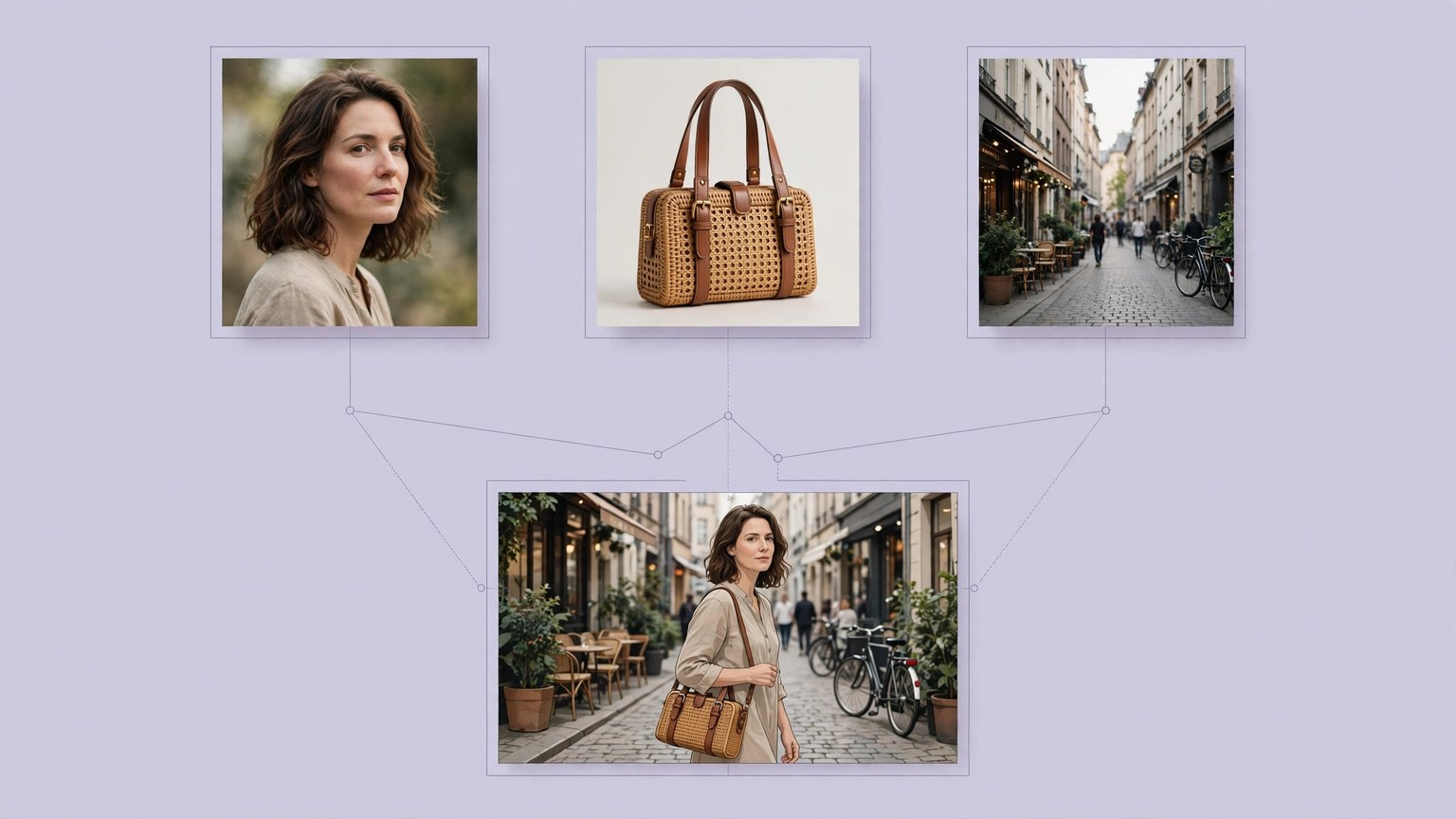
Reference images are the most useful change in Images 2.6. Figures that need to recur, such as people, pets, mascots, and products, can first be saved as reference images, then called directly in each later generation, without uploading the same photo repeatedly, and the figure is less likely to drift further with each edit. A reference image should use the clearest shot of its features: front-facing, evenly lit, with the subject taking up a large share of the frame; a blurry or profile reference will only lock in the drift. On the developer side there are two new API models: GPT-Image-2.6 Flare leans towards speed, suited to interactive interfaces and high-frequency requests; GPT-Image-2.6 Sunburst leans towards quality and consistency across multiple edits, suited to product images and assets that need repeated revision. Pricing for both models should be checked against OpenAI's official pricing page, and current pricing and account limits should be confirmed before writing code. Animated images currently suit short loops; complex plots and long shots with multiple characters remain the job of video tools, so tell them apart before starting.